
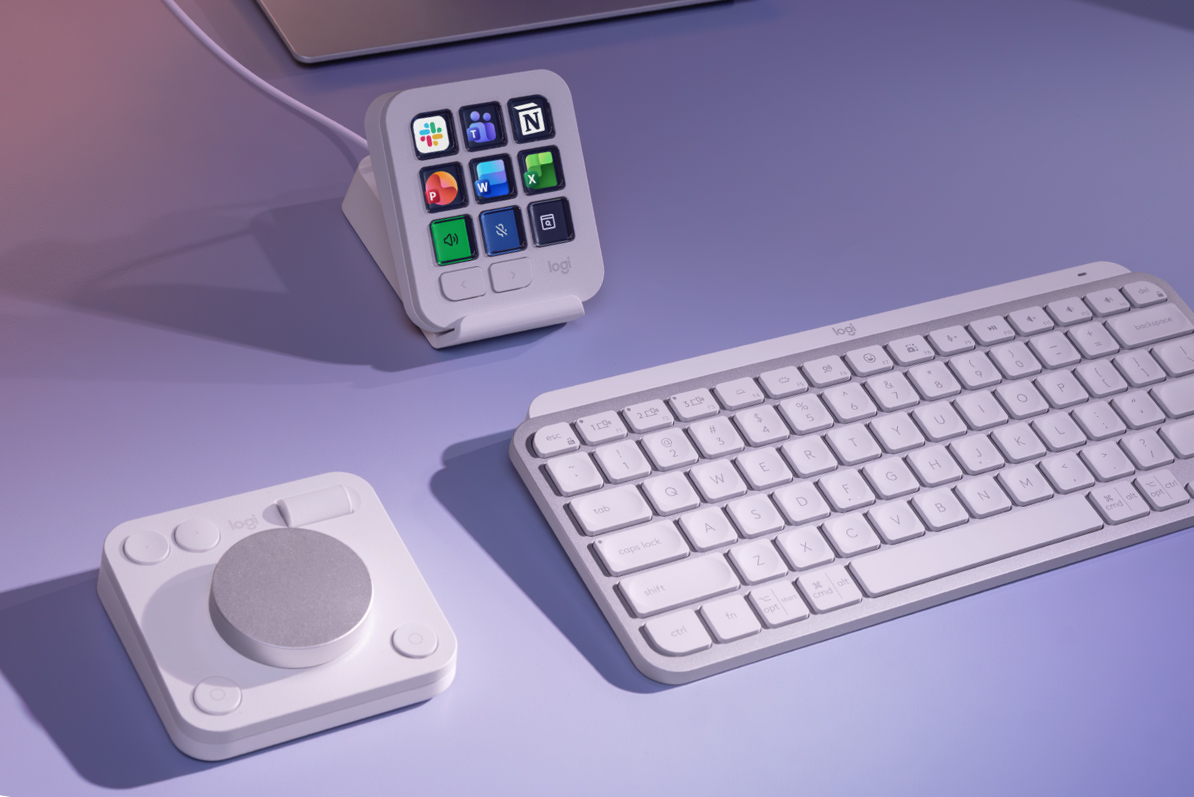

New productivity plug-ins provide quick access to shortcuts for Word, Excel, and PowerPoint. Logitech revealed a suite of Productivity Plugins for its MX accessories, including the MX Creative Console alternative to the Stream Deck. Originally released in September 2024, the console now supports productivity apps like Microsoft Office’s Word, Excel, and PowerPoint, along with Slack and Notion, in addition to creative apps such as Final Cut Pro and Adobe Lightroom.
Shortcuts and tools can be quickly accessed with Logitech’s Actions Ring menus, utilized by accessories like the MX Master 4 mouse and MX Mechanical Mini keyboard. These Action Rings are available through the Logi Options Plus app, which allows customization of Logitech accessories.
The MX Creative Console enables creation of dedicated buttons for functions like replacing text in Word, inserting cells in Excel, switching Slack workspaces, or formatting in Notion. The free Productivity Plugins can be downloaded from the Logi Marketplace.
Logitech also upgraded its Easy Switch feature, which enables easy switching between computers for mice and keyboards. By configuring the Logi Options Plus app, a single press on keyboards like the MX Keys S can switch connected devices, including the MX mouse and MX Creative Dialpad. A firmware update will be needed for this functionality, and support for more keyboards in the MX series is planned.