
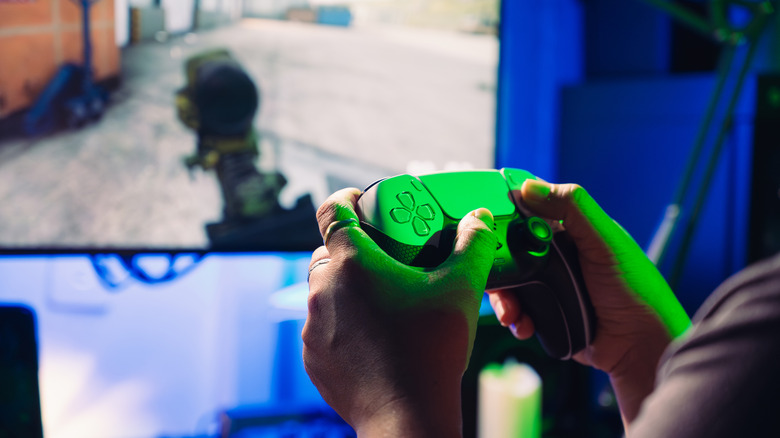

settings may be negatively affecting your TV’s HDR performance entirely. If the image remains desaturated, navigate to Screen and Video > Video Output > HDR within the PS5 settings, and enable On When Supported.
This setting will switch games that don’t support HDR back to SDR (Standard Dynamic Range), whereas the Always On choice compels HDR irrespective of compatibility and could lead to problems. Another option involves going to Screen and Video > Video Output and altering the RGB Range to either Limited or Full. Between adjustments, launch a game featuring HDR to assess the image quality, and bear in mind that certain games may offer a specific HDR tool for adjusting brightness and white levels.