
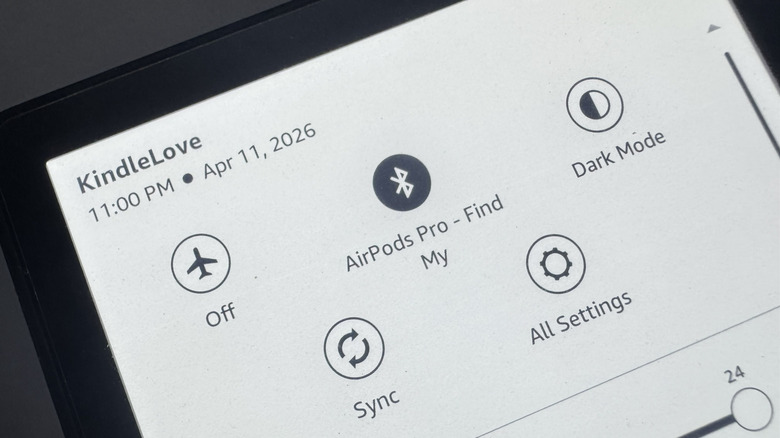

utilize your Kindle for more than just reading – such as marking up personal files and exploring the web, it nevertheless isn’t meant to rival the functionality and capability of your smartphone or tablet. Nonetheless, it includes two features commonly found on regular mobile devices: Wi-Fi and Bluetooth.
Wi-Fi enables you to link your Kindle to the internet, which is a crucial step when initializing the e-reader for the first time. You will also require it to purchase books, send downloaded documents to your Kindle, and synchronize your collection across your other gadgets (like the Kindle app on your mobile device). While reading, being connected online is also handy, allowing you to translate foreign terms and access Wikipedia entries related to a word or expression.
So if Wi-Fi accomplishes all this, what is the purpose of Bluetooth on a Kindle? Its primary function is quite straightforward: it allows you to pair your Kindle with an audio device. Once connected to Bluetooth earbuds, headphones, or speakers, you can enjoy listening rather than reading on your Kindle. You may also repurpose an older Bluetooth speaker as your Kindle’s specific audio player. From there, you can listen to audiobooks, utilize text-to-speech for compatible books, and activate the VoiceView accessibility feature, which reads the on-screen text to assist you in navigating the interface or enjoying books. Here’s the process to connect your Kindle’s Bluetooth.