
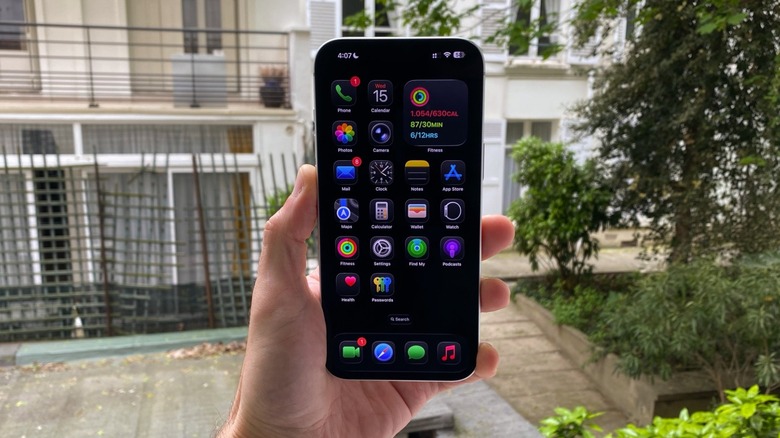

new functionalities aimed at enhancing the battery longevity of its devices. A major transformation Apple introduced for users was replacing LCD displays with OLED displays starting with the iPhone X, and eventually rolling out these advanced screens to all standard models with the iPhone 12. The high-end screens have also been included in the recent iPhone 16e and 17e. An OLED screen can deactivate black pixels individually, which aids in conserving battery power. If you prioritize battery efficiency, there is a method to optimize the Dark Mode on your iPhone by altering the color of your apps and adjusting several accessibility options.
Dark Mode has been present on the iPhone since the release of iOS 13 in late 2019. This feature allows you to operate your iPhone in a darker color palette at all times (or solely when it becomes dark outdoors). While Apple ensures all its applications utilize Dark Mode, some third-party developers do not or choose darker shades in place of black, which still drains battery. Achieving a genuine all-black background is essential to benefit from these battery enhancements. Here’s how you can elevate Dark Mode further.