
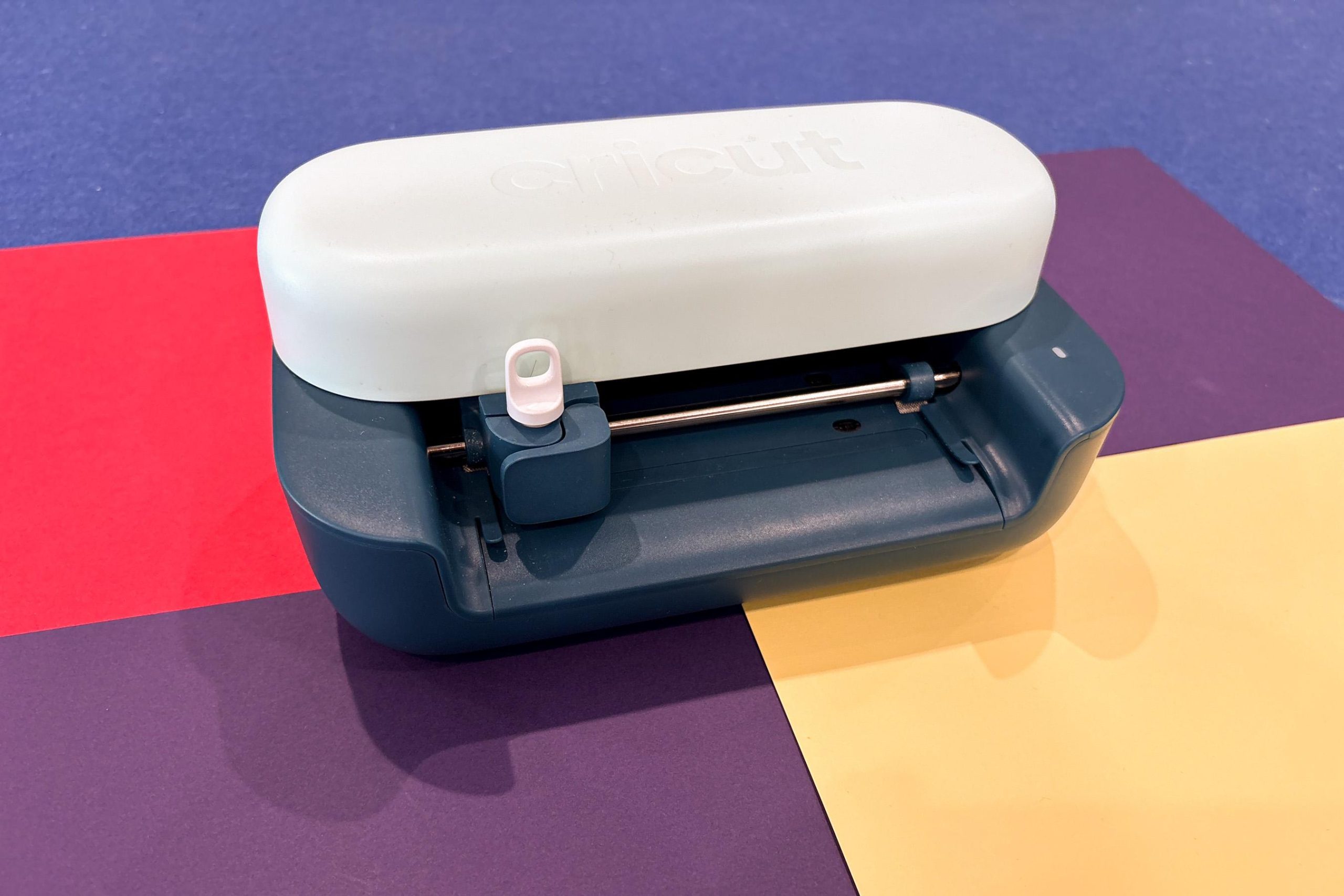

The Cricut Joy 2 provides fast, satisfying results, although the companion app’s onboarding could use improvement.
I’ve always been skeptical of products that claim to enhance creativity. However, one has recently changed my mind. I spent three weeks with the Cricut Joy 2, a smart cutting and drawing machine that made it effortless to resume making stickers, cards, bookmarks, and more.
This small $99 gadget isn’t perfect, but its capabilities and app-provided templates were just what I needed. Overcoming caregiving challenges, self-criticism, and mental health issues made it hard to engage in creative activities like before, but the Joy 2 resonated with me. It provides quick wins when you’re ready to create.
I’ve been testing the Cricut Joy 2 and Ultimate Plus Bundle, which usually costs $229 and includes extras like smart vinyl, iron-on sheets, and tools like a fine-point blade. Getting started was quick. I connected the machine, installed Cricut’s Design Space software on my laptop (also available on iOS and Android), and ran my first test cut in under 30 minutes. Watching the first design being cut made me clap in excitement.
The initial setup was easy, but the app’s onboarding could be better. For something aimed at beginners, it doesn’t clearly guide you on what to do next or how to make full use of the hardware. The steps aren’t difficult—like placing materials correctly—but they aren’t obvious either, especially for beginners. Early attempts to print something from scratch left me discouraged after wasting materials.
Design Space’s interface contributes to this problem. Helpful tutorials and project checklists are hidden at the bottom of its landing page, and instructions are mostly written, which might not suit visual learners. Oddly, Cricut offers plenty of clear, digestible YouTube tutorials online, which seem perfect for the app.
Cricut offers a 30-day free trial of Cricut Access, which costs $9.99 a month after expiration. It provides numerous templates, tips, and guided projects from both Cricut and other users who share their designs in the app’s community library. It’s useful if you like structured creativity. More importantly, it teaches you how to use the materials and tools included with the Joy 2. That’s when the fun began. Projects came together faster, and I enjoyed the satisfaction of transforming a design from screen to finished product in minutes.
Simple projects are where the Joy 2 excels, although it can handle more complex ones if you’re willing to be hands-on. For instance, multicolor designs need to be cut in separate layers and manually assembled, requiring time and attention. It’s not necessarily a flaw, but something to consider before starting new projects.
For sticker-making or other printed designs, like iron-on transfers for shirts, Cricut’s “print then cut” feature is valuable. You can print a full-color design using your existing inkjet or laser printer, then precisely cut it with the Joy 2. The results were satisfactory, and the process is simple: The Design Space app adds cut lines around your design for the machine to follow. You then feed the printed sheet into the Joy 2, and voilà! It scans and cuts.
Technically, the Joy 2 can tackle larger projects, like big wall decals and full-shirt graphics, but it can only cut around 4 to 4.5 inches at a time. You could divide the design into multiple sections, cut each piece manually, then align and assemble them by hand. However, if you envision making larger designs more frequently, the $199 Cricut Explore 5 is recommended. Meanwhile, the $349 Cricut Maker 4 can handle thicker materials such as fabric or leather and can engrave, deboss, or perforate materials.
While my view of how a “beginner-friendly” cutting machine should onboard users differs from Cricut’s, the Joy 2 is an enjoyable, relatively affordable gadget that’s easy to recommend. While reopening an Etsy store isn’t in my plans, I feel eager to continue creating for the first time in a while.