
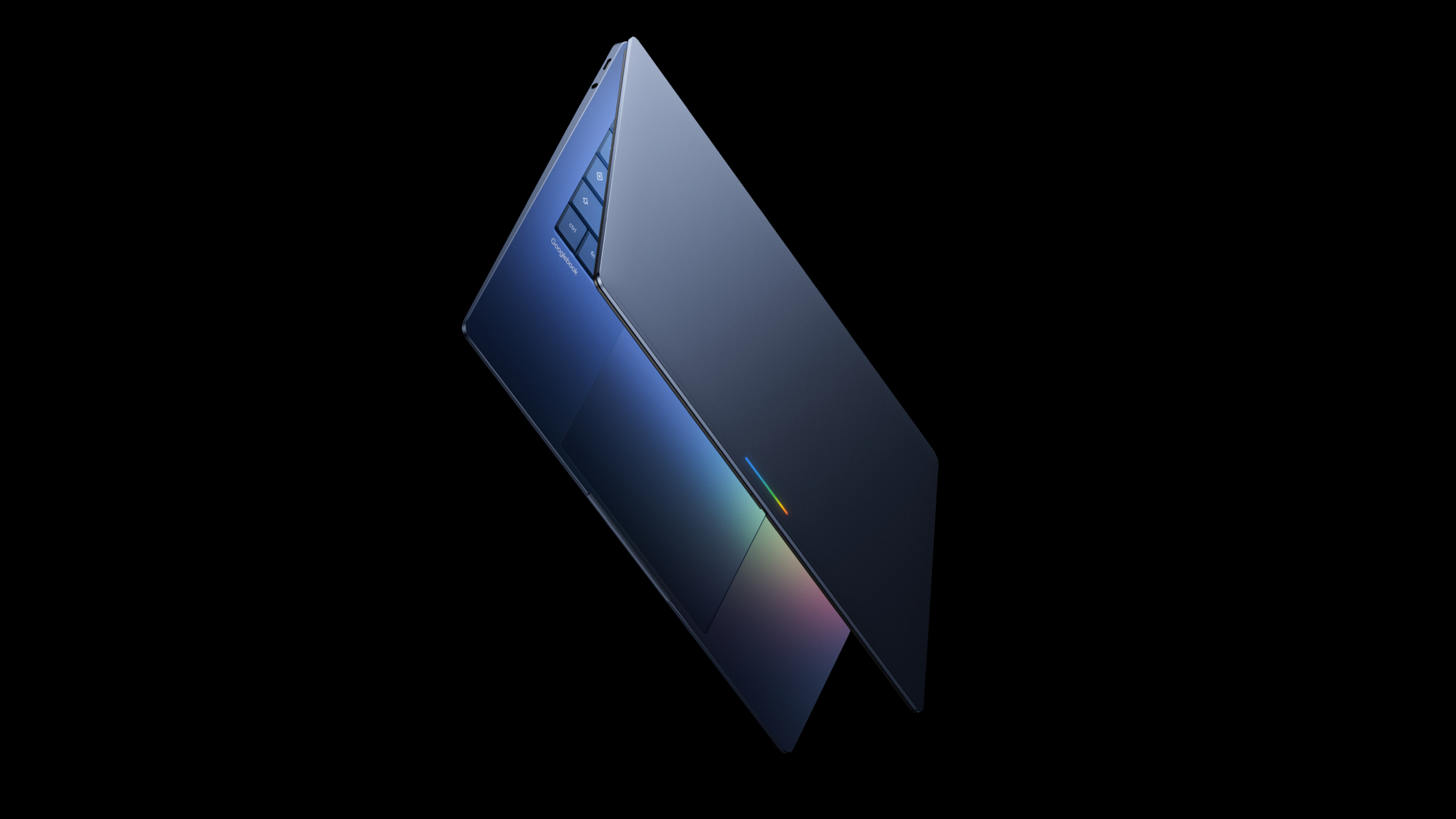

Magic Pointer is Google’s innovation in rethinking the cursor, potentially being the standout feature of Android’s desktop mode. We have already learned about Aluminum OS, which is Google’s desktop Android initiative that may serve as a substitute for ChromeOS. Now, we have insight into the devices set to operate with Aluminum OS. During today’s The Android Show: I/O Edition, Google unveiled a new series of Android-based laptops known as Googlebooks. These will initially be developed by five partners: Acer, ASUS, Dell, HP, and Lenovo. While the exact name of the OS running on Googlebooks remains unknown, it is confirmed to be based on the Android technology stack.
This is not merely a larger iteration of Android that runs on mobile devices — even though it bears some resemblance to Android 16’s desktop mode and the Chrome OS interface. Instead, Google aims to elevate the Android operating system into an “intelligent system” centered around AI. Furthermore, Android is envisioned as the cohesive software experience across phones, watches, tablets, laptops, and even vehicles. These are ambitious objectives, and it remains uncertain if Aluminum OS will accomplish them. Should the endeavor be successful, it will be the inception of Googlebooks.
They will operate the Gemini Intelligence software suite in conjunction with an Android-centric OS, which introduces new features, including a novel approach to a user interface element that seemed unnecessary to change — the cursor. It has remained largely the same for decades, yet Google seeks to refresh it with Magic Pointer. Upon learning about it, I find myself questioning if the cursor is truly flawless or if we’ve simply become accustomed to its shortcomings while a superior option exists.
Magic Pointer proposes features that you may not have realized were needed. The desktop cursor is arguably a fundamental component of a computer operating system — it often serves as the reason we prefer conventional laptops and desktops over mobile devices. The accuracy of a desktop pointer, combined with its capacity to transform into a grabber and text selector according to the context, facilitates smoother workflows and enables tasks that are difficult to perform with a finger or stylus. So, is there a necessity for change?
I’ve been uncertain about this, as Google’s interpretation of the desktop cursor is not the first attempt we’ve observed in recent years to reinvent this tool. Apple made a new attempt with iPadOS by introducing a circular and contextual cursor that adapts into UI elements on your iPad. This approach aims to provide thoughtful and precise control to a touch-centric operating system. Personally, it hasn’t resonated with me, as it lacks the precision of a traditional cursor and the convenience of using my finger.
Google’s Magic Pointer for Googlebooks is analogous in that it is a desktop cursor designed to adapt contextually as you navigate your operating system. However, the execution differs significantly from iPadOS — the ability of the cursor to transform is the only shared characteristic. Magic Pointer is powered by Gemini and operates on-device to offer immediate suggestions based on your current actions. It will propose Gemini-enabled actions you can execute with content displayed on your screen in real time.
For instance, hovering your cursor over a date might prompt Magic Pointer to suggest setting up a meeting or calendar invitation. Selecting a couple of images with your cursor could lead Gemini to merge them using Nano Banana. The Magic Pointer suggestions are processed swiftly through on-device computing, with final actions (like image generation) handled by the cloud.
This is all a component of Google’s initiative to integrate AI as a core element of its operating systems, rather than as a secondary application used sporadically.
This is just one of the Gemini Intelligence tools arriving on Googlebooks. I find Magic Pointer intriguing, and I believe it could help distinguish Googlebooks in the market. Google-powered laptops, such as Chromebooks, have consistently focused on utilizing cloud features to minimize the processing done on your device. This strategy allows Chromebooks to compete effectively on price and offer valuable tools with lower-end hardware. Googlebooks intend to utilize a blend of on-device and cloud-based AI processing to deliver Gemini Intelligence features — directly through your cursor.
The straightforwardness of Magic Pointer might be its most crucial aspect. Integrating AI features into your workflow is more challenging than one might expect. You might explore a tool like Nano Banana to test it, but forget to apply it when visualizing how a couch fits in your space. With Magic Pointer, there is a constant reminder of the Gemini Intelligence tools accessible on your Googlebook. Some individuals may not appreciate the extent to which AI is woven into a feature as fundamental as the desktop cursor, but others will embrace it.