
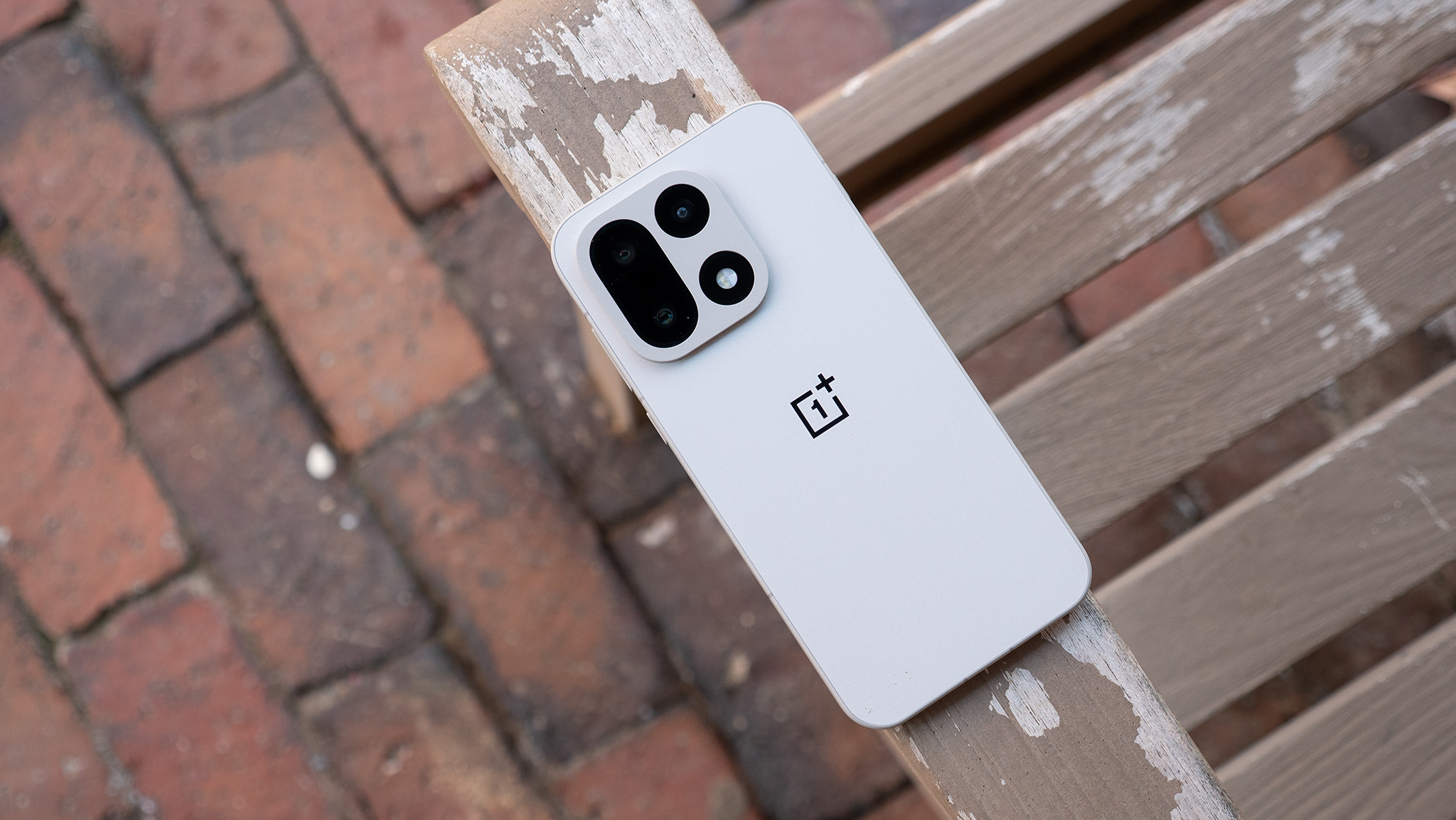

Subtle enhancements ensure that OnePlus’ newest major OS remains fresh and pertinent.
What you need to know:
– OnePlus has revealed information about OxygenOS 16.1, which is currently being rolled out for the OnePlus 15 5G in India.
– Numerous AI functionalities have received minor improvements in quality of life, such as document scanning, which utilizes AI to aid in eliminating imperfections.
– The camera is also getting several enhancements to streamline its interface for a more “intuitive” photography experience.
If you’ve been anticipating the next software update from OnePlus, your wait is over, as the OnePlus 15 is receiving it in phases.
This week, OnePlus unveiled its OxygenOS 16.1 update, which is currently being deployed for the OnePlus 15 5G in India. The brand disclosed its patch notes completely, outlining what’s in store for its AI suite. The Translate application for the device now includes a “specialized on-device AI model” for increased accuracy in translations when offline. Transforming photos into stunning creations using Collage’s Pop out mode provides customizable borders, orientations, and more.
Scanned documents are automatically saved in your Documents app and can be located in “recents.” OnePlus emphasizes enhancements to its scanning, stating that the process has become faster, and its software now eliminates paper wrinkles, shadows, and blurriness with a single tap.
For customization purposes, OxygenOS 16.1 introduces updates for Live Space. The lock screen has been equipped with a “dual-mode design featuring a notification capsule that showcases notifications and Live Updates without obstructing the wallpaper.” Users can swipe down to minimize the lock screen notifications and Live Alerts into a “neat capsule.” Swiping back up reveals the complete list. Color or category-based organization is arriving on the home screen, and the layouts you choose are now automatically saved as you progress.
Smoother animations improve floating window interactions in OxygenOS 16.1, alongside AI-refined touch recognition to minimize jitters in applications. You can review the full patch notes, but we will also emphasize a few additional key aspects.
– Introduces Master presets. You can now store your custom settings as presets and share them through watermarks.
– Enhances Camera with cleaner interfaces and more natural interactions, creating a smoother, more intuitive photography experience.
– You can now modify the speaker’s sound effects via the equalizer. Choose from various effects like Pop and Rock, or tailor the effects across different frequency ranges. You can find this feature in “Settings – Sound & vibration – Sound effect settings – Custom.”
– Improved protection against unwanted calls: enhanced caller identification can now detect telemarketing, spam, and suspected fraud calls.
OxygenOS 16 felt fresh
OxygenOS 16 was officially unveiled last October, branded as software that genuinely understands its user. Intelligent data interactions were claimed to provide a personalized experience, aided by AI. OxygenOS 16 entirely redesigned the UI with customizable themes, app visual upgrades, and more. Naturally, OnePlus did not finalize matters without outlining its AI features, which we have observed receiving some notable upgrades with its v16.1 release.
Android Central’s Perspective
For me, the animations/lock screen enhancements and the gaming features that OnePlus introduced captivated me. OxygenOS 16 appeared impressive. I was genuinely astonished by how much OnePlus invested in it. OxygenOS 16.1 is somewhat more subdued in that regard, primarily because we are not overwhelmed with numerous new features. Nevertheless, the company is implementing small refinements to keep those original features feeling top-notch.
In our review of OxygenOS 16 on the OnePlus 13, the software’s animations, lock screens, and gaming capabilities stood out. Games could finally operate at 120fps with OxygenOS 16. Regarding lock screens, OnePlus got creative, employing a new suite of tools to make the device resonate with its owner.