
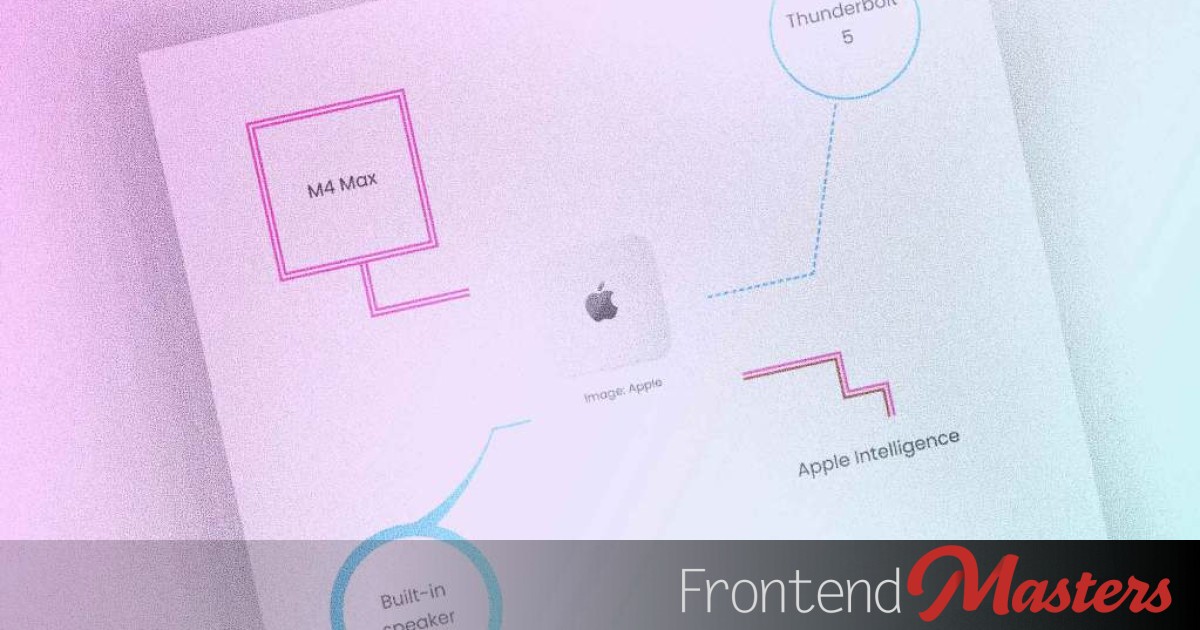

A callout UI usually features a leader line or “tail” with a text box at its end. It’s commonly used for visual emphasis and annotations in a casual layout. Here’s a CSS-based method to design such a callout using offset and borders.
The Layout
The HTML structure consists of an element symbolizing the callout, within which there’s another element for the text.
“`css
.callout {
container-type: size;
}
“`
The `.callout` element serves as a query container tracking both horizontal and vertical sizes, facilitating the placement of text boxes at specified positions on `callout`. Borders will be added to create leader lines.
The Text Box Offset
“`css
.callout-text {
offset-path: border-box;
offset-anchor: bottom;
}
“`
The `.callout-text` boxes align along the border reference box of `.callout`, attaching at the bottom-center by default to the callout’s border.
The `offset-path` CSS property sets a track for element placement and animation, while `offset-anchor` defines the point connecting to the path.
“`css
.callout-text {
offset-path: border-box;
offset-anchor: bottom;
offset-distance: 100cqw;
}
“`
To create a leader line from below the text box towards the left, place the text box in the opposite corner (top right) of `callout`, spanning the entire callout width: `100cqw`.
The Leader Line
With the text box set, add a leader line by adjusting the right and bottom borders of `callout`.
“`css
.callout {
container-type: size;
border: dashed;
border-width: 0 2px 2px 0;
}
“`
A simple callout is ready, but let’s enhance it further!
The Designs
Offset-text-box positioning offers an advantage: the text box is now attached to the callout’s border. Any border movement includes the text box.
To slant the leader line, apply skew to `callout` and counter-skew to the text box.
“`css
.callout {
–ang: 20deg;
transform: skewX(calc(-1 * var(–ang)));
}
.callout-text {
transform: skewX(var(–ang));
}
“`
Box shadows can also provide leader lines.
“`css
.callout {
box-shadow: 1px -1px 0 1px maroon,
2px -2px 0 2px pink,
3px -3px 0 3px deeppink;
}
“`
Utilize `border-radius` and `corner-shape` to influence the leader line’s form.
“`css
.callout {
border-bottom-right-radius: 30px;
corner-shape: notch;
}
“`
These elements can animate too.
“`css
.callout {
–ang: 20deg;
transform: scaleY(0);
transform-origin: bottom left;
}
.callout-text {
transform: scale(0);
transform-origin: bottom center;
}
p:hover + .callout {
transform: skewX(calc(-1 * var(–ang))) scaleY(1);
transition: transform 0.3s;
}
p:hover + .callout > .callout-text {
transform: scale(1) skewX(var(–ang));
transition: 0.3s transform 0.3s;
}
“`
First, `.callout` scales vertically, followed by `.callout-text` scaling both axes.
The design possibilities are numerous, arising from various combinations. In brief, use borders and shadows to define the leader line’s type and color; use sizing, transforms, `border-radius`, etc., to modify the line’s size and shape. Style the text box like any text-display element.