
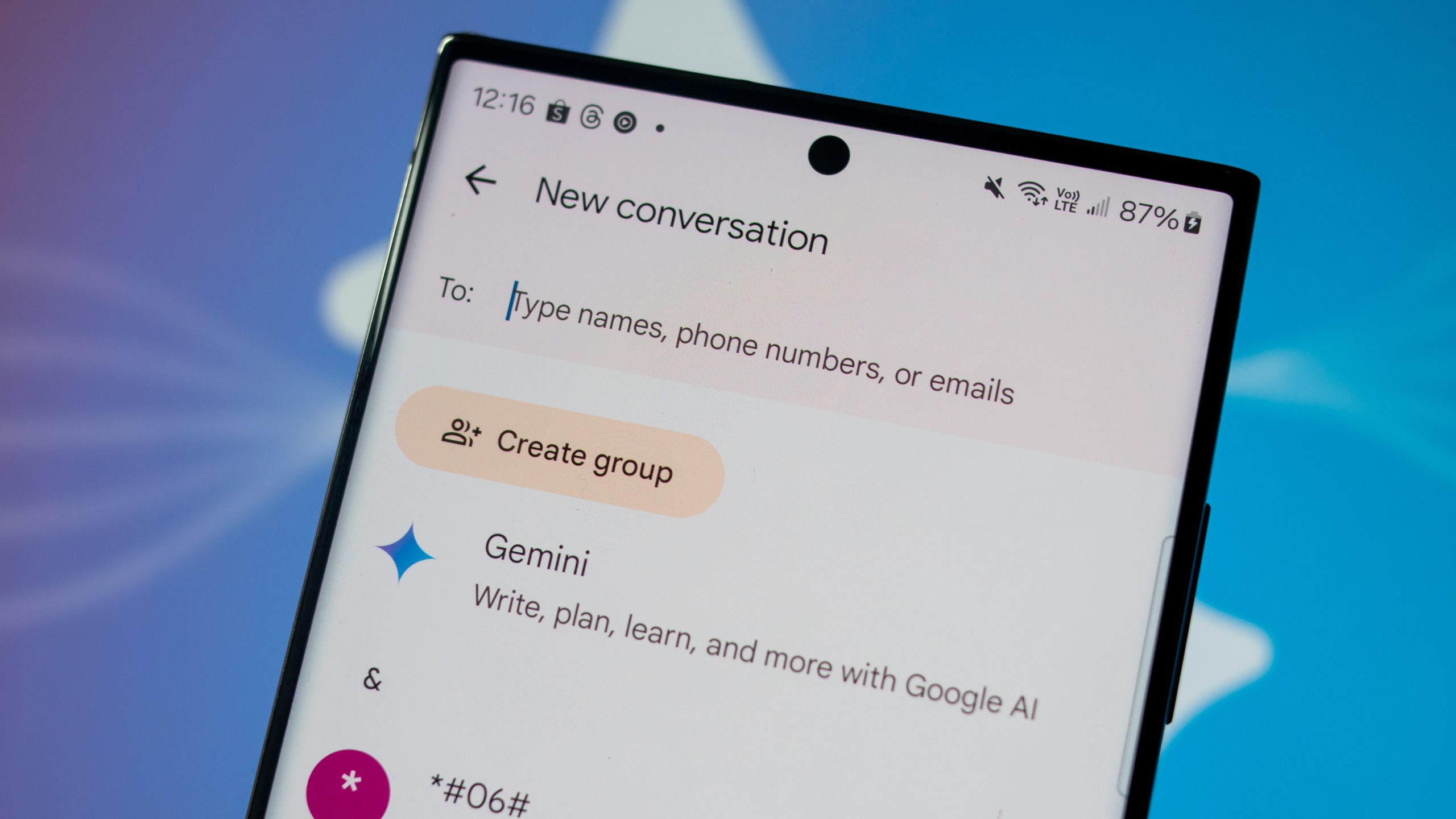

If you haven’t been keeping tabs recently, the Samsung Messages application on your Galaxy smartphone is set to be discontinued. Samsung revealed the termination of the Samsung Messages app back in April 2026, indicating that the app will lose the functionality to send and receive text messages starting in July 2026.
Although the Samsung Messages app still excels in several areas compared to other options, such as providing extensive chat customization and a more streamlined experience without Gemini integrations everywhere, Samsung has made a definitive decision. This implies that the app will essentially become ineffective later this year.
This also signifies that you’ll ultimately need to transition to a different messaging app on your device. Luckily, you won’t have to begin anew, as your chats and discussions can be switched over quite effortlessly. Here’s the process.
Google Messages will seamlessly transfer your chats in one step
With the discontinuation of Samsung Messages, Samsung is officially advising users to transition to Google Messages as the primary messaging app on their smartphones. Google has dedicated the last few years to enhancing Google Messages, and now it stands as a robust alternative for most Samsung users.
Fortunately, after you shift from Samsung Messages to Google Messages, your chats and ongoing conversations will automatically transfer over. There’s really no additional effort required aside from designating Google Messages as your default messaging application.
Samsung indicates that, depending on the One UI version on your Galaxy phone, you will receive an in-app notification in the Samsung Messages app urging you to transition to Google Messages. Subsequently, you’ll be prompted to download Google Messages from the Play Store if it isn’t already installed on your device.
After you install and launch Google Messages, you’ll encounter a prompt asking you to set it as your default SMS app. Just tap Set default SMS app, choose Google Messages, and then tap Set as default once more. And that’s pretty much all you need to do.
Samsung mentions that once Google Messages is set as the default, all your discussions will automatically transfer from Samsung Messages.
However, depending on the volume of messages and media files you possess, it might take some time for everything to be fully visible. Samsung points out that some conversations may appear temporarily missing while the app indexes your messages, and this procedure could extend up to a full day.
What’s convenient is that Samsung is also aiming to make the transition smooth. On newer Galaxy phones, the company will automatically substitute the Samsung Messages icon on your home screen with the Google Messages icon, eliminating the need to rewire your muscle memory.
Nevertheless, users on Android 12 or Android 13 might need to manually place the Google Messages app on their home screen themselves.
What to do if your Samsung Messages chats don’t transfer right away
Several users have recently reported challenges with messages temporarily disappearing after switching applications, but Samsung assures that those conversations aren’t genuinely lost. The data and media remain stored locally on the device while Google Messages re-indexes everything in the background.
Once the indexing procedure is complete, all your conversations should appropriately appear within Google Messages. So if your messages aren’t showing up immediately after the transfer, expect to see them within 48 hours.
It’s also important to mention that even with the discontinuation of Samsung Messages, Samsung states that users will still be able to utilize the app for emergency communication, including contacting emergency services and emergency contacts.
Samsung also indicates that this discontinuation presently only pertains to users in the U.S. region. There isn’t much clarity regarding other regions, so for the time being, the app may continue functioning elsewhere.
That said, if you’re in the United States, you can still use Samsung Messages as your default app for a couple more months before the shutdown is fully implemented.
However, Google Messages has made significant progress in recent years, and if you prefer not to wait for the deadline, you can simply download Google Messages from the Play Store and switch over immediately.