

# Apple Watch Sleep Monitoring: An In-Depth Examination
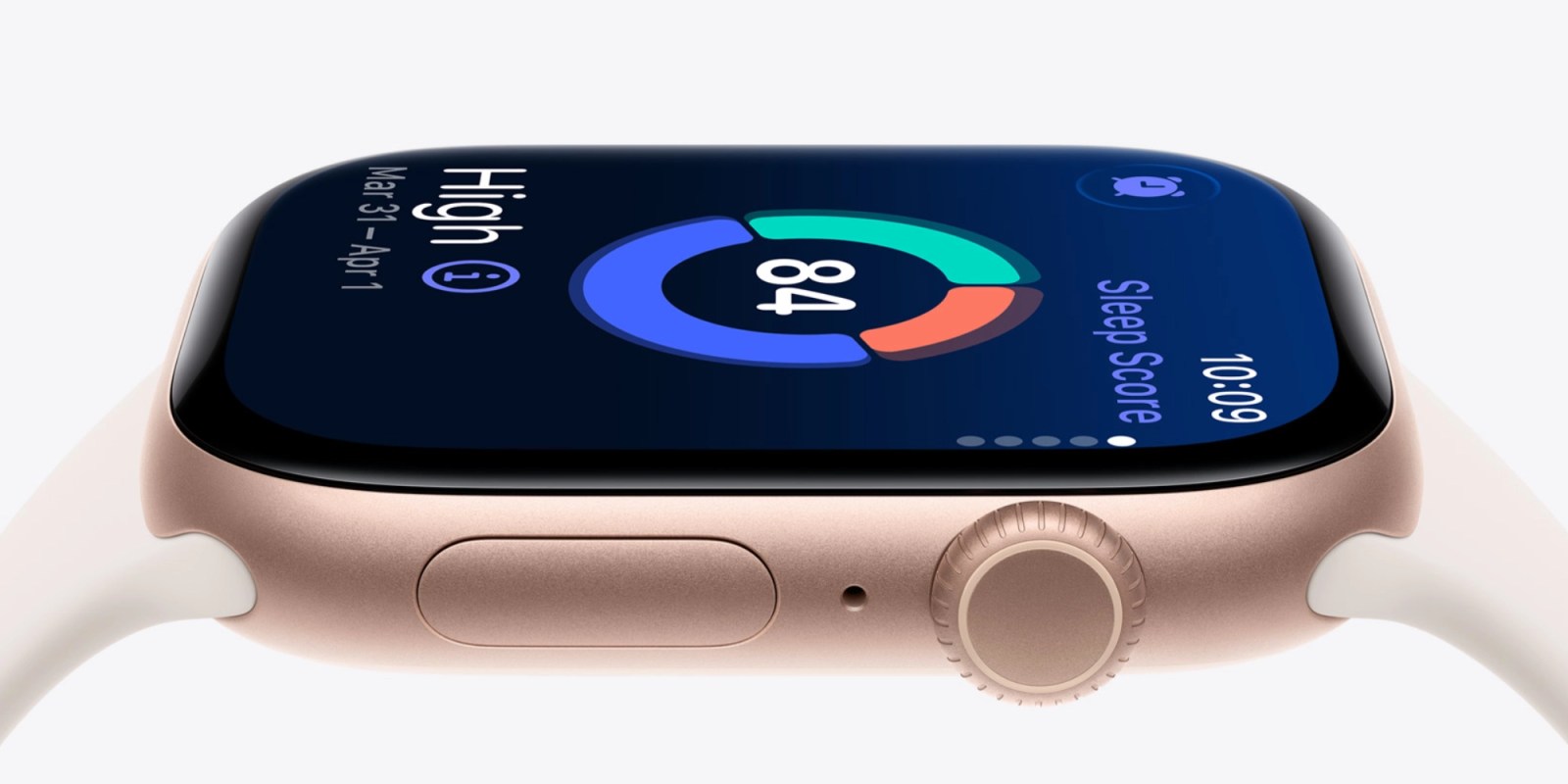
The Apple Watch has transformed the way individuals monitor their health, with one of its key functionalities being the integrated sleep tracking feature. By merely wearing the Apple Watch during sleep, users can seamlessly monitor their sleep patterns without relying on extra applications or settings. This function has been advanced further with the launch of watchOS 26, which incorporates the groundbreaking sleep score feature.
## Grasping Sleep Score
The sleep score feature enables users to assess the quality of their sleep on a nightly basis. This scoring system offers insights into sleep length, regularity, and disturbances, facilitating a better understanding of one’s sleep habits. The score is determined by three primary factors:
– **Sleep Duration (50 points)**: Evaluates how long you slept.
– **Bedtime Regularity (30 points)**: Analyzes how consistent your sleep schedule is.
– **Disturbances (20 points)**: Measures how often you were interrupted during the night.
With these parameters, users can obtain a score that fluctuates between 0 and 100, reflecting the quality of their sleep.
## Tailoring Sleep Score Notifications
A significant advantage of the sleep score feature is the option to tailor notifications based on specific score thresholds. Following input from users, Apple enhanced the notification system for greater effectiveness. Users can opt to be alerted about their sleep score each morning, aiding them in reflecting on their sleep quality and spotting patterns.
The classifications for sleep scores are as follows:
– **Very Low**: 0-40
– **Low**: 41-60
– **OK**: 61-80
– **High**: 81-95
– **Very High**: 96+
Many users, myself included, find it more advantageous to receive notifications only for lower scores, as quality sleep is generally anticipated. This customization enables a more targeted approach to enhancing sleep quality.
### Adjusting Notification Settings
Users can conveniently modify their sleep score notification preferences via their iPhone or directly on the Apple Watch:
– **On iPhone**: Launch the Watch app, head to the Sleep section, and tap on Sleep Score Notifications to modify alerts for specific ranges.
– **On Apple Watch**: Open the Settings app, scroll to the Sleep section, and choose Sleep Score Notifications to manage alerts.
## Compatibility and Cost
To take advantage of the sleep score feature, users must have watchOS 26, compatible with Apple Watch Series 6 and newer, Apple Watch Ultra and newer, and Apple Watch SE 2 and newer. Those interested in acquiring a new device can find the Apple Watch Series 11 currently available at a reduced price of $299 on Amazon.
## Summary
The sleep tracking and sleep score capabilities of the Apple Watch offer users crucial insights into their sleep patterns, facilitating enhanced health management. By personalizing notifications and comprehending how sleep scores are derived, users can proactively work towards bettering their sleep quality. For further details about sleep tracking with the Apple Watch, please visit the official Apple support page.