

### You Are the Product: Comprehending App Tracking Transparency on iOS
As technology progresses, so too do the techniques utilized by businesses to monitor user activity across applications and websites. Apple’s App Tracking Transparency (ATT) system, launched in iOS 14.5, has dramatically transformed the realm of user privacy and data gathering. This article delves into the functioning of ATT, its consequences for user privacy, and how to automatically reject tracking requests on your iPhone.
#### The Effects of App Tracking Transparency
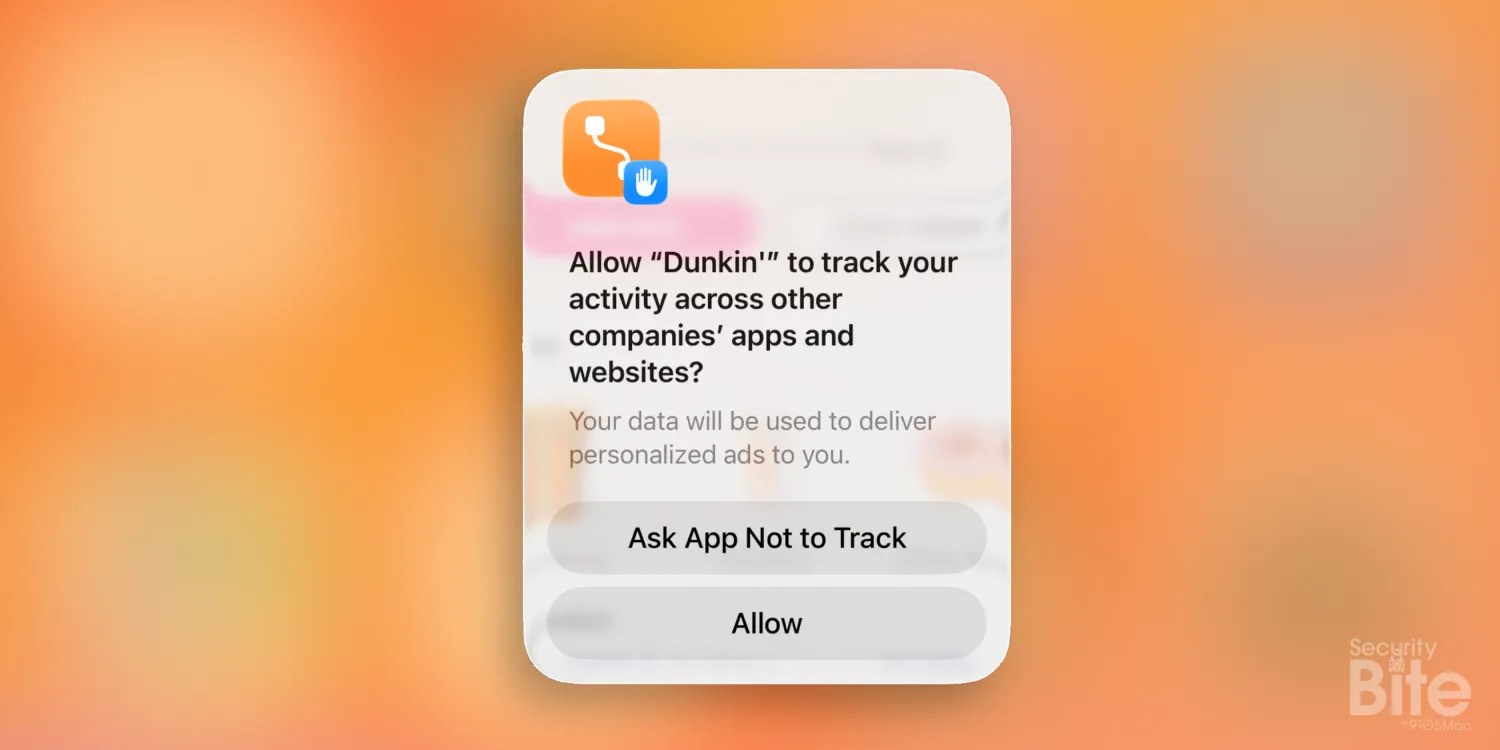
Prior to the adoption of ATT, applications enjoyed unrestricted access to user information, including age, gender, location, and browsing patterns. This data was extremely valuable for advertisers and data brokers, enabling them to construct comprehensive profiles for targeted marketing. However, the advent of ATT mandated that apps seek permission from users before utilizing their device’s advertising identifier (IDFA), a unique marker employed for tracking purposes.
This shift proved particularly harmful to companies like Facebook and Instagram, which depended heavily on user tracking for their advertising frameworks. In 2022 alone, Facebook allegedly incurred a loss of about $12.8 billion due to the constraints imposed by ATT.
#### The Transition to Alternative Tracking Techniques
In reaction to ATT, numerous companies have embraced alternative tracking techniques, such as device fingerprinting and contextual advertising. Device fingerprinting gathers various device-specific data, including screen dimensions, operating system version, and time zone, to establish a unique identifier for tracking. Meanwhile, contextual advertising concentrates on user activity within a single application rather than across several platforms.
Although these techniques are less intrusive than acquiring a user’s IDFA, they still raise privacy issues. Users continue to be at risk from data collection practices that endanger their anonymity.
#### How to Automatically Reject Tracking Requests
For those looking to boost their privacy and eliminate the nuisance of continual tracking notifications, a straightforward solution exists. By modifying a specific setting on your iPhone, you can automatically refuse tracking requests from apps without needing to engage with any prompts.
To accomplish this, adhere to the following steps:
1. Launch the **Settings** app on your iPhone.
2. Go to **Privacy & Security**.
3. Choose **Tracking**.
4. Switch off the option labeled **Allow Apps to Request to Track**.
By deactivating this setting, your iPhone will automatically reply with a “no” to any app that tries to solicit tracking permission. This not only simplifies your experience but also bolsters your privacy by preventing apps from even inquiring for permission.
#### Conclusion
Apple’s App Tracking Transparency framework signifies a major advancement in user privacy, empowering individuals to take charge of their data. By grasping the mechanics of ATT and leveraging the available configurations on your iPhone, you can safeguard your anonymity and enjoy a more private experience while utilizing apps. As the digital environment continues to change, remaining aware of privacy measures is essential for protecting personal information.