
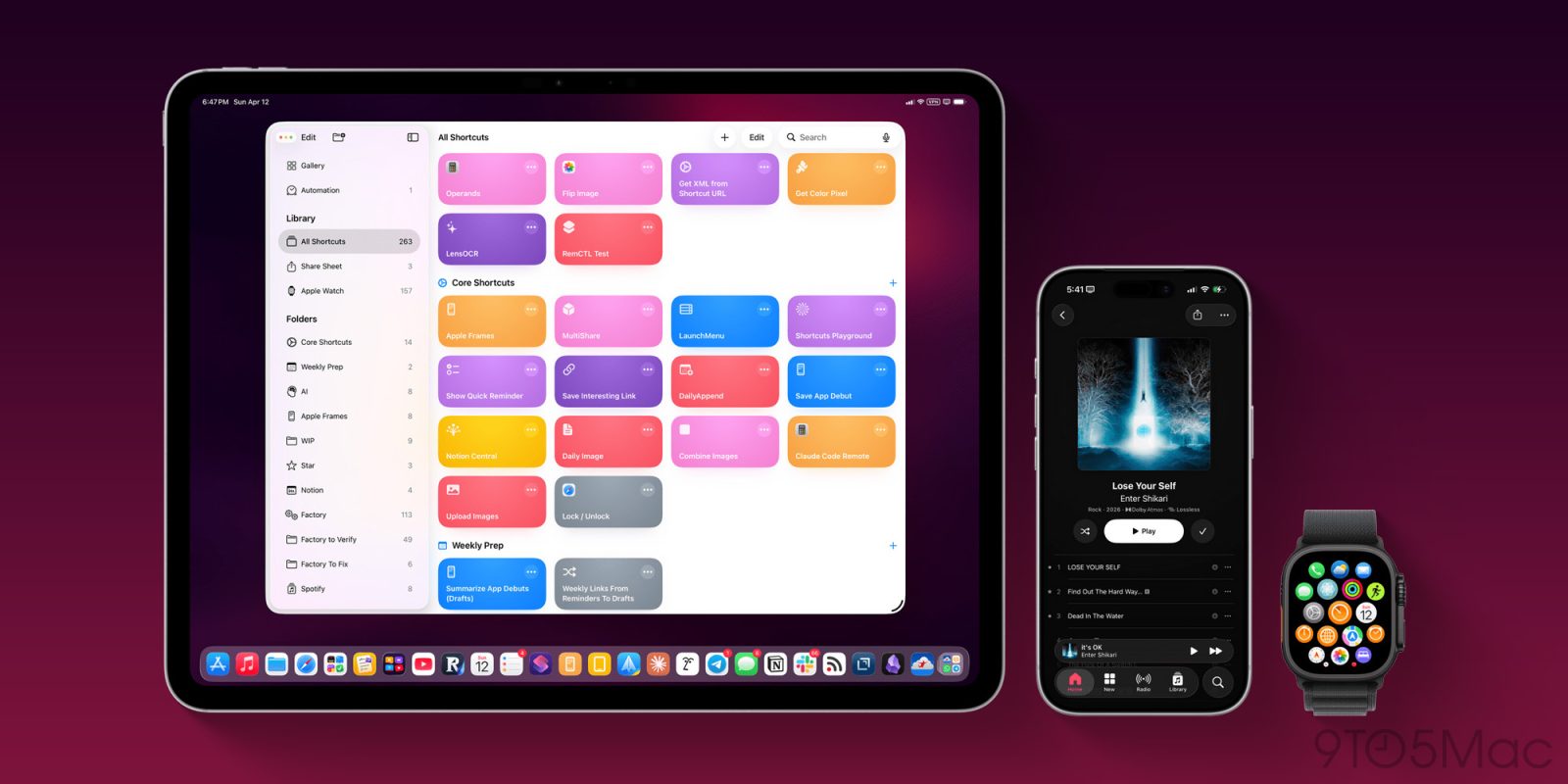

### Apple Frames 4: A Significant Enhancement for Framing Screenshots with Apple Product Bezels
Federico Viticci at *MacStories* has rolled out a notable upgrade to his Apple Frames shortcut, enabling users to frame their screenshots using authentic Apple product bezels. This latest iteration, Apple Frames 4, is characterized by Federico as a “complete reimagining” of the shortcut, featuring enhanced speed, compatibility with the newest Apple devices, and improved customization options.
#### Streamlined Functionality
A key transformation in Apple Frames 4 is the simplification of its process. The shortcut has been condensed from over 800 steps to around 300, leading to a quicker and more dependable experience. This enhancement is due to a more sophisticated logic that adapts to the growing array of Apple screen sizes and display resolutions.
#### New Features
Apple Frames 4 brings forth several thrilling features:
1. **Support for Frame Colors**: Users are no longer confined to standard frame colors. This update enables customization of frame colors based on device and orientation, allowing users to choose from all the colored bezels officially available from Apple.
2. **Device Variants**: The shortcut now supports various device models, granting users the option to select between models like the iPhone 16 Pro or iPhone 17 Pro for particular frames.
3. **Proportional Scaling**: A major improvement is the proportional scaling feature, which resolves a common problem where screenshots from differing devices would merge without maintaining their physical proportions. Apple Frames 4 now preserves the correct proportions when combining screenshots from devices such as the iPhone 17 Pro Max and iPad Pro.
#### Command-Line Interface (CLI)
Alongside the revamped shortcut, Federico has created a command-line interface (CLI) for Apple Frames. This CLI is tailored for developers and marketers who regularly handle screenshots, optimizing their workflow. The CLI can be incorporated into app development routines, enabling users to generate framed screenshots straight from the Terminal on their Mac.
#### Conclusion
Apple Frames 4 signifies a major progress in how users can frame their screenshots, making it an indispensable tool for both everyday users and professionals. The update not only improves functionality but also introduces new customization options that suit individual tastes. Users can download the new Apple Frames 4 shortcut and discover more about the CLI on the *MacStories* website. This tool is integral to numerous workflows, including those at *9to5Mac*, and its latest update is eagerly awaited by the community.