
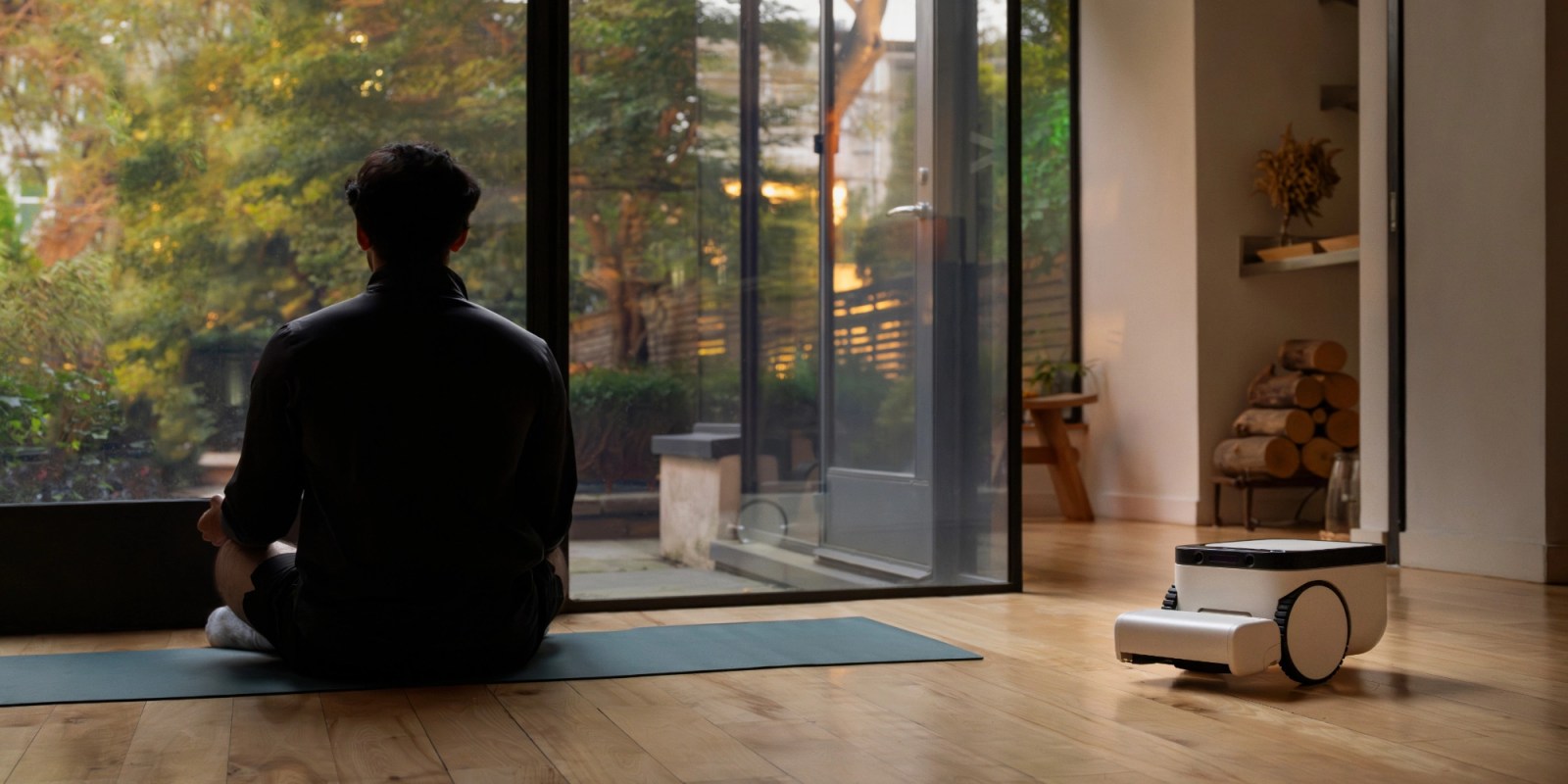

### Matic Robots: An In-Depth Evaluation of Their Robot Vacuum and Mop
In the world of smart home technology, robot vacuums and mops have seen a surge in popularity due to their practicality and effectiveness. Among the numerous options on the market, Matic Robots’ robot vacuum and mop is notable for its remarkable construction, privacy features, and smart integration with home ecosystems, specifically Apple Home.
#### Matic’s Compatibility with Apple Home
While Matic is not the inaugural robot vacuum to sync with Apple Home, it is the first experience for many users. This integration permits users to access a variety of features straight from the Apple Home app, enhancing the overall experience. After the March version 1.44 update, Matic rolled out compatibility with both Apple Home and Google Home.
To link Matic with Apple Home, users need to go to the app’s settings, switch to pairing mode, and choose Apple Home. The robot vacuum will then show a QR code that users can scan to finalize the setup. Currently, Matic does not support Amazon Alexa, but it is planned for inclusion in future updates.
#### Siri Voice Commands: A Game-Changer
A standout feature of Matic’s integration with Apple Home is the option to manage the vacuum via Siri voice commands. This functionality enables users to operate the vacuum without hands, increasing convenience for those entrenched in the Apple environment. Users can give commands like:
– “Siri, start vacuuming.”
– “Siri, vacuum and mop [room name].”
– “Siri, pause [vacuum name].”
– “Siri, return the vacuum to the dock.”
This voice control feature simplifies the management of cleaning tasks without needing to directly interact with the app.
#### Controls in the Apple Home App
In the Apple Home app, Matic can be managed like other HomeKit devices. Users can kick off vacuuming, mopping, or both in designated rooms or throughout the entire home. Additional functionalities include pausing and resuming cleaning or instructing Matic to head back to its docking station anytime.
Additionally, Matic provides three separate cleaning modes within the Apple Home app:
– Quick
– Deep Clean
– Automatic
The app also offers real-time status updates, such as whether Matic is currently charging.
#### Limitations and Considerations
Although the integration is mostly effective, there are some drawbacks. For example, the feature to emit a sound for locating Matic did not work as anticipated. Furthermore, while the Home app on iPhone and Apple Watch offers full support for Matic’s features, the macOS version does not, limiting control options for Mac users.
#### Conclusion
In summary, Matic’s robot vacuum and mop delivers a solid smart home integration experience, especially for users within the Apple environment. The mix of high-quality construction, privacy features, and intelligent capabilities makes it an attractive option for anyone looking to streamline their cleaning tasks. Priced at $1,245, Matic Robots presents a complete offering that includes all essentials to begin, along with a 60-day return policy. For interested buyers, purchasing through the specified link grants access to a free Annual Bag Pass, enhancing the value of the purchase.