
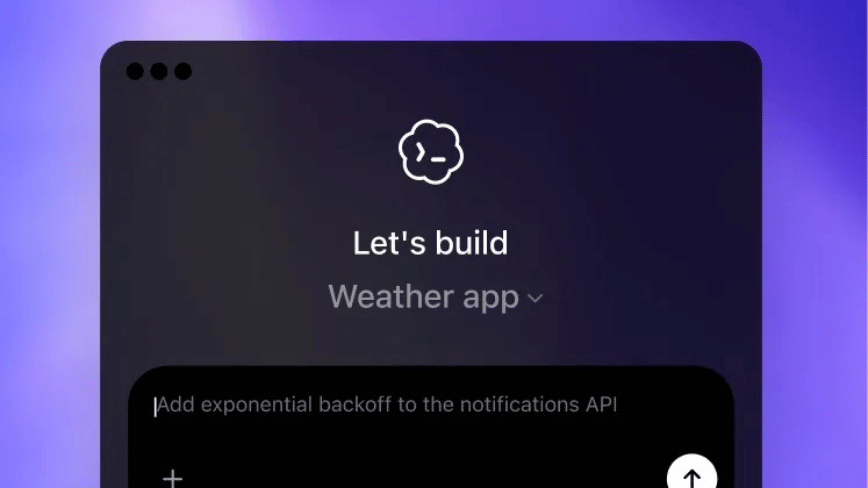

OpenAI’s Codex for Mac has introduced Chronicle, a feature in research preview that captures screenshots intermittently, sends them to OpenAI’s servers for analysis, and saves text summaries as local unencrypted Markdown files to provide the AI assistant with context about user activities. This feature, unavailable in the EU, UK, and Switzerland, necessitates a Pro subscription of $100+ monthly and Apple Silicon. It marks OpenAI’s first ambient screen-aware AI implementation on desktop, prioritizing cloud processing over the local-first privacy approach of competitors like Screenpipe and the defunct Rewind AI.
The Codex desktop app for Mac’s new feature, Chronicle, takes periodic screenshots, processes them into text summaries, and stores these as local memory files, enabling the AI assistant to understand user activities without prompting. This design involves sending desktop screenshots to OpenAI’s servers for processing, which contrasts with the privacy-focused approach seen across the industry.
Chronicle’s inclusion is part of a larger update that has evolved Codex from a coding assistant into a comprehensive AI workspace. The April 16 release, “Codex for (almost) everything,” introduced capabilities like operating Mac apps with its own cursor, an in-app browser, image generation, persistent memory, and over 90 plugins. Usage of Codex doubled after the December launch of the GPT-5.2-Codex model.
Chronicle functions by using background agents to capture display screenshots intermittently. These screenshots are sent for processing using OCR and visual analysis to generate text summaries. The summaries are stored as Markdown files in the local directory: ~/.codex/memories_extensions/chronicle/. When Codex is prompted, these memory files provide it with context on applications used, documents read, code written, and conversations held, without needing the user to reiterate.
The raw screenshots are temporarily saved in a system temp directory and automatically deleted after six hours. OpenAI asserts that the screenshots are not retained on its servers post-processing and are not utilized for training. The generated memories, however, are kept indefinitely as unencrypted plain text files on the user’s device.
According to Greg Brockman, OpenAI’s president, this experimental feature enables Codex to automatically understand recent user activities, enhancing its context comprehension and user interaction experience.
Chronicle requires macOS Screen Recording and Accessibility permissions, only works on Apple Silicon Macs with macOS 14 or later, and is available solely to ChatGPT Pro subscribers paying $100 or more monthly. It is not accessible in the EU, UK, or Switzerland, implying potential non-compliance with GDPR’s data minimization and purpose limitation requirements.
Unlike Microsoft Recall, which encrypts screenshots locally and processes them on-device, Chronicle opts for cloud processing, only retaining text summaries locally. Recall uses encrypted storage and biometric authentication, while Chronicle leaves unencrypted Markdown files accessible to any process on the computer.
OpenAI’s documentation acknowledges risks, such as increased prompt injection risk from malicious website content in screenshots. Chronicle’s memory directory might contain sensitive information, and its activity might swiftly use up rate limits, potentially constraining Pro subscribers’ Codex usage.
OpenAI advises pausing Chronicle during meetings or when dealing with sensitive content. Users can control this via the Codex menu bar icon. This recommendation highlights the potential for unauthorized capture and shifts the management burden onto users.
The category of screen-aware AI assistants has faced challenges. Rewind AI, a leading early solution, was acquired by Meta in 2025, leading to its service shutdown. Microsoft’s Copilot has seen a subscriber drop over trust concerns related to Recall. A 2026 security revelation showed that Recall’s encrypted database could be exploited, exacerbating longstanding criticisms.
Screenpipe takes a local-first approach with on-device processing and a one-time license fee, circumventing cloud dependencies. Perplexity’s Personal Computer software transforms a Mac mini into an AI agent with local file access while relying on cloud processing for core functionalities.
The sector trend shows that more useful screen-aware AI requires significant data processing, complicating efforts to balance utility with privacy. Chronicle’s design emphasizes functionality, banking on user trust in OpenAI’s data handling promises. Whether this approach succeeds depends on user trust and regulatory compatibility, especially in regions where it has faced restrictions.
In an ambient computing context, the notion prevails that AI helpers are more effective with continual context access rather than constant user input. Chronicle exemplifies OpenAI’s initial venture into this concept on desktop, enabling productivity gains by eliminating repetitive context explanation.
However, the concept comes with privacy trade-offs. Alternatives like Proton’s AI tools prove that local-first AI can be valuable without sharing data externally. Chronicle raises the debate on whether OpenAI’s cloud-based, trust-reliant model can endure regulatory scrutiny and the evolving landscape of user expectations concerning data privacy obligations.