

**Opera One Update: Upgrades for Video Streaming and Conferencing**
Opera has revealed a major update for its Opera One browser, concentrating on enhancing the in-browser video streaming and conferencing capabilities. This update brings forth multiple features aimed at improving user convenience and functionality.
### Key Features of the Opera One Update
#### 1. Fast Access to Video Platforms
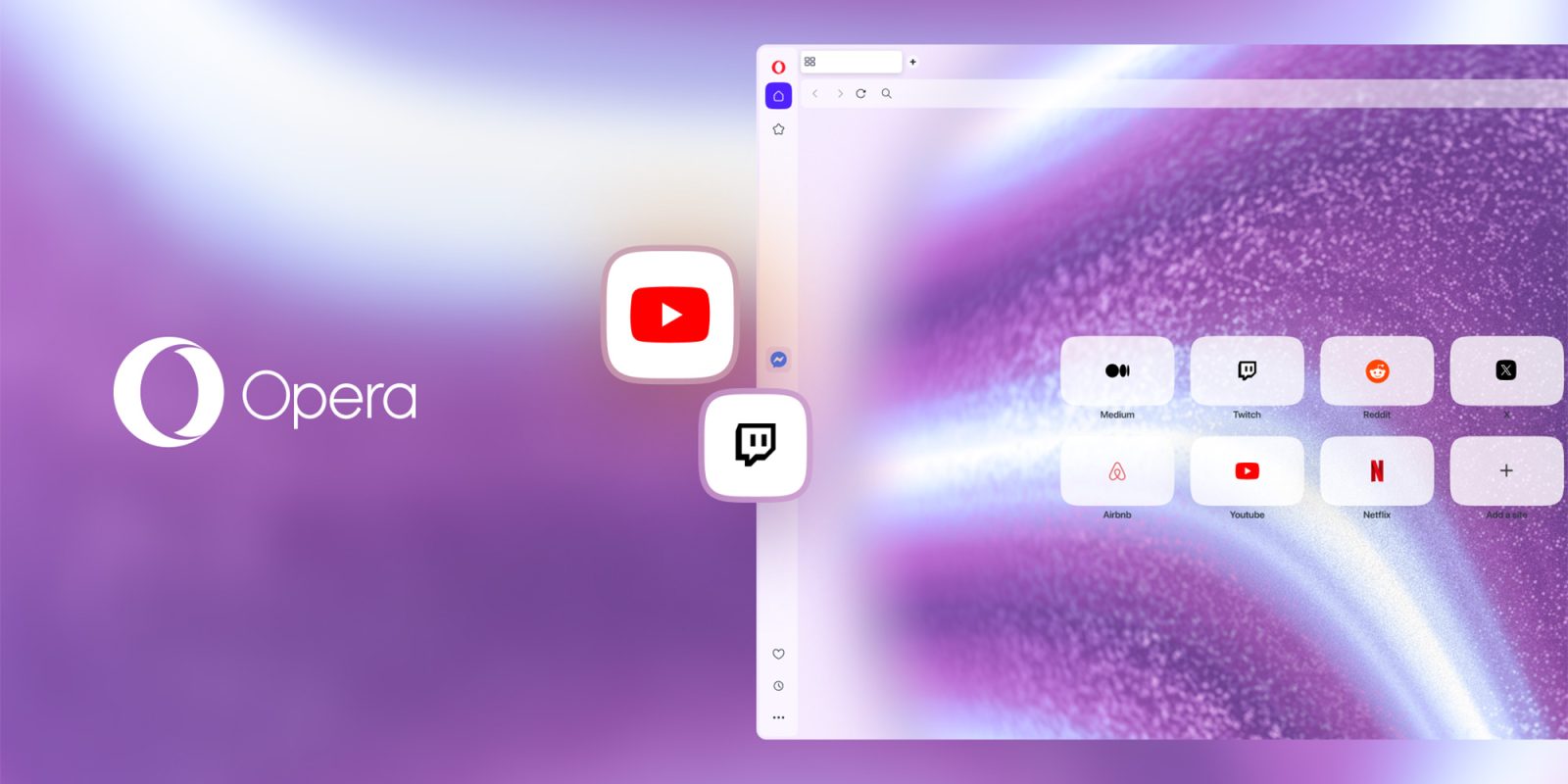
Opera One users can now incorporate buttons for well-known video platforms such as YouTube and Twitch directly into the sidebar. This feature provides one-click access, simplifying the process of watching streams or videos without the need to toggle between tabs.
#### 2. Revamped Video Popout Feature
The Video Popout functionality has been entirely overhauled to support smoother multitasking during video calls. Notable improvements include:
– **Broader App Compatibility**: Opera now fully accommodates any video conferencing site that uses Picture-in-Picture (PiP) mode, including complete compatibility with Zoom.
– **Custom Site-Specific Controls**: Users can now regulate Auto-PiP permissions on an individual site basis, shifting away from a universal toggle. This offers customized options for each conferencing site.
– **Enhanced Visual Appeal**: The floating Video Popout window now automatically conforms to the user’s selected Opera One theme, improving the visual experience.
#### 3. Integrated Volume Booster
A significant addition is the built-in volume booster, which enables users to amplify the audio of a specific tab by up to 500%. This feature, which formerly necessitated third-party extensions, facilitates per-tab volume adjustments. Users can keep lower background audio levels in one tab while raising the audio for a specific video in another.
### Conclusion
The latest update to Opera One highlights video functionality, transforming it into a more powerful tool for users who often participate in streaming and video conferencing. With features like fast access to video platforms, improved multitasking features, and sophisticated volume control, Opera One strives to offer a seamless and enjoyable browsing experience. For additional details about Opera One, visit [Opera’s official site](https://www.opera.com/one).