
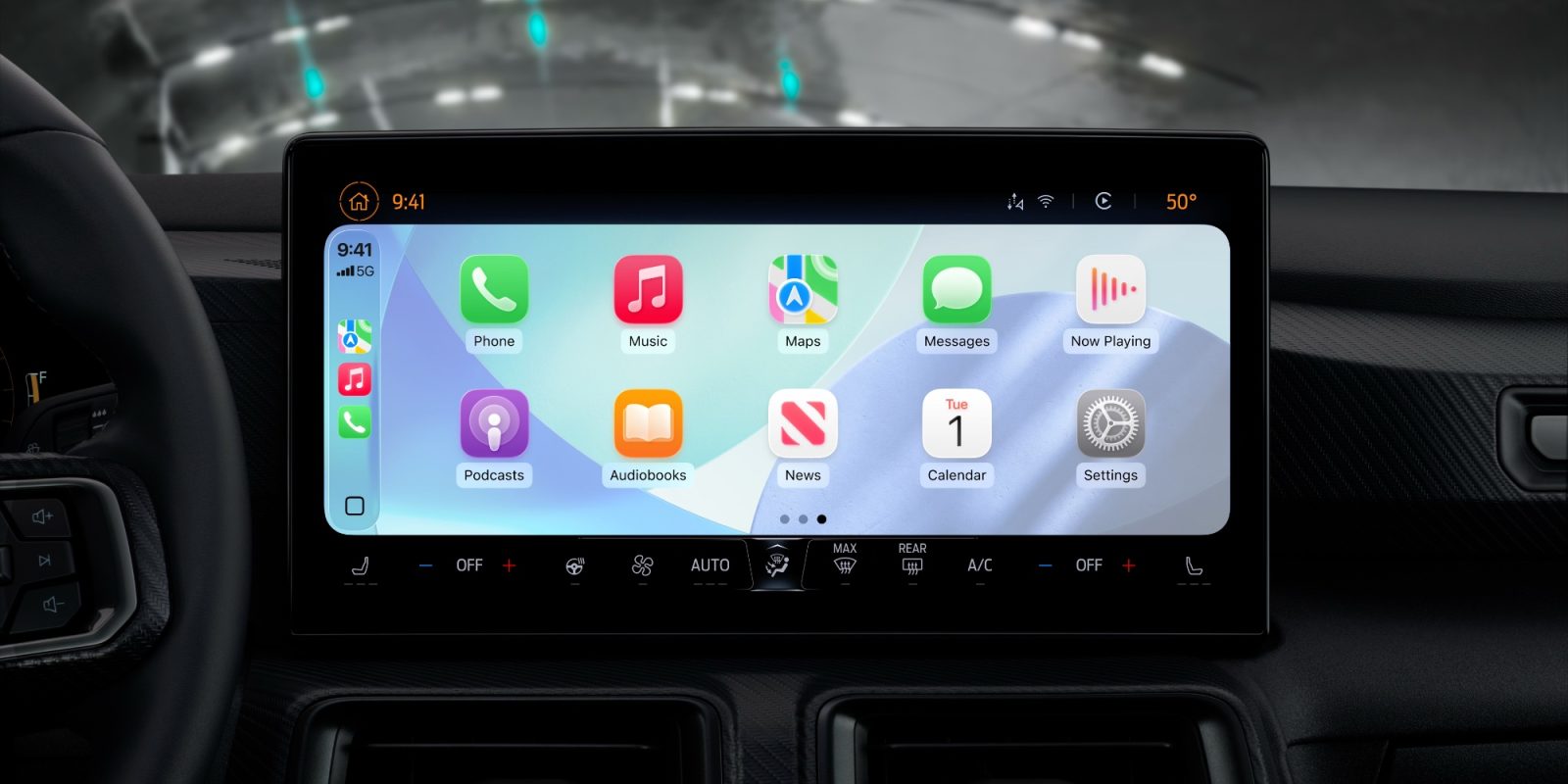

### Latest Enhancements to CarPlay: New Features and Improvements
CarPlay has experienced notable advancements lately, especially with the rollout of new applications and enhancements aimed at improving the user experience. Following the debut of two significant applications, numerous thrilling updates have been released, rendering CarPlay more practical and user-centric. Here’s an overview of what’s fresh in the realm of CarPlay.
#### 1. Apple Sports Widgets
This week, Apple Sports was updated to introduce widget support for CarPlay users. Although a specific CarPlay app for Apple Sports is not available currently, users can now access widgets straight from the CarPlay interface.
The newly added widgets, which can be customized via your iPhone’s Settings under General > CarPlay, feature options for ‘My Teams’ and ‘Leagues’. These widgets permit users to monitor current scores and review schedules for future games while on the move. This capability is part of a larger update that incorporated widgets into CarPlay for the first time in iOS 26, located to the left of the main Home Screen.
#### 2. Perplexity AI Chatbot
Another thrilling addition in iOS 26.4 is the introduction of support for third-party AI chatbots, with Perplexity emerging as the second AI tool available for CarPlay following ChatGPT. The Perplexity CarPlay application enables voice-only interactions, adhering to Apple’s safety protocols for voice-based applications. This approach minimizes on-screen text, concentrating instead on voice commands to guarantee that drivers can engage with the AI safely. As users look forward to a significant Siri upgrade in iOS 27, the introduction of additional AI options for the vehicle is a welcomed improvement.
#### 3. WhatsApp Revamp
WhatsApp has also undergone a noteworthy transformation with its CarPlay application, which was refreshed earlier this month. The redesigned interface empowers users to perform much more than simply asking Siri for messages. Users can now navigate contacts, check call history, and pin favorite conversations, simplifying the process of staying connected while behind the wheel.
The updated CarPlay experience includes a fully native interface that enhances the app’s usability. Users can listen to messages, check chats and calls, and swiftly access incoming, outgoing, or missed calls. Beyond using Siri, the new interface facilitates easy browsing of recent chats and favorites, allowing users to message or call with just a tap.
### Conclusion
With these recent enhancements, CarPlay continues to advance, providing users with a more cohesive and functional experience. From the introduction of sports widgets to the addition of AI chatbots and the major revamp of popular messaging applications like WhatsApp, CarPlay is transforming how users engage with their devices while driving. As these features gain broader acceptance, they promise to make driving safer and more interconnected.