

# How to Implement 3D Spatial Effect on Your iPhone’s Wallpaper in iOS 26
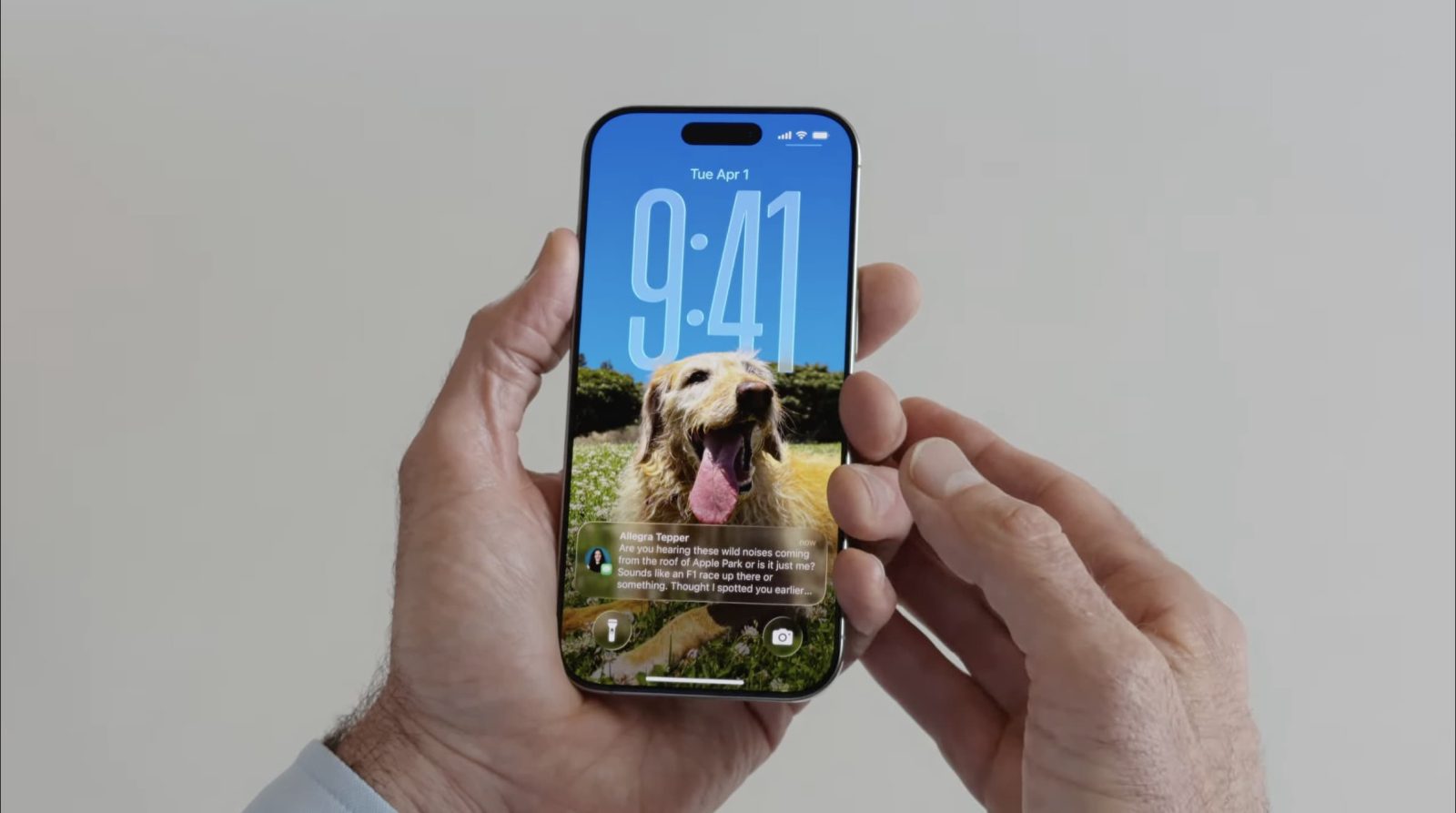
Your iPhone’s wallpaper is one of the finest means to customize the device for yourself. In iOS 26, Apple unveiled an entertaining new 3D effect for wallpapers referred to as 3D spatial wallpapers. This functionality enables your wallpaper to animate when you tilt your iPhone, enriching your user experience.
## What are 3D Spatial Wallpapers?
As per Apple’s official iOS 26 release notes, spatial scenes permit you to incorporate a fresh 3D effect into your photo wallpapers, crafting an exciting visual experience. This effect is available not just for wallpapers but is also included within the Photos app and its Home Screen widget.
## How to Implement the 3D Spatial Effect
To implement the 3D spatial effect on your wallpaper, adhere to these straightforward steps:
1. **Open Settings**: Access the Settings app on your iPhone.
2. **Select Wallpaper**: Tap on the ‘Wallpaper’ option.
3. **Add New Wallpaper**: Click the ‘Add New Wallpaper’ button.
4. **Choose Photos**: Tap ‘Photos’ in the top-left corner to open your photo library.
5. **Select a Photo**: Choose the image you wish to set as your wallpaper.
6. **Activate Spatial Effect**: Tap the geometric photo icon situated near the lower-right area of the screen to create the spatial effect.
7. **Test the Effect**: Shift your iPhone from side to side to witness the 3D effect in action.
8. **Save the Wallpaper**: Press ‘Add’ to secure your new wallpaper.
This minor addition brings an enjoyable aspect to your iPhone, making it feel more animated every time you lift it.
## Conclusion
The 3D spatial effect for wallpapers in iOS 26 is a delightful feature that enhances the customization of your device. If you have yet to explore this feature, consider trying it out to animate your wallpaper.