

The Chromebook made its debut to the public in 2011, with the initial commercial models revealed on May 11 and reaching consumers by June 15, 2011. Over the last fifteen years, they have been a fundamental part of the ultrabook market, although some contend they never excelled beyond budget Windows or macOS laptop alternatives.
Built on ChromeOS, a web-centric framework designed for fast boot times, user-friendliness, and budget-friendly hardware, Chromebooks gained popularity alongside cloud technology, storing user information online rather than locally. This allowed for a more lightweight device with diminished dependence on internal storage.
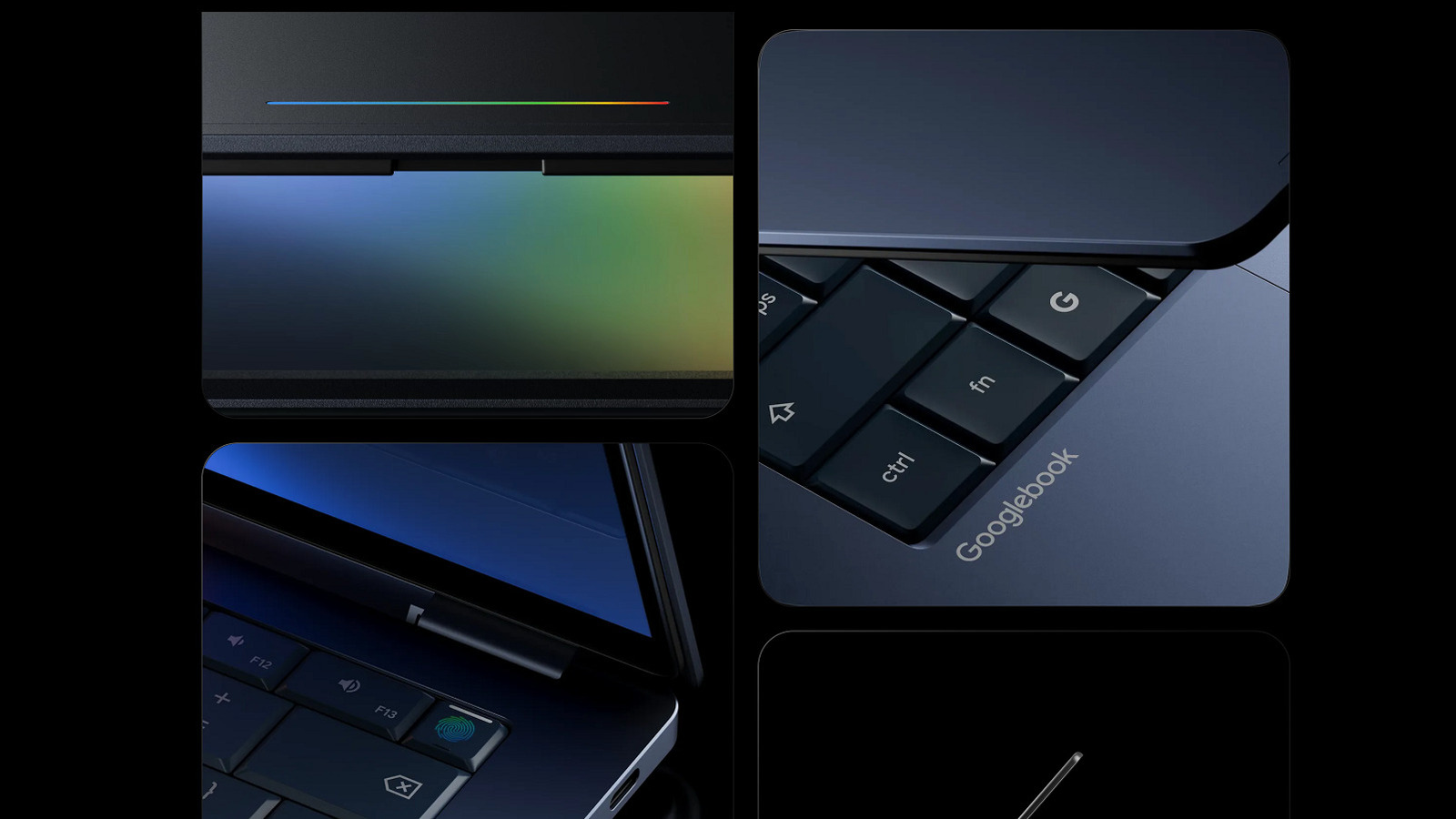
This segment concluded on May 12, 2026, with Google’s launch of the Googlebook — a new series of devices that the search engine titan claims are grounded in the design ethos that “intelligence is the new spec.” In practical application, this translates to a heightened emphasis on AI, which seems to be deeply integrated into the new hardware (timely, as the company recently uncovered hackers utilizing AI to develop a zero-day exploit). There’s also a greater emphasis on seamless integration with Android devices, which means introducing smartphone-like functionalities to your laptop.
Gemini is the new ChromeOS
The incorporation of what Google refers to as Gemini Intelligence into laptops appears to mirror Microsoft’s extensive endeavors to embed Copilot into various aspects of consumer computing in recent years (a strategy they have recently started to retract). The most notable way AI is manifested is through the cursor. Googlebooks will enable users to shake the cursor to activate the new “Magic Pointer,” which provides contextual Gemini integrations for almost anything displayed on the laptop screen. The examples offered by the company in the announcement include clicking a date in an email to arrange a meeting or selecting two pictures to merge them.
Google also highlighted the launch of a feature named Create your Widget. The concept is to consolidate the utility of multiple programs or applications into one accessible by clicking a single desktop widget. Google recommends creating a widget for an upcoming trip, allowing users to quickly visualize itineraries, view airline, hotel, and restaurant bookings, and set reminders all through a single interface.
Blurring the lines between your phone and laptop
Googlebooks focus on encouraging your phone and laptop to integrate more closely, so you don’t need to disrupt your work to access apps and features on your phone. The Googlebook interface will enable you to swiftly access files and applications on your phone from your laptop’s taskbar, eliminating the need to reach for a second device.
Interestingly, the examples Google provides for this tighter integration with Android are primarily actions you can already perform through a browser or existing applications. For instance, the company suggests diving into a Duolingo lesson, but Duolingo is already available via browser, with no need for a smartphone. The announcement also mentions ordering food without grabbing your phone, yet virtually every delivery service, and many restaurants, already permit ordering via a website. There’s also a note about swiftly accessing files on your phone, which is doable on any Windows PC via the built-in Phone Link feature.
Whether Googlebooks signify more of an evolution or a revolution remains uncertain, but we shouldn’t have to wait too long for an answer. The company states it is collaborating with laptop manufacturers like Acer, ASUS, Dell, HP, and Lenovo, with an announcement regarding availability expected this fall. Should you choose to upgrade, we have some suggestions for innovative ways to utilize an outdated Chromebook.