
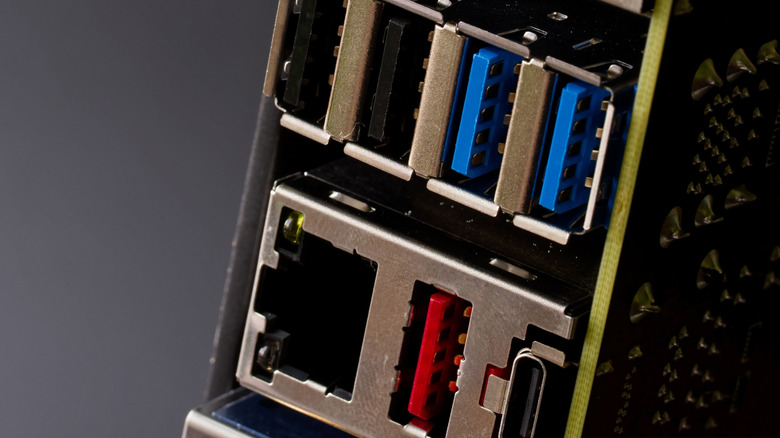

Blue USB ports, commonly found in today’s computing devices, are frequently regarded as faster than other standard ports like black USB ports or white USB ports. Nevertheless, if your computer features a red USB port, which is relatively rare, you are likely to have access to a port that offers faster performance than the blue USB.
The color of a USB port is usually linked to the USB generation that the connector supports, which dictates its data transfer speed and power capabilities. In certain instances, the port color may also indicate whether the port has always-on functionality, enabling it to supply power or charge the connected device even when the computer is in sleep mode. For instance, an orange USB port is generally an always-on port and can support data transfer speeds of USB 3.2 Gen 1 (or USB 3.0). So, what capabilities do the blue and red USB ports have, and how much faster is the red USB port? Let’s investigate.