
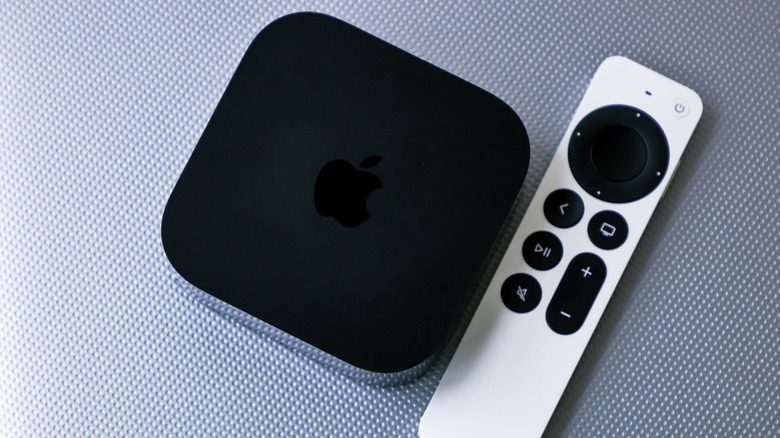

Apple TV’s Siri Remote is the most straightforward way to manage the multimedia device, but it’s not the sole option for users when the remote is out of reach. The Apple Watch on your wrist serves as a suitable substitute, as many individuals may already wear the smartwatch while enjoying TV. The wearable device includes the primary controls that most users desire, such as switching apps, playing programs, and adjusting the volume. However, the drawback is that the Apple Watch features a smaller screen compared to an iPhone, making it less convenient for extended use as a remote control.
The Apple Watch isn’t the sole Apple gadget that can operate the Apple TV. Both the iPhone and iPad also provide remote control functionality for the Apple TV, provided they are nearby and not charging in another room. Furthermore, the Apple TV accommodates third-party remotes, which can prove helpful if you frequently misplace the official remote or if it becomes damaged. Nevertheless, none of these options surpass the convenience of having remote-control functions integrated into the Apple Watch on your wrist. Additionally, the Apple Watch Remote app solely requires watchOS 6.0, an operating system that debuted in September 2019. This indicates that you don’t require the latest Apple Watch model to operate the Apple TV. Previous versions running watchOS 6.0 or later should still be functional.
It’s important to note that Apple designates the Apple TV device as “Apple TV 4K” in the support documentation outlining the Apple Watch remote control functionality. Currently, Apple exclusively sells Apple TV 4K models (which are the only ones compatible with the Apple Watch). This may explain why Apple mentions the complete product name rather than the more general product name, Apple TV, which encompasses the streaming service that can be accessed without an Apple device.