


## Introduction
Houdini by SideFX holds a unique spot in digital content creation. Unlike many 3D applications, it uses a procedural, node-based workflow offering artists great control, flexibility, and repeatability. Rather than relying on destructive edits, users create networks adjustable at any stage, making it powerful for simulation-heavy tasks.
Houdini is popular across several industries. In film and TV, it’s used for visual effects like smoke, fire, and large-scale destruction. In games, it’s employed for procedural asset creation and environment generation. It also features in motion graphics, architectural visualization, and real-time pipelines where procedural workflows reduce manual effort.
At Puget Systems, we’ve followed Houdini’s development and worked with customers using it in production. Earlier this year, we featured a guest article on Houdini performance from a production perspective. What’s new is our ability to test Houdini systematically.
This post introduces the first iteration of that effort.
## Benchmark Structure
Creating a benchmark for Houdini meant deciding what to measure.
Unlike applications with fixed workflows, Houdini is highly procedural. Performance varies with the solver used, network construction, and simulation scale. A single scene can’t represent real-world usage.
For this version, we focused on simulation types reflecting common production workloads: smoke, fire, grains, fluids, and rigid body fracturing. Each stresses the system differently, highlighting performance across a range of behaviors.
All test scenes are based on publicly available files, with small changes for consistency and reliability.
## Test Scenarios
Each simulation uses a specific solver with unique interactions.
### Smoke
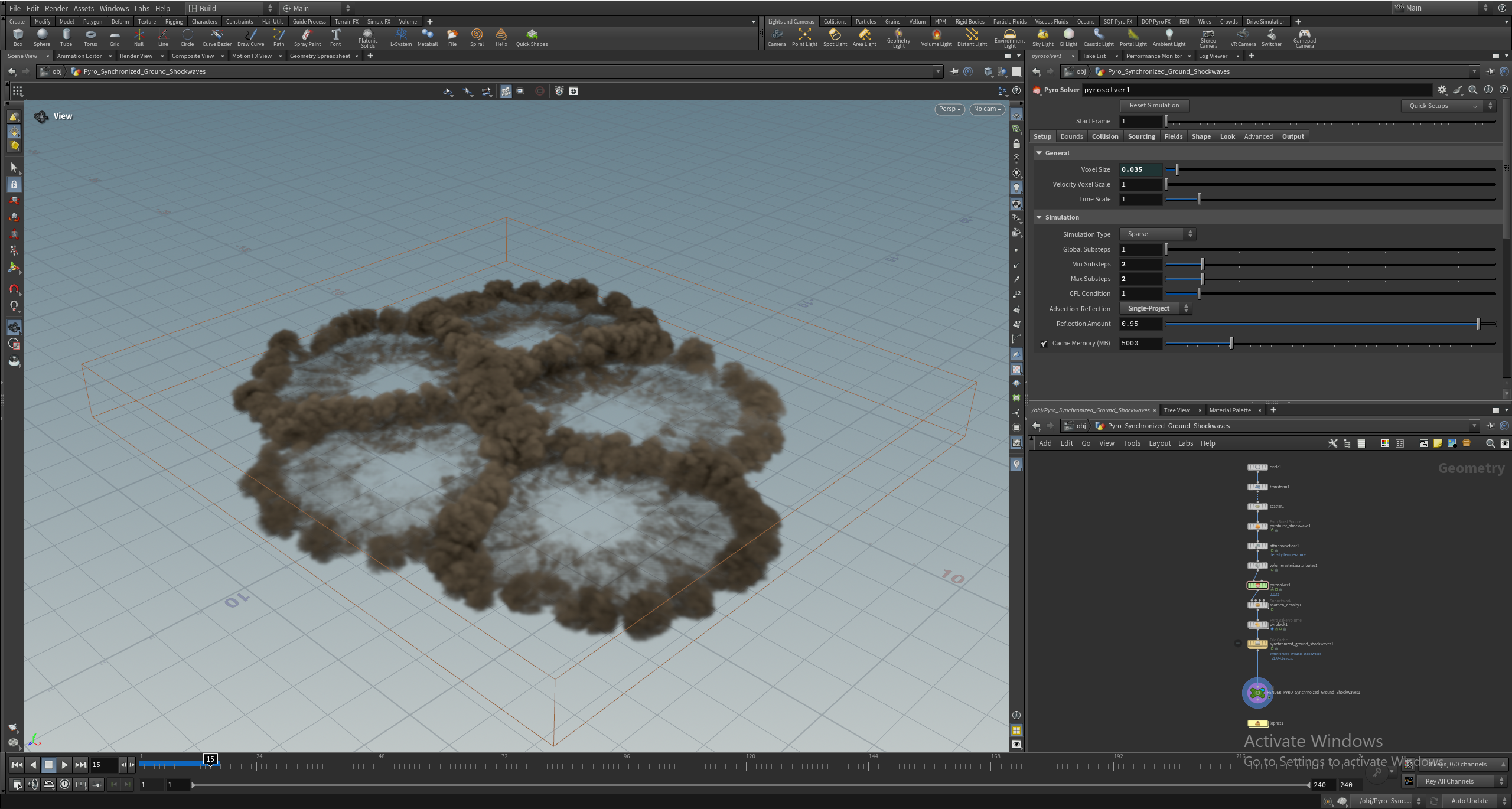
First, we have a Smoke simulation using the Pyro solver, with five explosion points creating smoke clouds that collide, simulating multiple interactive effects. This runs for 240 frames.
### Fire
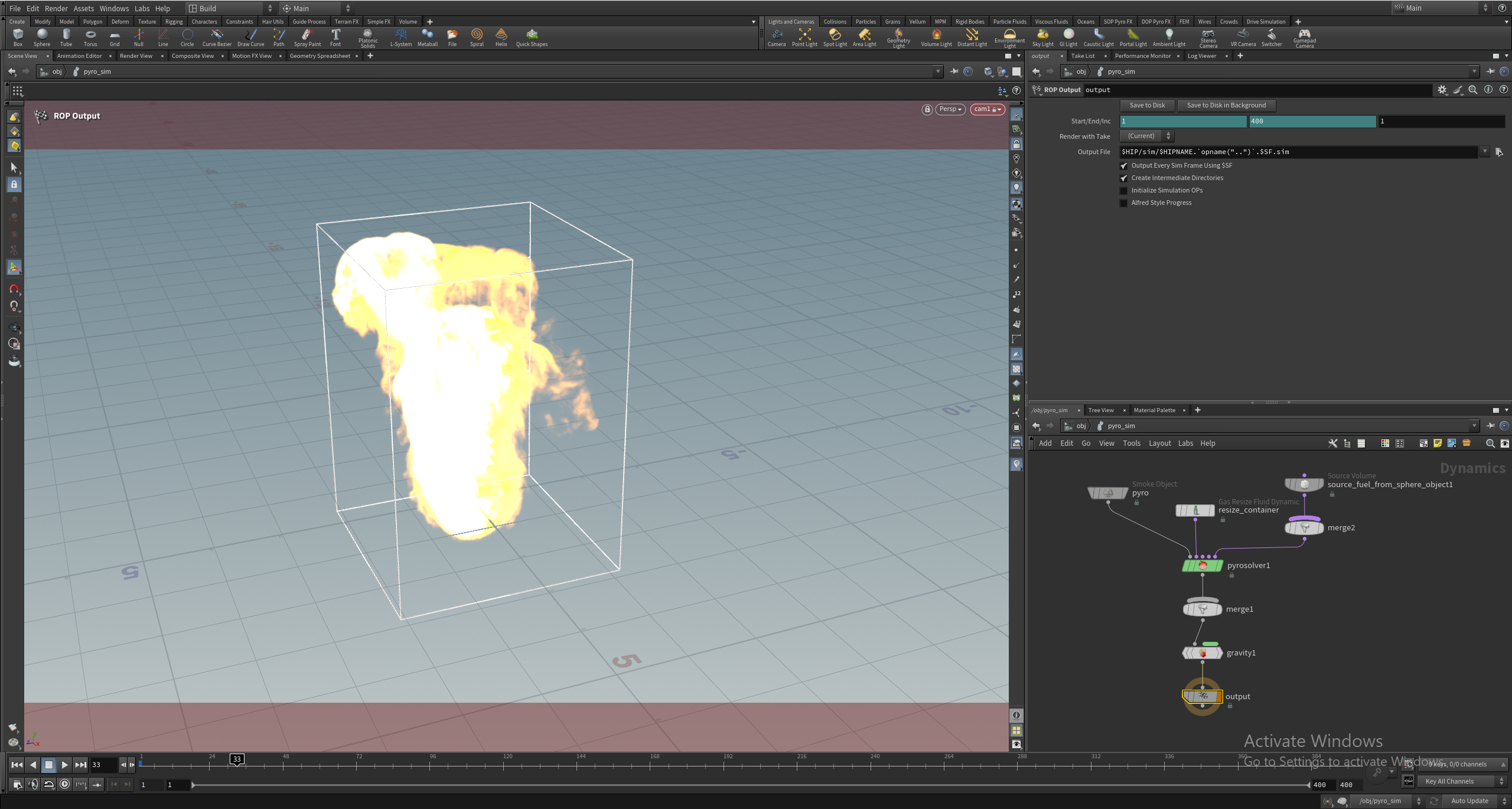
The Fire project, from Saad Moosajee, uses the Pyro solver, replicating a flame. It runs for 200 frames.
### Grains
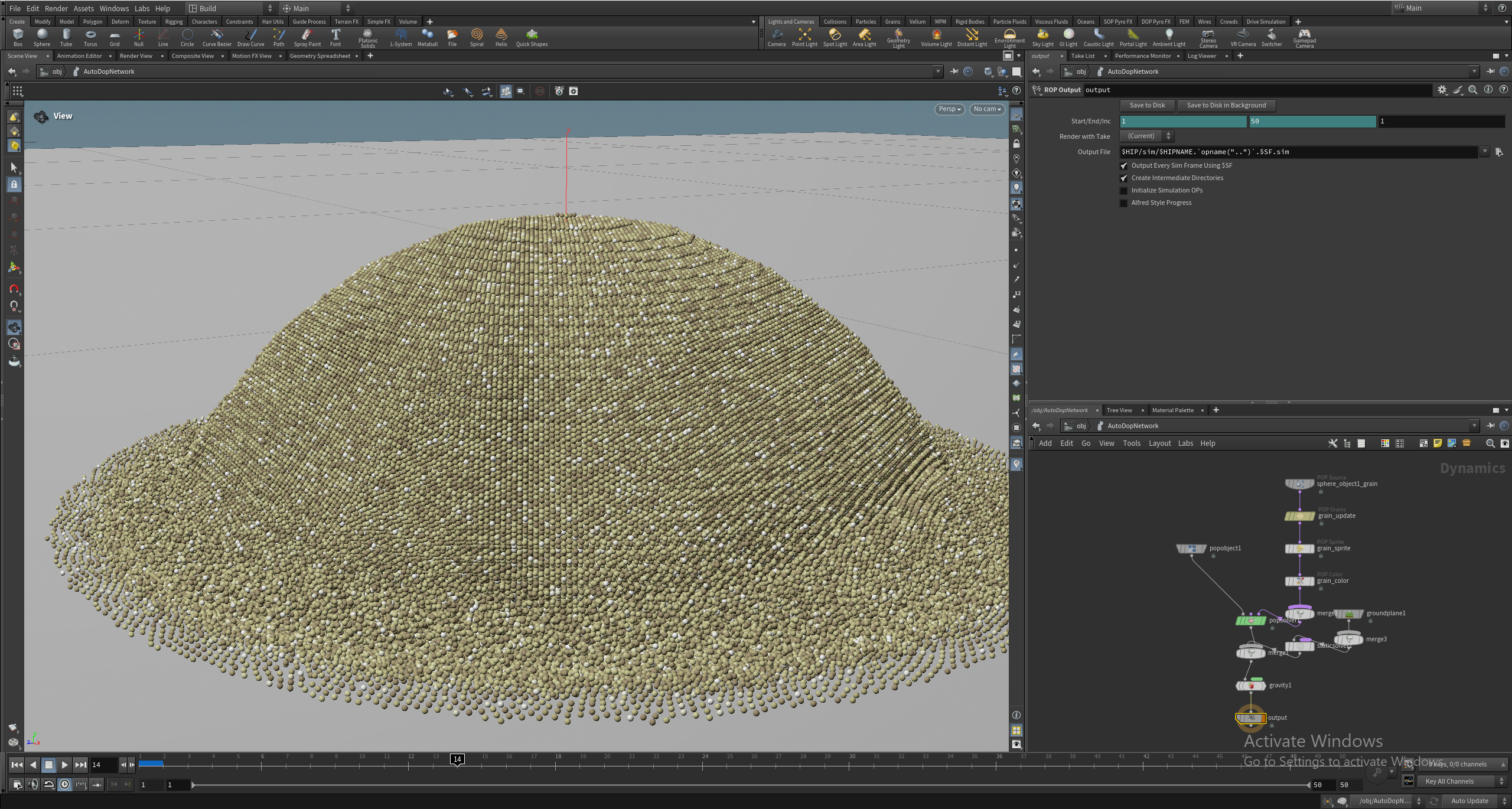
Our Grains project, by Saad, features 700,000 particles created using the POP Grains and POP Solver nodes. The grains scatter on a ground plane and runs for 50 frames.
### Fluids
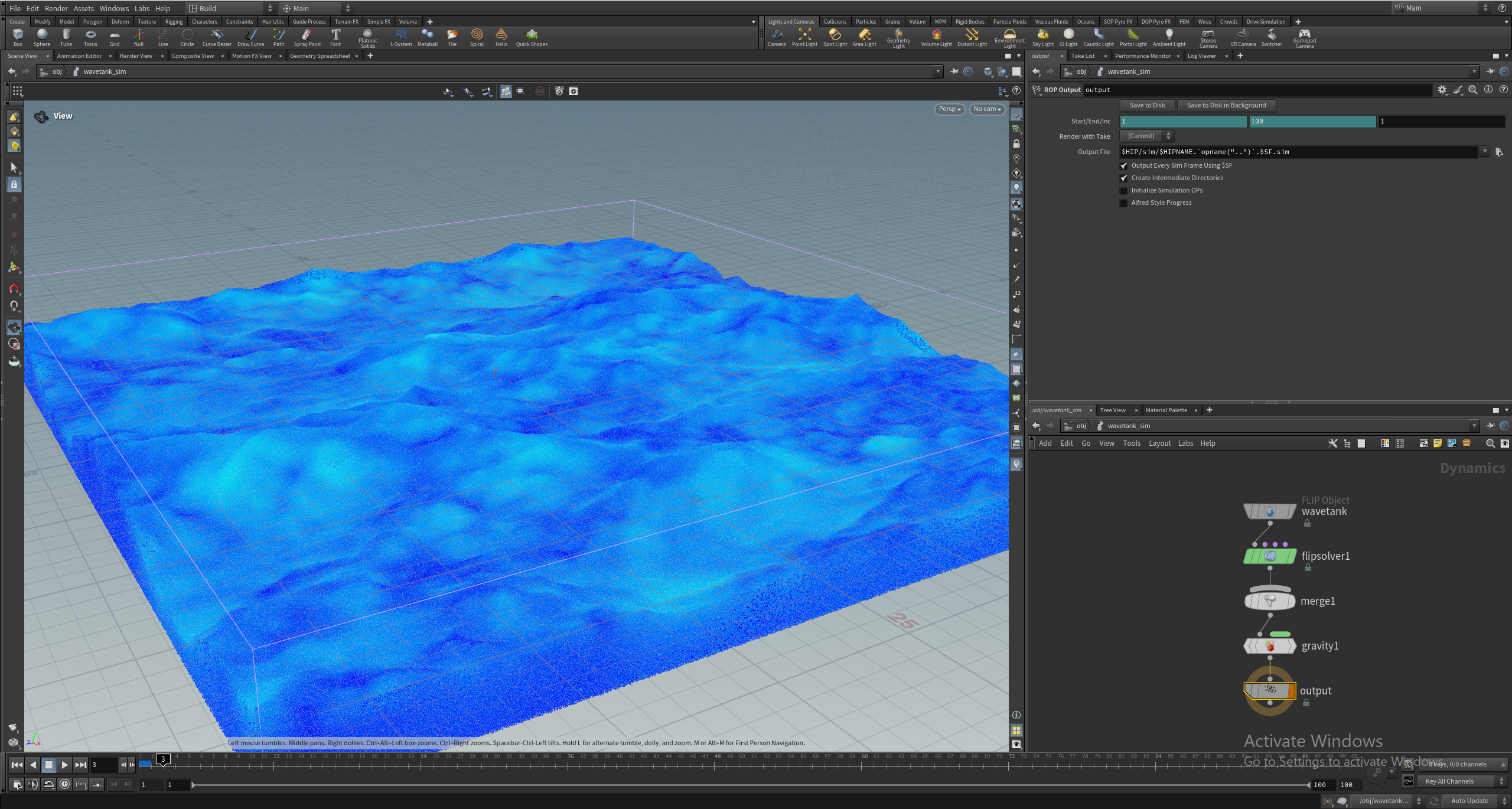
The Fluids test by Saad uses 31 million points with the FLIP solver to simulate fluids, running for 25 frames.
### Fracture
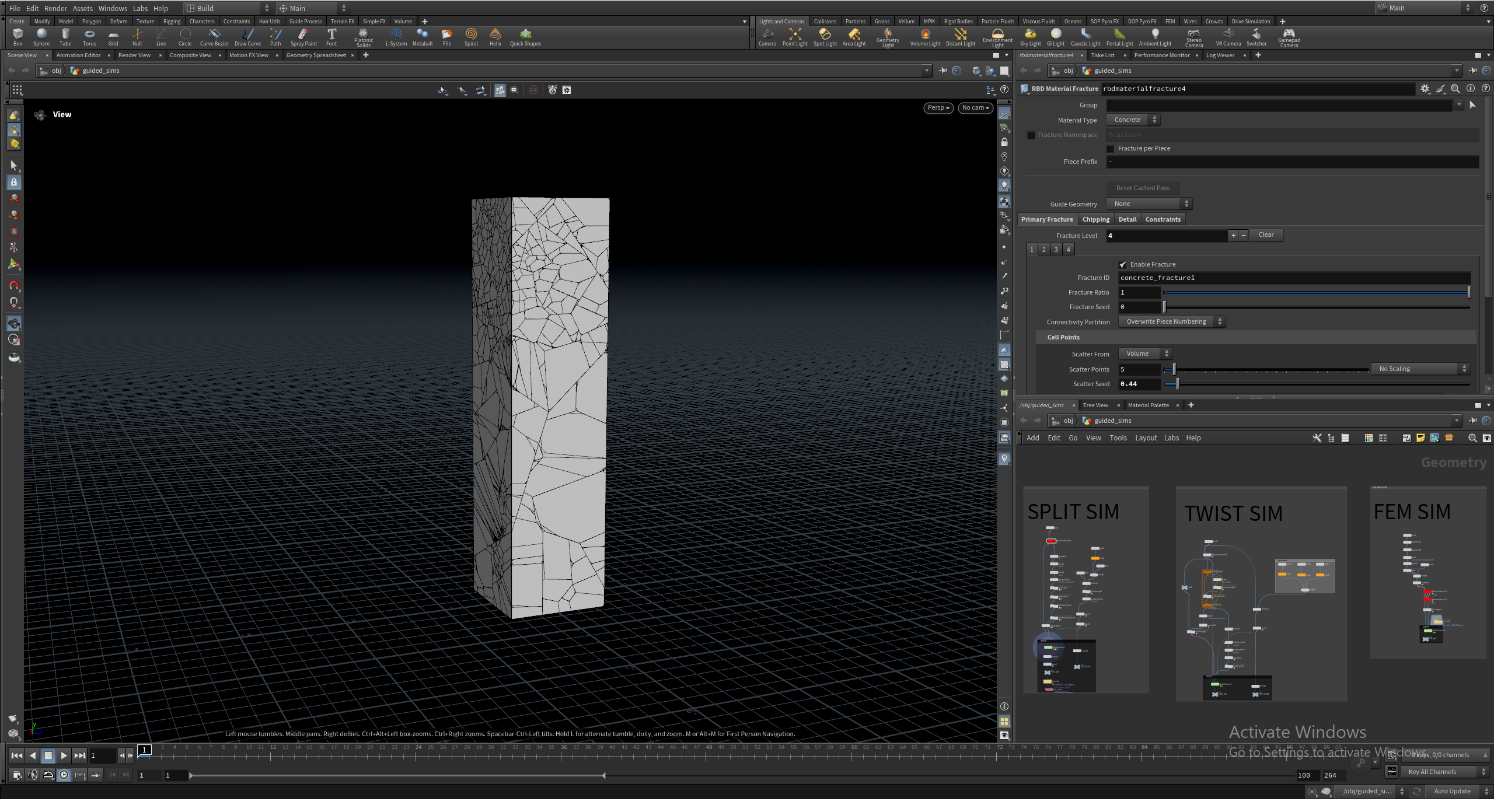
Finally, the Fracture test uses the RBD Material Fracture node and RBD Bullet Solver to crumble a large geometry piece, running for 100 frames.
The frame counts were chosen based on each simulation’s characteristics, keeping test time reasonable while reflecting the performance profile of each workflow.
## Running the Tests
All simulations use Houdini’s hbatch in a headless setup. Running headless removes UI overhead and reflects simulation performance directly, aligning with production environments where simulations are often background or system-executed.
This ensures a repeatable testing environment, essential for hardware comparison, and allows easier automation, reducing external impact on results.
## Gathering Results
We record total time to complete each simulation. Tests are run several times to account for variance, and results are reviewed for consistency.
Currently, we don’t break down results by frame timing or solver stages, focusing on total simulation time as a baseline for hardware comparison.
## Looking Ahead
This benchmark will be part of our standard CPU testing suite for future processor reviews. We’ll expand to GPU-accelerated solvers and consider how memory, cache, and storage impact larger simulations. Validating results against real-world workflows is key to its usefulness.
Feedback is valuable. If you use Houdini, we’re interested in simulations that are critical to your workflow, solvers or workflows vital to your pipeline, and bottlenecks you encounter, whether CPU, GPU, memory, or storage. Example project files help expand and refine the benchmark.
## Conclusion
This benchmark starts our effort to include Houdini in our content creation testing at Puget Systems. The current simulations are a small sample of Houdini’s capabilities, with room for expansion in scope and depth.
We aim to improve coverage, validate results against real workflows, and ensure data is accurate and