
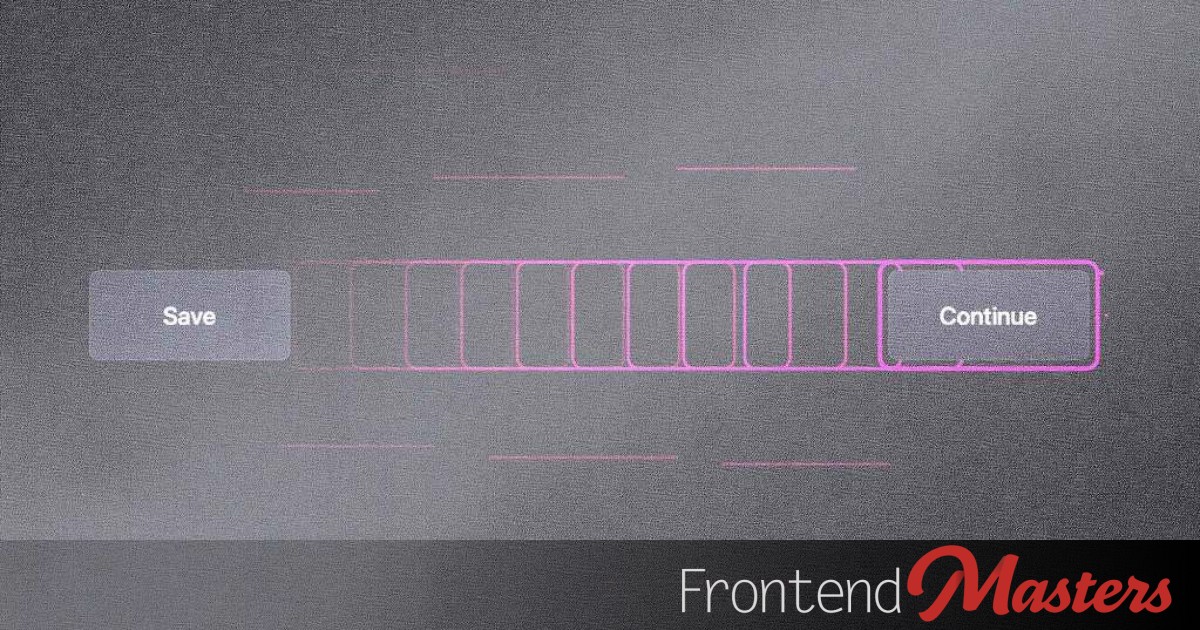

The main concept here is animating the focus ring on web pages around elements that are literally focused. This is similar to the default or custom `:focus` and `:focus-visible` styles.
This idea may not be practical. It’s unnecessary motion that nobody requested. However, even WebAIM, a site dedicated to web accessibility, utilizes it. The site adds keyboard focus indicators for links and form controls, featuring a focus “trace” or “flying focus” via scripting to help users follow visual focus. Their implementation respects `prefers-reduced-motion`, which is quite relevant.
For me, this is a fun challenge, especially with new technology available to play with. This idea emerged after reading Ben Nadel’s “Animating DOM Rectangles Over Focused Elements In JavaScript.” His approach involves using JavaScript to reference the focused element, measure its location and dimensions, then animate based on the new numbers obtained. While this method works, measuring in JavaScript isn’t very performant, and animating values like `top` and `left` isn’t ideal. Perhaps FLIP or AIM can be used somehow? However, what appealed to me was View Transitions.
View Transitions allow for tweening, which suits our purpose. In short, if an element has a unique `view-transition-name` and you call `startViewTransition()` while altering the DOM (like moving focus), the element will animate to the new state, which is what we’re aiming for. We’re using JavaScript here, not dealing with multiple pages, just focusing on a single page.
The task involves changing the DOM within the View Transition, and animation happens magically. We manually move the focus using a `.focus()` call. The DOM change is the shift of focus, which triggers the animation.
It’s unfortunate that we have to hijack the Tab key presses for this:
“`javascript
document.addEventListener(‘keydown’, (e) => {
if (e.key !== ‘Tab’) return;
if (!document.startViewTransition) return;
const focusables = […document.querySelectorAll(
‘a[href], button:not([disabled]), input:not([disabled]), select:not([disabled]), textarea:not([disabled]), [tabindex]:not([tabindex=”-1″])’
)].filter(el => el.offsetParent !== null);
const i = focusables.indexOf(document.activeElement);
if (i === -1) return;
e.preventDefault();
const dir = e.shiftKey ? -1 : 1;
const next = focusables[(i + dir + focusables.length) % focusables.length];
document.startViewTransition(() => next.focus());
});
“`
Unfortunately, Tab is not the only way to focus elements, but it’s the method used here. Ben’s demo utilizes the `focusin` event to capture focus from all sources, but by then, the DOM change has occurred, making it too late for a View Transition. There are ways to make this more comprehensive, but that’s too complex for this fun experiment.
Current progress is shown.
The issue is determining what elements are focusable independently. My implementation currently excludes `
If we slow down our demo, we’ll notice odd behavior:
“`css
::view-transition-group(focus-ring) {
animation-duration: 5s;
animation-timing-function: cubic-bezier(.4, 0, .2, 1);
}
“`
I don’t know how to fix this. There are numerous View Transitions pseudo-elements to control animation parts, but none seem to do precisely what I want. Ideally, only the pink rectangle should move, without content inside it. There is no CSS method for “make myself transparent while keeping my outline visible.” We could fake it, which comes next, but otherwise, there’s no solution.
Using a class during the View Transition might “cover” the element with a background color while transitioning. But it’s not a neat solution either.
The trick might be using a `` to act as a focus ring, behaving like `:focus-visible` styling would. The `` would be an empty ring flying around.
The `` doesn’t move; every focusable element has its own `` that shows when focused.
“`css
a, button { position: relative; }
a:focus-visible,
button:focus-visible { outline: none; }
span.focus-ring {
position: absolute;
inset: -6px;
border: 2px solid deeppink;
border-radius: 6px;
pointer-events: none;
opacity: 0;
}
:is(a, button):focus-visible > span.focus-ring {
opacity: 1;
view-transition-name: focus