
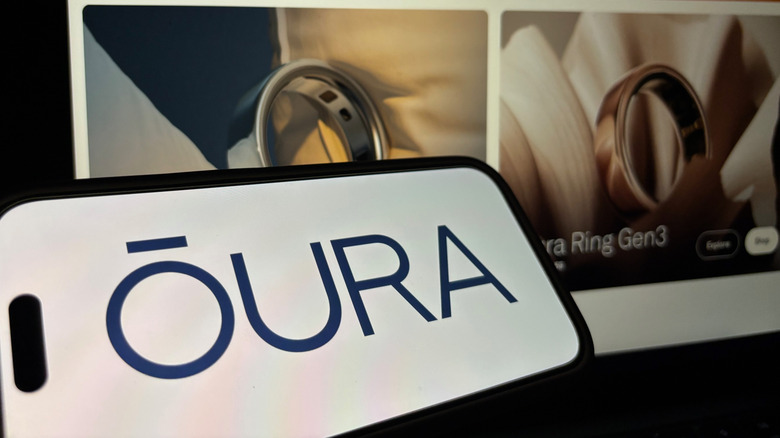

Health and fitness wearables are currently enjoying a revival, exemplified by devices such as the Oura Ring and smartwatches. Specifically, the Oura is a stylish, lightweight smart ring that can monitor a variety of health metrics, including sleep, heart rate, and temperature. With its vast array of advanced functions, it can sometimes be difficult to understand what each of the different indicators signifies — including a red light.
A red light on a health monitoring device might be concerning, but there’s no need for alarm: If you have the Oura Ring 4, one of our top picks for smart rings, and it shows a red light, it simply indicates that it’s actively analyzing your blood oxygen levels (SpO2) while you sleep. The sensor monitors fluctuations in these levels, which can be crucial indicators of your overall health. Ideally, most individuals should have a blood oxygen saturation level between 95% and 100%; readings significantly below this range may suggest a possible concern. Note that this functionality isn’t available on Gen2 or older versions of the Oura Ring.
How the Oura Ring measures blood oxygen levels
While you sleep, the Oura Ring emits pulses of red and infrared light through its LEDs into your finger. Blood that is rich in oxygen reflects more red light than infrared light; conversely, lower blood oxygen levels lead to more infrared light being reflected. The ring captures this information and presents it in the Oura app. You can locate it on the Sleep screen, but make sure that your Oura Ring’s sleep tracking feature is functioning properly first.
You can view your Average Blood Oxygen score, representing the percentage of oxygen in your blood over a three-hour sleep period, along with a graph depicting your Breathing Regularity. This shows any fluctuations in blood oxygen levels over time and is distinct from respiratory rate, which is measured in breaths per minute.
Typically, the red LEDs will not activate during daytime, though they may light up whenever the ring detects sleep. If you’re in a relaxed state with low heart rate, BPM, and little movement, the Oura ring could interpret this as you having fallen asleep and start measuring your SpO2.
How to enable Oura’s blood oxygen sensing functions
To track Breathing Regularity and Average Blood Oxygen, you must manually enable these features before the Oura ring will commence measuring while you sleep. To do this, access the hamburger menu in the Oura App and select Blood Oxygen Sensing, then press the button to toggle it on. For activation, your ring needs to be connected to the app via Bluetooth. The next time you sleep for over three hours, your scores should appear on the app’s Sleep screen.
Breathing Regularity is displayed in the app as a color-coded timeline, with an optimal rating indicating no significant fluctuations. A good rating appears as dark blue vertical lines, while a fair rating is seen in light blue. Frequent fluctuations in your blood oxygen levels, represented by white lines, could indicate a problem with your breathing or oxygen levels, so be sure to pay special attention in those instances. There are also tips available for enhancing your breathing regularity, which can be accessed by tapping the information icon.