

We previously established a functional blog using TanStack Start, using Shiki for code syntax highlighting, and creating server functions for filesystem inspection, discovery of Markdown-format blog posts, and building final blog pages.
However, more work remains.
Performance Issues
The Shiki setup in the top-level async function getMarkdownIt() method takes considerable time to initialize. Although the function call is fast, the module’s initial parsing is slow, roughly 2 seconds on a modern MacBook Pro. This delay is due to the large load of WASM needed for code parsing and formatting.
This signifies a roughly two seconds process block when the web server initiates and processes the import graph. In the context of a blog, this spin-up time might seem negligible as it occurs once.
Cold Starts
However, the scenario changes when deploying to Netlify, Vercel, or other serverless platforms like AWS Lambda, where cloud functions frequently spin up to process requests. This spin-up time, or “cold start,” is well-known in serverless environments. Modern platforms like Netlify and Vercel mitigate this by “pre-warming” serverless functions to minimize the cost.
Going Static
Rather than debating cold starts’ impact on a blog with few readers, we should question the need for a server: are servers necessary? Blogs are static. Modern frameworks allow for static pre-rendered content delivery, fitting our needs perfectly. We could pre-render blog pages and host them anywhere without server processing, or distribute the built static assets via a CDN.
Pre-Rendering Pages
Initially, let’s modify the vite.config.ts file to adjust TanStack settings:
“`typescript
tanstackStart({
prerender: {
enabled: true,
},
}),
“`
Enabling pre-rendering means TanStack will crawl routes and links during the build process. Starting with the home `/` route, it will compile pages and first follow each tag.
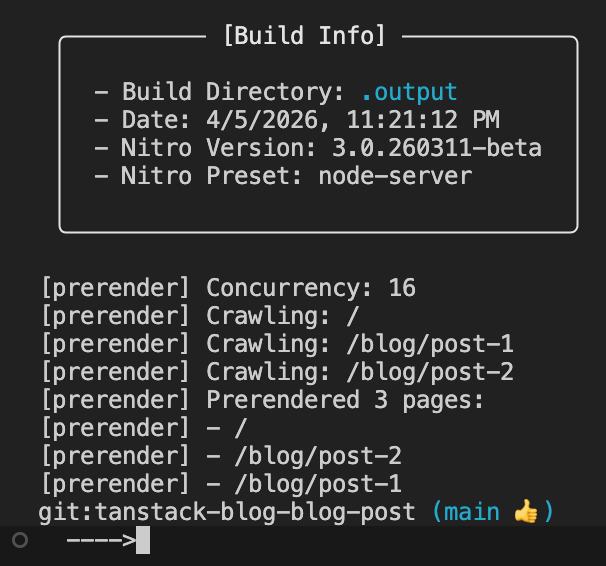
During the build, this becomes visible:
Inspecting the generated output reveals the Nitro plugin (the default deployment adapter) generating output within the .output folder:
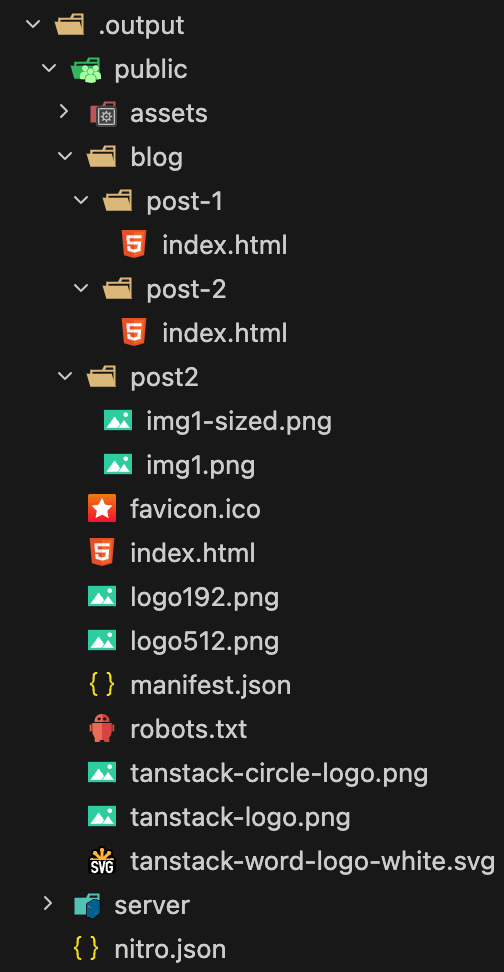
The /public folder contains all directly accessible routing content, including index.html, blog paths, post-2 images.
Running Content as a Static Website
Though uploading files to an S3 bucket might be excessive for this test, true static rendering can be simplified with two scripts:
“`javascript
“generate-static-site”: “npm run build && rm -rf static-site && mkdir -p static-site && cp -r .output/. static-site”,
“start-static-server”: “npx tsx static-server.ts”
“`
These scripts build and copy build output to a static-site folder, then execute static-server.ts as follows:
“`typescript
import express from “express”;
import path from “path”;
import { fileURLToPath } from “url”;
const __filename = fileURLToPath(import.meta.url);
const __dirname = path.dirname(__filename);
const app = express();
const PORT = 3003;
app.use(express.static(path.join(__dirname, “static-site/public”)));
app.listen(PORT, () => {
console.log(`Server is running on http://localhost:${PORT}`);
});
“`
This script launches an Express server using static middleware pointing to /public inside copied build output.
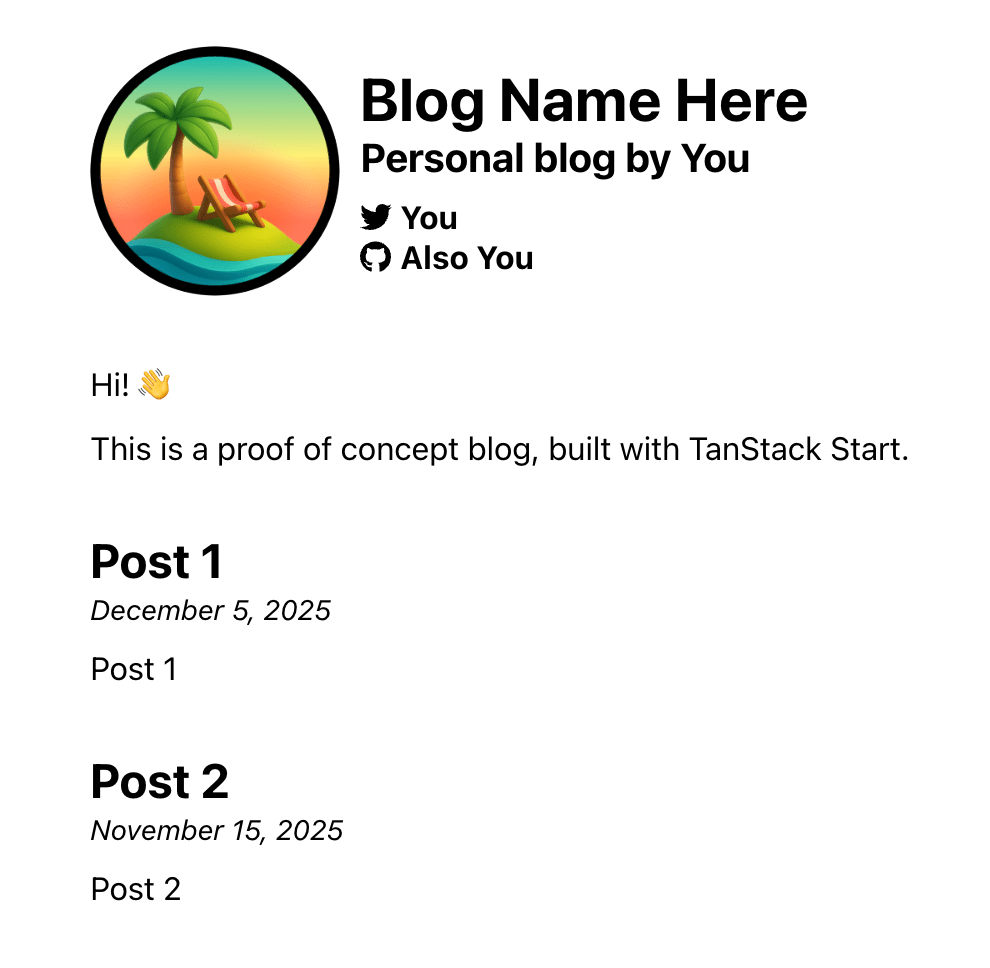
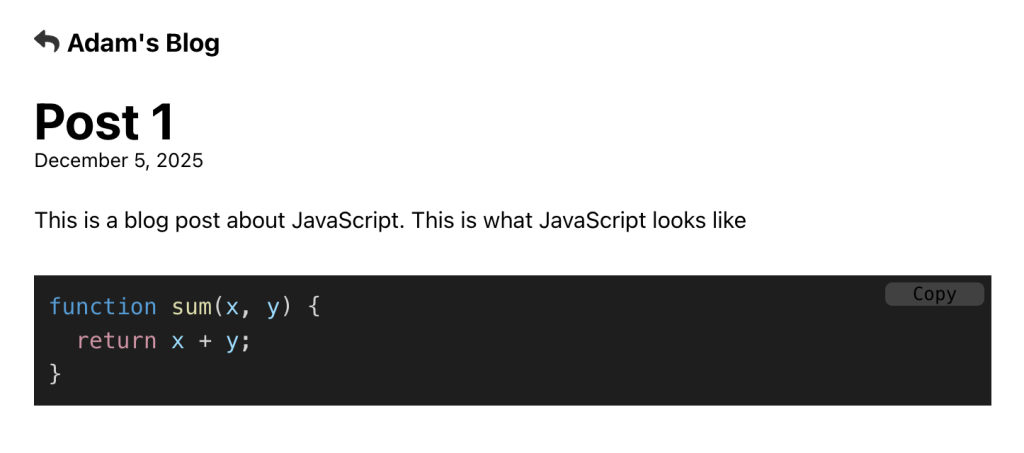
Testing the app demonstrates direct navigation to pages succeeding:
However, in-app navigation fails:
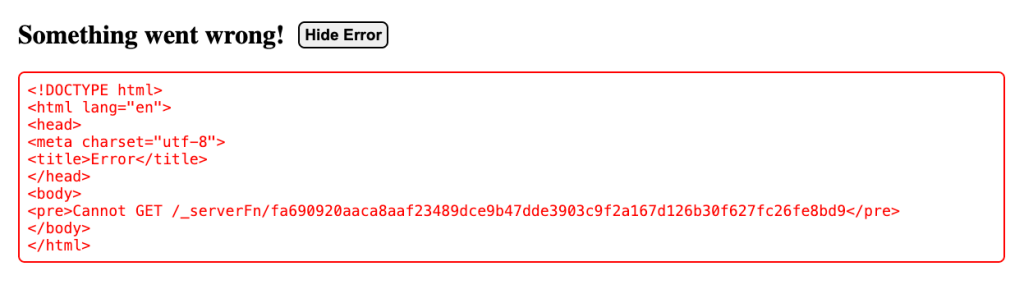
The network tab reveals further clarity.
<img src="https://i0.wp.com/frontendmasters.com/blog/wp-content/uploads/2026/04/img10.png?resize=1024%2