
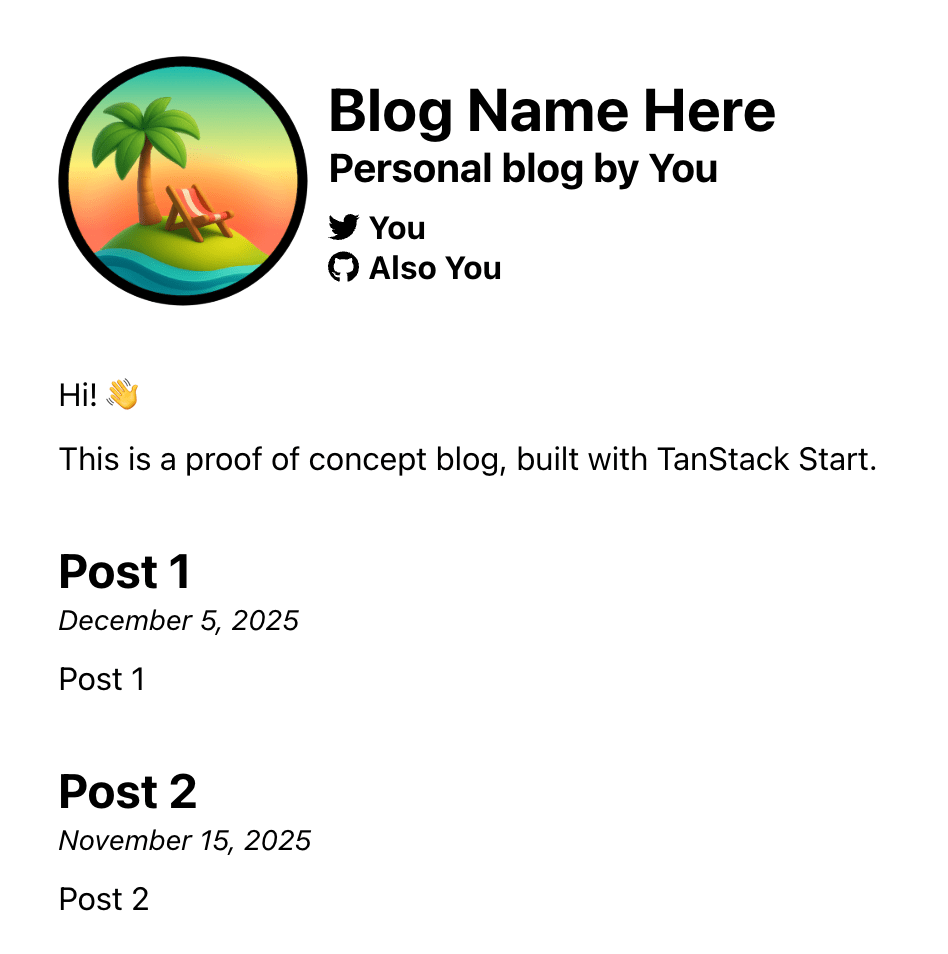

TanStack Start is rapidly becoming popular as a new web framework. Start serves as a light server-side layer on top of TanStack Router, incorporating server functions, API endpoints, and server-side rendering. Previously, I have written an introduction to Router in three parts and an introduction to Start.
This article takes a different approach by examining TanStack Start through the lens of a classic example: building a blog. You can find the complete code on GitHub. While somewhat typical, this case allows us to delve into key features such as server functions and routing parameters, along with niche patterns like static pre-rendering.
In this first part, we’ll create our blog. Part 2 will focus on static generation to make deployment seamless. Keep an eye out for that!
Setting Up
We’ll draft our blog posts in Markdown files and examine a chosen directory to identify existing posts, enabling us to create links to them. For the post-specific page, we’ll convert Markdown into HTML, complete with code highlighting.
Finding the Posts
Initially, we’ll read all our blog posts, housed under the blog folder, each in its own folder with an index.md file.

We aim to extract post names to generate homepage links. Vite’s import.meta.glob method provides a dynamic way to process file reading.
“`typescript
const allPosts: Record = import.meta.glob(
“../blog/**/*.md”,
{ query: “?raw”, eager: true }
);
“`
From this, we parse each file URL to obtain the correct name. Here’s the full method.
“`typescript
export const getAllBlogPosts = () => {
const allPosts: Record = import.meta.glob(“../blog/**/*.md”, { query: “?raw”, eager: true });
return Object.entries(allPosts).reduce(
(result, [key, module]) => {
const paths = key.split(“/”);
const slug = paths.at(-2)!;
result[slug] = module.default;
return result;
},
{} as Record,
);
};
“`
Reading Metadata About Each Blog Post
We’ll employ gray-matter to retrieve metadata from our posts.
“`javascript
import matter from “gray-matter”;
“`
This allows metadata inclusion at the top of Markdown files.
“`markdown
—
title: Post 1
date: “2025-12-05T10:00:00.000Z”
description: Post 1
—
“`
We’ll extract title, date, and description, drafting some types and helpers for this metadata.
“`typescript
export type PostMetadata = {
title: string;
date: string;
description: string;
slug: string;
author: string;
ogImage: string;
coverImage: string;
};
export type Post = PostMetadata & {
content: string;
};
“`
“`typescript
const metadataFields: (keyof PostMetadata)[] = [“title”, “date”, “description”, “slug”, “author”, “ogImage”, “coverImage”];
const postFields: (keyof Post)[] = […metadataFields, “content”];
“`
Building the Homepage
We will construct the primary blog page.
Here’s our root index (/) path route. We defined a loader and specified the component to render. The loader reads each post’s titles and metadata, which our component then uses to render links.
“`javascript
export const Route = createFileRoute(“/”)({
loader: async () => {
const posts = await getAllPosts();
return {
posts,
};
},
component: App,
});
“`
Despite the boilerplate code, the TanStack file watcher auto-generates a minimal route object for new files in the routes folder during development.
Our loader reads posts, linking a React component to this route. Note that loaders in TanStack Start are isomorphic, initially running on the server but executing on the client for subsequent page loads. As a result, Node APIs cannot be used for file reading; instead, a Server