
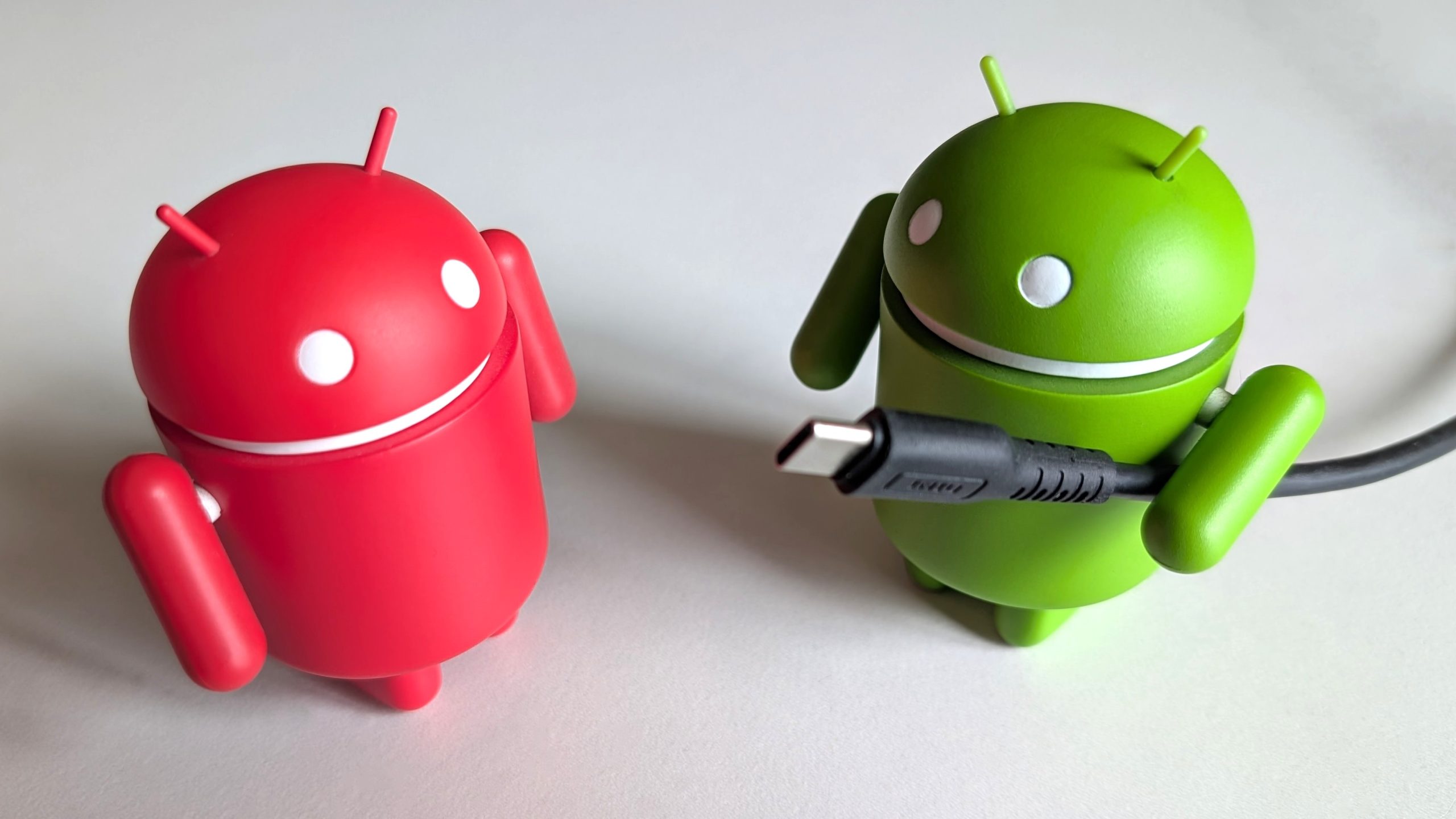

The sacred triad of USB cables.
If you own an Android or iOS smartphone, you typically receive at least one USB cable in the packaging. However, relying on that single cable isn’t sufficient for every situation. Every smartphone owner should possess a minimum of three types of cables, prepared for various circumstances and requirements.
USB cables can be incredibly perplexing. While USB Type-C has become the standard, distinguishing one USB-C cable’s specifications from another’s can be nearly impossible. So when purchasing a cable, ensure you select the correct type with the right specifications compatible with your device. This way, you can be confident about the specifications of your cable from the start.
Here are the 3 essential USB cables that everyone ought to have.
A dependable USB-C to USB-C cable
Even if your phone comes with a USB-C to USB-A cable, having a C-to-C cable is essential for Power Delivery rapid charging. Ensure it’s a USB-C 3.2 Gen 2 cable, as it supports SuperSpeed+ USB 10 Gbps data transfer rates and is backward compatible with previous USB versions. This cable allows you to link your phone to various devices like chargers, other smartphones, tablets, laptops, gaming controllers, and more.
Make sure your USB-C cable is rated for at least 60W, or 100W if it’s within your budget, so it’s ready for future use. Additionally, it can charge your laptop or Chromebook too. Unless your phone supports ultra-fast charging, it’s quite unlikely that such a cable will be included in the package.
Thunderbolt compatibility is a bonus, but it’s not an essential feature in a USB-C cable unless you own other devices with Thunderbolt support, like a camera and a computer. This way, you can acquire one high-quality USB-C cable with all the necessary features for all your Type-C gadgets.
A universal cable featuring USB-A, USB-C, and Lightning connectors
Consider you are an iPhone owner with a Lightning port, but you possess USB-C accessories, or you have friends and family using Android devices. Alternatively, your partner might have an iPhone with a USB-C port. Whether you’re in a vehicle, at work, or relaxing at home, a universal cable with USB-C, USB-A, and Lightning connectors is extremely convenient.
Numerous brands produce these versatile USB cables. The one I have used is the Raycon Magic Flex 6-in-1 Cable, but other options such as the Anker Powerline II 3-in-1 and the Rolling Square inCharge 6 are also available.
Raycon’s Magic Flex 6-in-1 Cable is an excellent illustration since it is rated at 100W, features a nylon braided design for durability, and includes a USB-C connection option on both ends. Most universal cables only have USB-A on one side, which limits the functionality of a universal cable. Besides Type-C on both ends, it also has a Lightning connector on one end and a USB-A connector on the opposite end. Whether I’m leaving home for a few hours, days, or even weeks, I simply pack this one 6-in-1 cable, and I’m set — along with any fellow travelers!
An extended USB-C to HDMI cable
Flagship models from Samsung, like the Galaxy S26 series and the Galaxy Tab S11 series, support <a href="https://www.androidcentral.com/apps