

gave the Apple Music application a significant design overhaul in iOS 26, introducing the fresh Liquid Glass user interface from the initial beta while enhancing the visual experience throughout. However, that wasn’t the sole innovation in iOS 26 for the Music app. Apple launched various features that users may find appealing, such as the option to translate lyrics and receive assistance with pronunciation. AutoMix is another intriguing feature that enables the app to transition smoothly from one track to the next without any interruptions.
Nonetheless, the capability to pin favorites at the top of the Library section stands out as one of the most noteworthy features Apple incorporated into the Music app in iOS 26. Although this feature aims to provide you with quick access to your preferred music on the iPhone, it could be even more advantageous in the vehicle, particularly when using Apple Music through CarPlay.
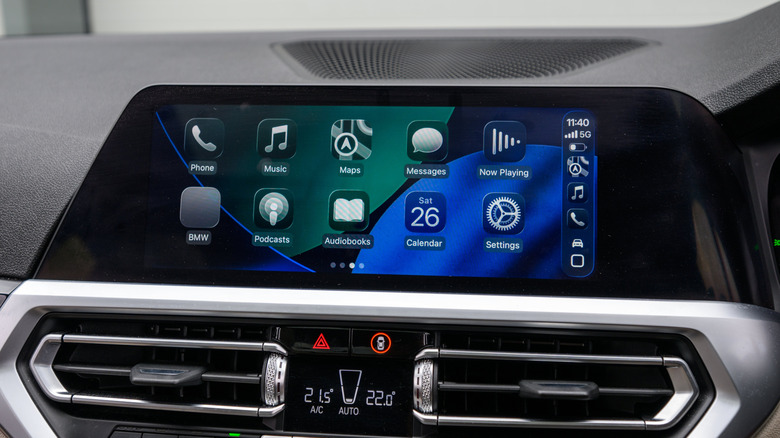
CarPlay already simplifies the playback of Apple Music tracks in the car, offering voice control via Siri or touch input. The steering wheel can also be utilized to manage playback, and the passenger can readily control music to allow the driver to concentrate solely on the road. However, the introduction of music pins in iOS 26 brings one-tap playback to CarPlay, making music management even safer for the driver, especially for those who commonly listen to their favorite artists and playlists.