
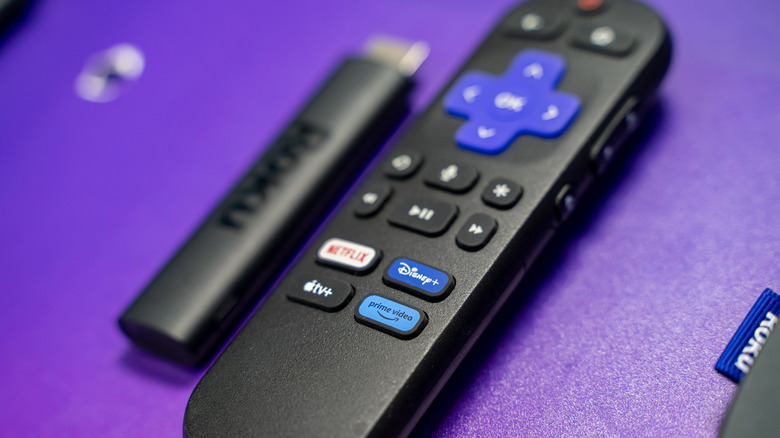

Roku Streaming Stick Plus. This eliminates the concern of having a spare HDMI cable available — simply connect the streaming device to an HDMI input and plug it into an AC outlet or USB port for power. Provided that the display being used has an available HDMI port, the initial setup should be quite straightforward, aside from selecting a Wi-Fi network.
There aren’t many cons to utilizing any of the major streaming devices nowadays, but one potential problem you might encounter is audio — or rather, the absence of it — when linking a Roku or Fire TV Stick to a computer monitor. Unlike televisions and projectors, it is much more typical to find a monitor that offers remarkable picture quality yet has no built-in speakers. This isn’t a design choice specific to brands; monitor manufacturers like HP, Asus, Acer, and others are all culpable.
For those who primarily use computer monitors for word processing and other PC-oriented activities, the lack of speakers may not be significant. However, if your intention was to connect your Roku streaming device for movie and show viewing, you are likely to experience no sound. Luckily, there is a very useful workaround, and it’s entirely free. There is also a second workaround that comes at a cost.