
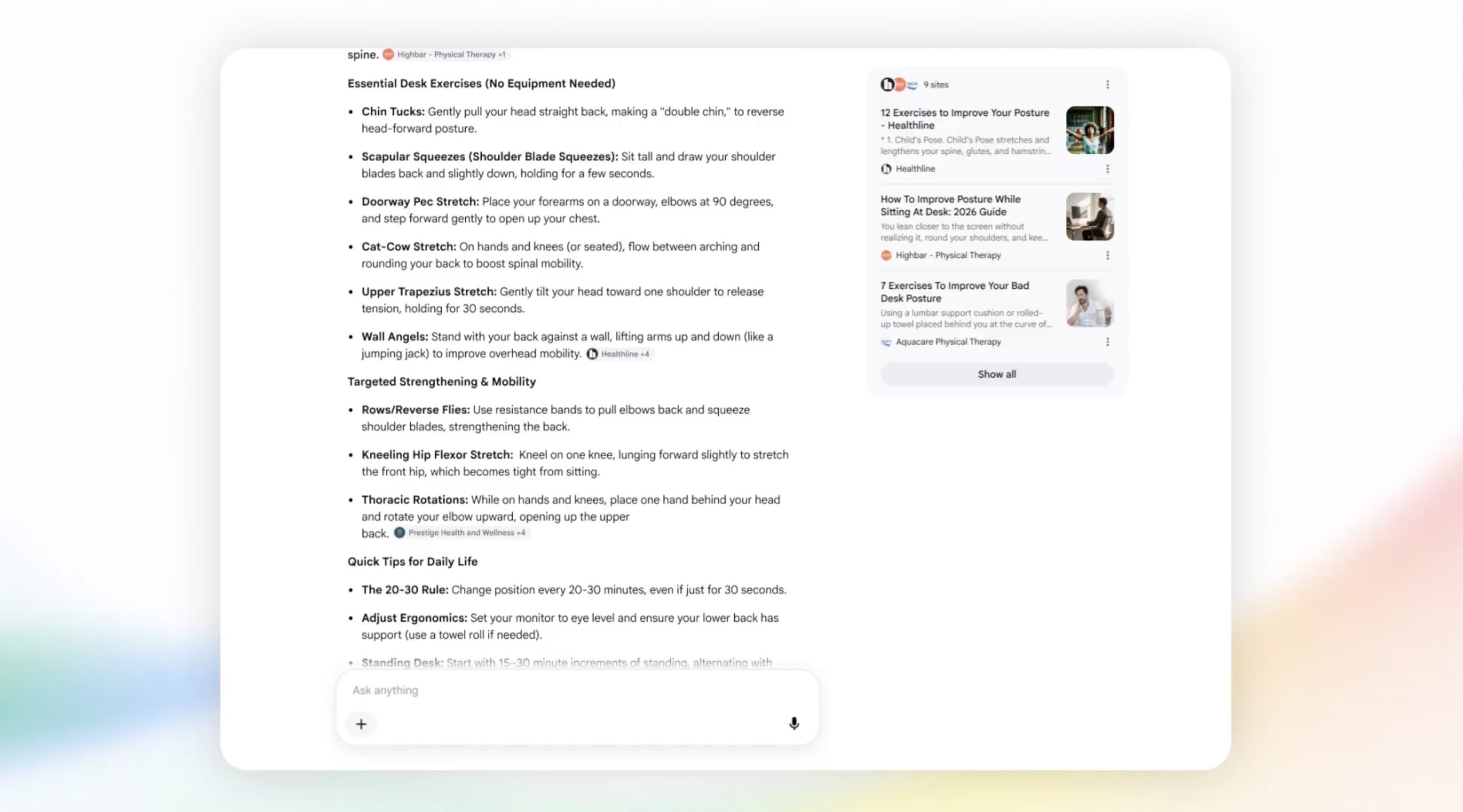

Google is set to undergo significant changes, and those who dislike the AI Overviews feature may not be pleased with the upcoming developments.
During the Google I/O 2026 keynote, the company revealed plans to revamp Search with a conversational, AI-powered system. Users can engage AI agents to provide automatic updates, such as notifying them when a favorite band is on tour.
“This marks the most significant enhancement to our iconic search box since its inception over 25 years ago,” stated Elizabeth Reid, head of Google’s Search division.
Currently, Google offers an AI mode option right from the start. Even if you choose not to use AI mode, you might receive a search result featuring an AI Overview, which now includes a chat box for additional questions. Once activated, Google resembles ChatGPT more than the traditional search engine we’ve used for years.
The announcement wasn’t met with the enthusiasm Google expected. Many view it as another tech company pushing AI and chatbots into every aspect, making it difficult to avoid them online. After previous issues with Google’s AI Overviews, such as the sun-staring advice, users aren’t keen on more changes.
Comments on Google’s announcement video included one stating, “this is the best advertisement for switching to a different search engine.”
The new AI-centric Google Search is expected to alienate users further. Beyond AI, some are weary of Google’s dominance—a U.S. District Court determined in 2024 that Google illegally maintained a monopoly in online search.
For those considering alternatives to Google, here are some options to explore:
**Kagi**
Ads have been a longstanding annoyance with Google. Kagi aims to change that by offering an ad-free search engine for $5 per month ($10 for unlimited searches), without AI overviews.
Kagi not only eliminates ads but also allows users to customize their search experiences with site filters and “lenses.” If you need academic articles, for example, their academic lens prioritizes scholarly content over blogs.
Kagi also includes an AI-powered “Quick Answer” feature that provides summarized responses with linked sources. However, generating AI summaries is optional.
**DuckDuckGo**
For those unwilling to pay for search services, DuckDuckGo provides a free, ad-supported search engine. Unlike Google, it doesn’t track your search, browsing, or purchase history. Ads are selected based on search topics rather than personal data.
DuckDuckGo’s interface resembles Google’s and can show AI-generated answers, but users can opt-out of AI features entirely via the settings menu.
**Startpage**
Startpage serves as a proxy for Google but doesn’t use its search index, acting as an intermediary that protects your data while providing Google results. Although Startpage still relies on Google, it allows turning off AI features.
**&udm=14**
This search engine appends “&udm=14” to your Google searches, delivering the same results sans AI Overview. The developer provides the code on GitHub for those interested in a DIY approach.
For privacy-conscious users, Startpage might be preferable, but both offer AI-free Google experiences.
**Brave**
Brave offers a browser and search engine with Chrome extension compatibility. Users can apply third-party “Goggles” to refine search results by specific criteria. Brave also permits toggling AI features.
**Ecosia**
Like Brave, Ecosia combines a browser and search engine built on Chromium, supporting Chrome plugins. Ecosia’s eco-friendly mission involves donating 80% of ad-generated income to tree-planting projects globally, with financial transparency and impact reports.
When purchasing through links in our articles, we may receive a small commission. This doesn’t impact editorial independence.