
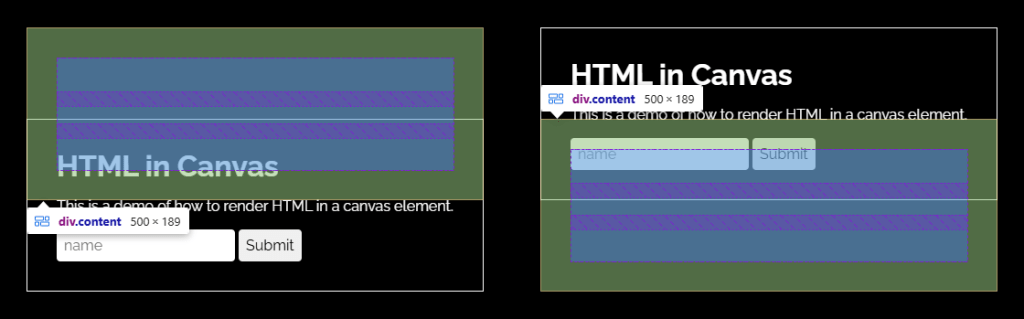

Periodically, the platform releases updates that reignite the urge to create unusual demos, or even odder variations. The new HTML in Canvas API is a perfect example of such an instance.
The concept is straightforward and thrilling: utilize native HTML, integrate it into canvas workflows, and then enhance it with visual effects through 2D Canvas, WebGL, or WebGPU. Essentially, this allows you to maintain real semantic elements in your markup while treating their rendered output as pixels.
Support Status (Important)
To activate it, navigate to chrome://flags/#canvas-draw-element and enable the “Canvas Draw Element” flag. Once enabled, you can start experimenting with the API in your local setup.
Currently, this API is experimental, available only in Chromium-based browsers (146+) and requires manual activation. It’s not ready for production use yet.
The main demos below feature a video that’s collapsed to let you view the effect in case you’re using a browser that doesn’t support it.
Video
This combination of HTML rendering and semantics with Canvas’s visual versatility and shader-style effects seems to be the missing piece we’ve sought for years.
Basic Elements of HTML in Canvas
To explore the HTML in Canvas APIs, we’ll begin with an elementary example highlighting the fundamental concepts.