

restart your iPad. This often resolves most temporary glitches and lags by clearing temporary files. However, if the slowdown results from a more severe software issue, upgrading your iPad to the latest iOS version is advisable, as newer versions are designed to fix performance problems and bugs.
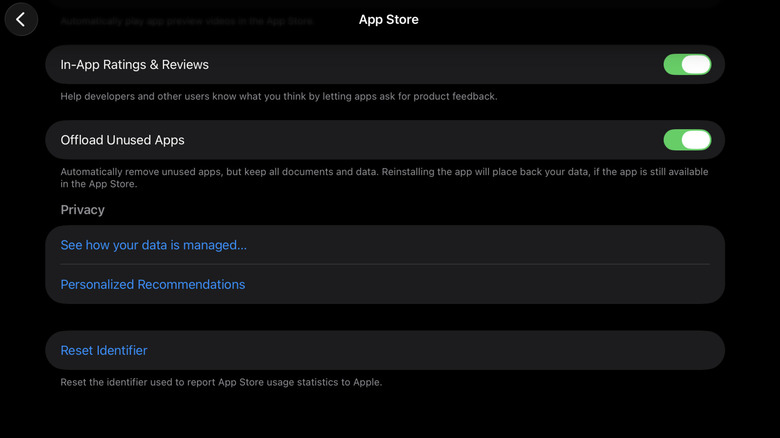
If neither of these quick solutions helps, there are some settings you can adjust on your iPad instead. We’ll guide you through the three primary ones that should yield immediate results.