
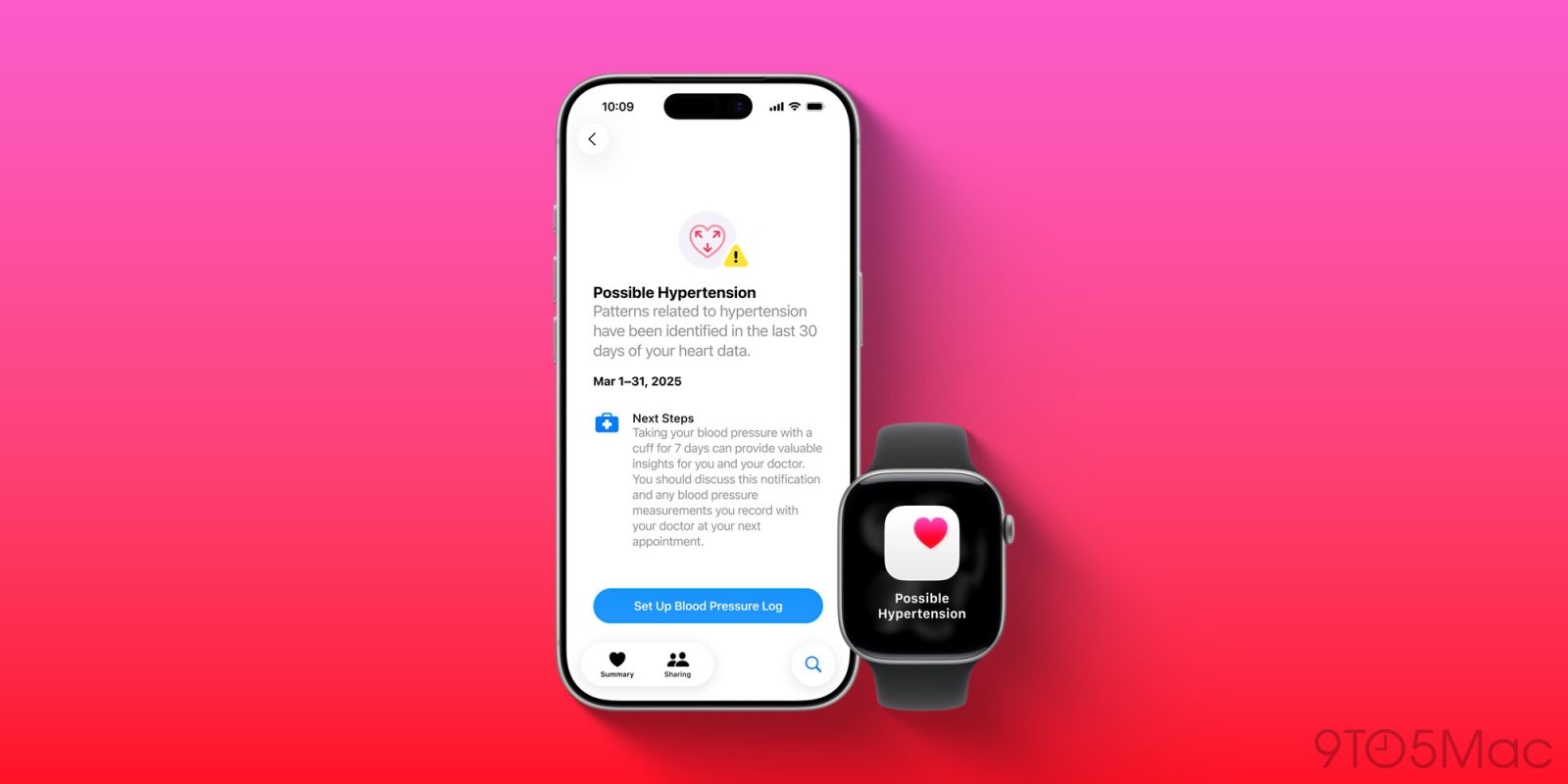

# watchOS 26: New Feature for Detecting Hypertension on Apple Watch
watchOS 26 has unveiled a noteworthy health capability: hypertension detection. This feature is accessible not only for the latest models, including the Apple Watch Ultra 3 and Series 11, but also for certain older versions. Below, we delve into the setup process and the compatibility criteria.
## Compatibility Criteria for Apple Watch Hypertension Notifications
Hypertension alerts are offered in watchOS 26 for the following Apple Watch models:
– Apple Watch Series 11
– Apple Watch Series 10
– Apple Watch Series 9
– Apple Watch Ultra 3
– Apple Watch Ultra 2
To take advantage of this feature, users must have an iPhone 11 or newer running iOS 26. Additionally, Apple has specified certain criteria:
1. Wrist Detection must be activated on your Apple Watch.
2. Users must be at least 22 years old, not pregnant, and have no previous hypertension diagnosis.
During the setup process, users will need to verify these details when asked.
## Steps to Use the Hypertension Feature in watchOS 26
Once you have confirmed that you fulfill all prerequisites, follow these steps to activate hypertension notifications:
1. On your iPhone, launch the Health app.
2. Tap your profile icon in the top corner.
3. Under Features, select ‘Health Checklist’.
4. Choose ‘Hypertension Notifications’.
5. Validate your age and whether you have a history of hypertension, then tap Continue.
6. Tap Next to follow the on-screen instructions to understand how the notifications function.
7. Tap Done.
It’s essential to note that users will not receive hypertension notifications immediately after setup. Apple mandates a 30-day period to collect initial data for accurate assessment of hypertension patterns.
Apple states, “Your Apple Watch can evaluate data gathered by the optical heart sensor and alert you if it identifies a pattern of hypertension. This occurs over 30-day evaluation periods, beginning from the day you enable hypertension notifications.”
For additional information, users can check the [complete support document](https://support.apple.com/en-us/117296) on Apple’s website.
Have you begun utilizing the new hypertension detection feature in watchOS 26? Share your thoughts in the comments.