
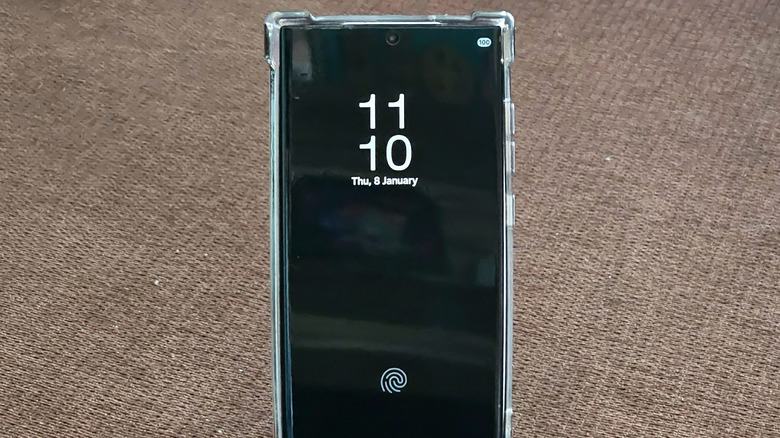

the Galaxy S26 flagship models down to the more affordable Galaxy A37 and Galaxy A57, serving as a useful feature to have available. AOD enables users to quickly check the screen for essential information, such as the time, notifications, widget data, and Now bar alerts (when applicable). Although the Always On Display does not illuminate the whole screen, it still consumes energy compared to keeping the display completely off while the device is not in use. The energy usage can fluctuate based on the screen type utilized in a specific Galaxy device, but it may be significant, reaching up to one percent of your battery life per hour.
Recent flagship smartphones come equipped with LTPO (Low-Temperature Polycrystalline Oxide) OLED displays that allow Samsung to provide adaptive refresh rates, anywhere from 1 Hz to 120 Hz. A lower refresh rate results in reduced energy usage by the screen, particularly when it is only displaying static content with AOD activated. Midrange and budget models may not include the same kind of OLED displays. Refresh rates might only cap at 90 Hz on some of these devices, lacking support for adaptive refresh. Additionally, the more elements (such as widgets and complex wallpapers) are displayed while the screen is idle, the higher the energy consumption by AOD.
Even Samsung acknowledges AOD as a significant power drain, with their support documentation indicating that this feature is one of the functions that Power saving mode disables to help extend battery life. Samsung does not release precise battery consumption data, but independent assessments have indicated that AOD contributes to quicker battery depletion.