
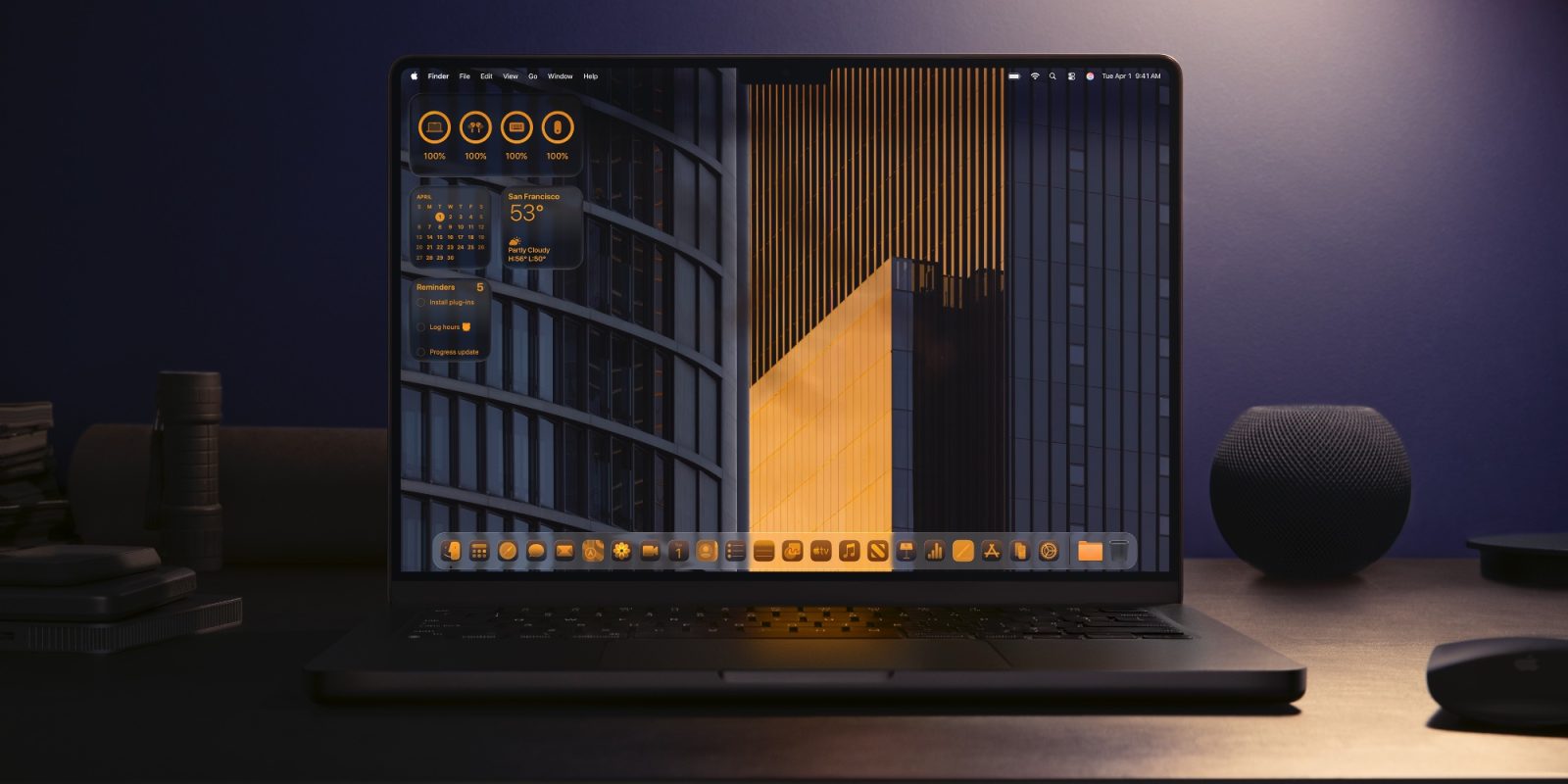

macOS 27’s launch is imminent, and while it will cease support for four Mac models, there are indications that the latest software version will be rich in AI innovations and some design tweaks. Here’s what to anticipate.
## 1: Revised Siri
An AI revamp for Siri is anticipated to be the flagship enhancement not only in iOS 27 but across nearly all of Apple’s software offerings, including macOS 27. A new Siri application will debut on the Mac featuring a chatbot-like interface, akin to what is provided by ChatGPT and Google Gemini. Siri will acquire new capabilities to act on your Mac in response to your requests and what’s displayed on your screen. Additional improvements for Siri involve LLM-powered global knowledge for an expanded range of questions and search functions, support for multi-action requests, and much more.
## 2: ‘Organize Tabs’ in Safari
Apple plans to integrate AI into macOS 27 to assist in maintaining your tabs with a fresh ‘Organize Tabs’ feature. If your tabs become overwhelming, Safari will supposedly introduce a new ‘Organize Tabs’ button that can automatically group your tabs based on shared topics. While it may not appeal to everyone, if executed well, this new feature could be a useful asset for Safari users.
## 3: Apple Photos Editing Enhancements
Apple Intelligence will drive three new image editing functionalities arriving in macOS 27 and iOS 27. These tools will be titled Extend, Enhance, and Reframe.
– **Extend**: enables users to create additional image content beyond the initial frame.
– **Enhance**: employs AI to automatically refine color, lighting, and overall image quality.
– **Reframe**: primarily aimed at spatial photos, permits users to adjust perspective after the image is captured.
Each new feature is expected to leverage the updated Gemini-powered variant of Apple Foundation Models.
## 4: Shortcut Creation with Everyday Language
Apple’s Shortcuts application will soon simplify the process of crafting custom shortcuts. In macOS 27, it’s reported that users will be able to articulate the shortcut they wish to create in natural language, which will then be constructed automatically. Thanks to Apple Intelligence, the Shortcuts app will not only propose actions but also generate entirely new ones to satisfy your shortcut request.
## 5: Design Modifications and Touch Enhancements
macOS 27 is also rumored to introduce design modifications, focusing on two key aspects:
1. Enhancements to Liquid Glass aesthetics.
2. Improvements for forthcoming touch functionality.
Regarding Liquid Glass, macOS Tahoe faced criticism for not achieving as impactful a redesign as iOS 26. However, corrections are on the way for typical issues, including shadows and transparency. Concerning touch enhancements, a new MacBook Ultra is anticipated to debut later this year as the first touchscreen Mac. Consequently, we expect some subtle UI adjustments to better accommodate touch.
What new functionalities are you eager to see in macOS 27 during WWDC? Share your thoughts in the comments.