
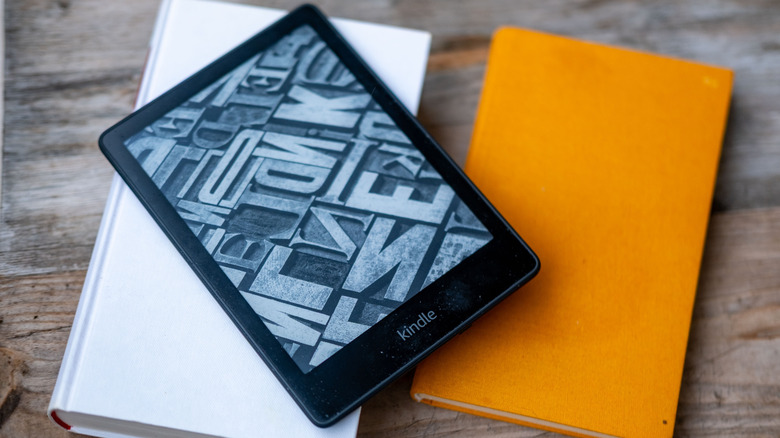

Amazon is ceasing support for older Kindle models that were released prior to 2013. This has led to numerous issues for owners of those older devices: inability to access the Kindle store, decreased performance, the risk of the device becoming nonfunctional, and more. Does this imply that you should simply surrender and purchase a new e-reader after all? Not necessarily; there are several steps you should take before opting to replace your old Kindle.
Some of these DIY solutions will tackle typical problems faced by a range of Kindle users, not only those impacted by Amazon’s extensive discontinuation. You can rejuvenate your device, whether it’s a decade old, five years old, or even if it was purchased just last year.
If you possess a Kindle that is no longer supported by Amazon, however, be careful not to deregister or do a factory reset. Amazon has cautioned that you will be unable to re-register an unsupported device, rendering it entirely unusable. But as long as your Kindle is operational, it’s certainly worth trying these four suggestions before you consider discarding it.