
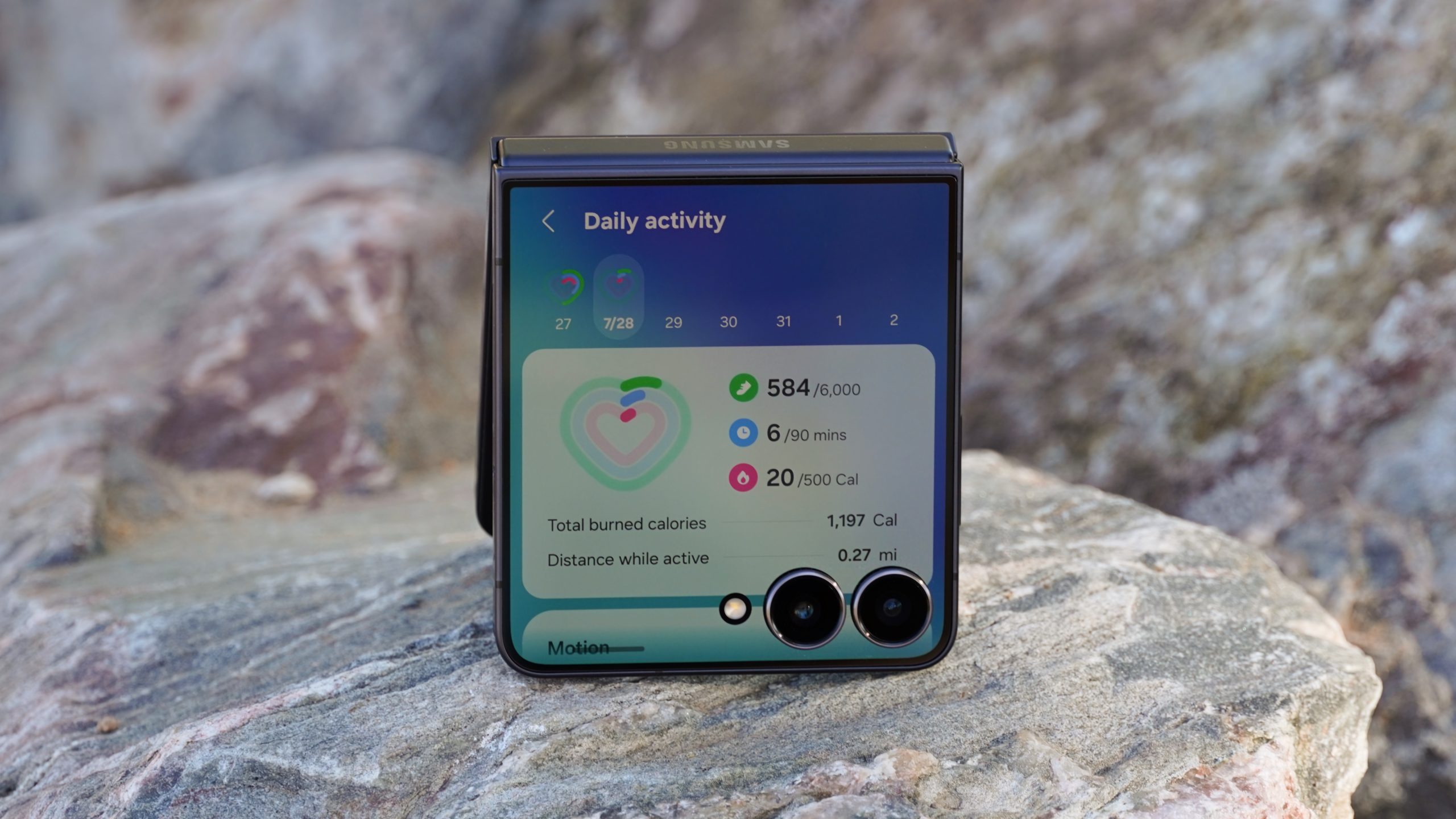

The Samsung Galaxy Z Flip 7 shines in the foldable smartphone arena, showcasing an elegant design and strong build quality at an appealing price point. Nevertheless, the functionality of its cover screen can seem restricted right from the start. Luckily, there are numerous methods to boost its capabilities.
**Incorporate Widgets into Your Cover Screen**
The effectiveness of the cover screen can be greatly enhanced by integrating widgets. By swiping left on the external display, you can view extra pages for widgets, allowing you to arrange up to four widgets on each page. This functionality provides quick access to vital information and controls without needing to open the device. To make adjustments, swipe left past the lock screen, enter your passcode if necessary, and press and hold on a widget page to make edits. Choose the widgets you desire from the list of available options, including third-party selections, and confirm your preferences.
**Activate Cover Screen Apps**
It is possible to run applications directly on the cover screen, although this is not activated by default. By adding the “Apps” widget, you can access a limited range of basic applications like Google Maps and YouTube. For wider app availability, go to the “Apps allowed on cover screen” setting in the device’s configurations and download Good Lock and MultiStar from the Galaxy Store. This will permit you to use any Android application on the cover screen through the MultiStar Launcher Widget.
**Utilize Gemini or Gemini Live on the Cover Screen**
Gemini and Gemini Live are now compatible with the Galaxy Z Flip 7, providing better cover screen capabilities. After the initial configuration with the device open, you can utilize these features directly on the cover screen, enabling voice-driven and multimodal camera-based interactions.
While the Motorola Razr series may still excel in cover screen software, these suggestions can greatly enhance the Galaxy Z Flip 7’s functionality. If you’ve selected this device for its aesthetics and lasting software support, these upgrades render the cover screen experience significantly more gratifying.