
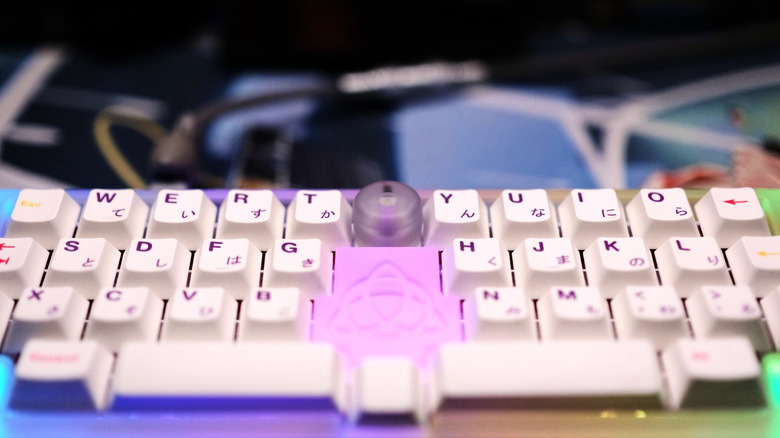

Cannonkeys and Novelkeys. Numerous boards of this kind frequently incorporate a knob of some sort — indeed, this trend has become so prominent that some commercial mechanical keyboards also feature a knob or two. While the additional aesthetic appeal of a knob is evident, enhancing the appearance of what is generally a functional device, the performance of the keyboard itself gets a slight boost with a knob that rotates and potentially even clicks. A lone rotary encoder can provide a keyboard with three control options, which can be augmented by using a keyboard firmware that supports multiple programmable layers, something both retail and open-source firmware generally provide — one of the various reasons why enthusiasts opt for mechanical keyboards.
Ultimately, there are numerous ways to personalize a keyboard knob’s features, and this is where analysis paralysis can occur. Therefore, instead of defaulting to the standard volume controls with your mechanical keyboard knob, we have compiled several alternative control methods that you might find equally beneficial. If you’ve always been curious about what you can do to maximize your keyboard’s knob, the options below can assist, whether you’re aiming to manage your keyboard’s lighting, want to effortlessly browse webpages, or simply need a quicker solution to zoom in on some small text. A keyboard knob can serve purposes far beyond volume control, and here are a few of our preferred alternatives.