
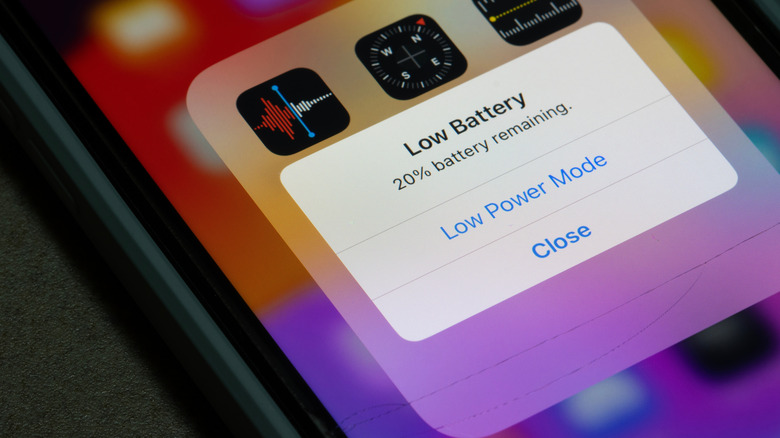

charging error that may be endangering your laptop battery or the batteries in your other devices. The concept is that remaining within that range minimizes chemical strain on the battery, enhancing its longevity and performance. But what should you do when you’re storing a device for an extended period? What steps should you take for a gadget you won’t be using for a while? Particularly since the battery continues to drain even when a device is switched off, albeit gradually.
The optimal approach is to turn off the device, as you typically would, but ensure the battery is at about half charge beforehand. Storing a fully drained device may lead the battery into a condition known as deep discharge. In this state, the battery will be unable to retain a charge. Conversely, if you keep the battery at full charge, it may lose capacity, reducing its overall lifespan.
If you’re keeping your device for an extended period, it’s advisable to power it on at least once every six months to verify the charge levels. If it reads 50%, you’re in the clear; if not, top it up slightly before turning it off again. An additional crucial factor to take into account is the location where you’re storing the device, especially the ambient temperature. Always avoid placing batteries in environments subject to extreme heat or cold. The preferred temperature range is between 50 and 77 degrees Fahrenheit.