

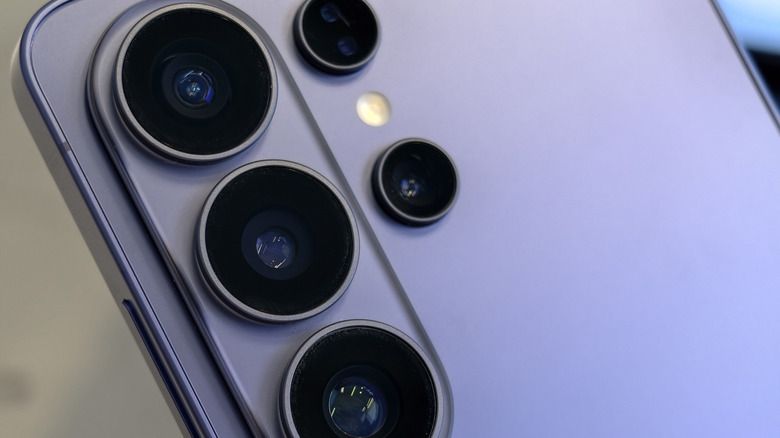
Wongsakorn 2468/Shutterstock
Samsung’s smartphone cameras and accompanying functionalities are among the finest, particularly if you’re keen on tweaking your images post-capture. However, it is often much more effective, and simpler, to snap a high-quality picture right from the start. No deliberation, no subsequent edits, just a fantastic shot, superb brightness, and stunning visuals. It appears that hidden within the camera settings, there are several adjustments you can make to accomplish exactly that. Whether you’re aiming for a broad shot, seeking to capture at higher megapixels and superior quality, or modifying the exposure on the go, many of these adjustments can be made prior to even hitting the shutter button.
If you’ve already experimented with some camera settings, you may have already come across these features. But if you’re merely opening your device and snapping quick pictures — or double-tapping the power button for the camera shortcut — without making any changes, you might not be utilizing your camera’s full capabilities, especially on the Galaxy S25 or S26 models. If that’s the situation, you’ll certainly want to modify these four camera settings to enhance your phone’s picture quality, even if just to elevate the visual fidelity of your personal collection.