
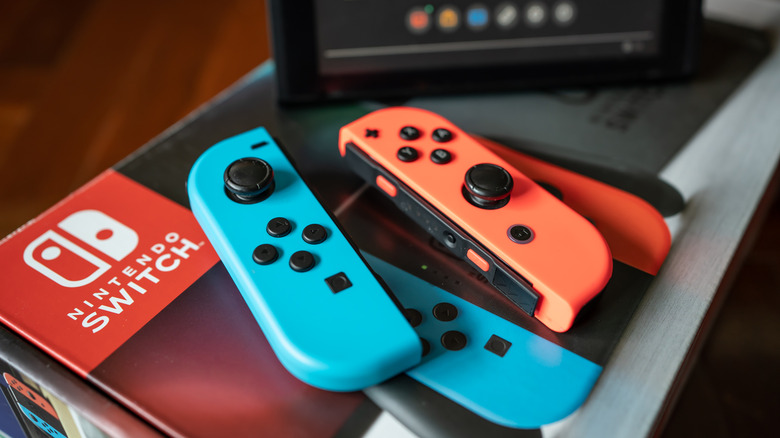

The Joy-Con controllers of the Nintendo Switch offer a plethora of exciting functionalities and are integral to the identity of the hybrid console, influencing its logo and associated sound effect. The ability to detach the controllers from the docked console or separate them for multiplayer continues to be a charming feature that remains fresh even after nearly ten years. Furthermore, they facilitate creative gameplay and deepen immersion with capabilities such as a gyroscope, an infrared camera, and HD rumble, although not all of these Joy-Con functionalities were included in the Nintendo Switch 2.
If you generally engage in handheld mode or utilize a Pro Controller, you might overlook the buttons situated on the side rail of each Joy-Con. Among these are the SL and SR buttons, which perform the same role as the standard L and R when you are playing with a single Joy-Con oriented sideways. Nestled between them is an unmarked small button that plays a crucial role: the SYNC button.