
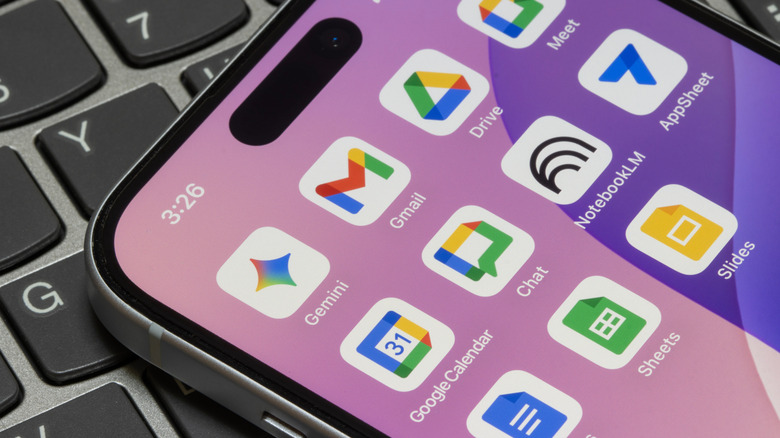

new AI functionalities have been introduced to Google Maps and Google Photos, prompting the company to revamp the applications with a fresh gradient-oriented design. This gradient appears to be Google’s method of indicating that an app integrates generative AI, and with applications like Google Drive also receiving AI enhancements, it was inevitable for this design aspect to start appearing in additional Google applications.
As per sources who spoke to 9to5Google, significant transformations are forthcoming. The icons for your preferred Google apps are allegedly undergoing a sophisticated redesign that transcends a mere gradient, and we have compiled a list of all the modifications you can anticipate.
The most notable alteration may be in the color scheme. For quite some time, Google has been adamant about its app icons — with the exception of Workspace applications such as Docs, Sheets, and Slides — maintaining the four distinct brand colors: red, blue, green, and yellow. This approach was beneficial for the company’s overall brand identity, but ultimately resulted in numerous users expressing dissatisfaction regarding the icons merging into one another and lacking immediate recognizability. With the new Google app icons, the company is finally shifting away from the four-color scheme, instead opting to (somewhat) categorize its applications by color.