
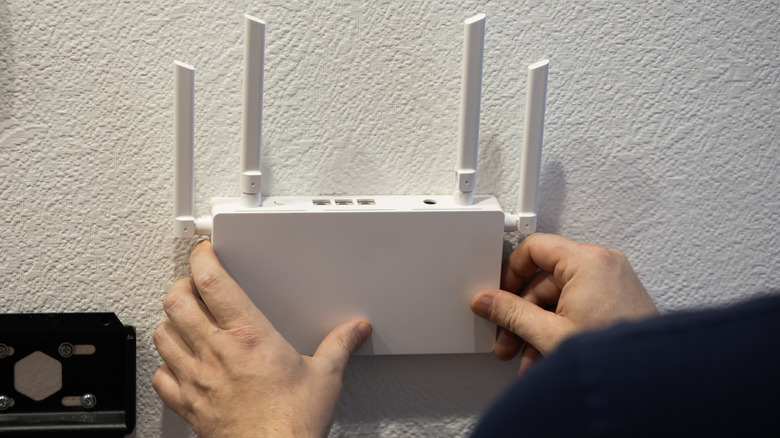

Wi-Fi disruptions caused by other devices. Occasionally, your router’s configurations could be at fault, and making a few quick adjustments can enhance Wi-Fi coverage.
Contemporary Wi-Fi routers come equipped with numerous features, and not all of them are fine-tuned for optimal signal strength. Default settings are typically adjusted for ease of use. Therefore, if you have yet to review the router settings, now is a good time to do so. Incorrect or automatic channel selection might be compromising wireless connectivity, or your router could have power-saving features enabled, which will impact Wi-Fi signals. Additionally, integrated functionalities like beamforming can assist in directing signals towards devices located near weak signal areas, boosting connectivity.
If you’re hesitant to invest in hardware improvements such as range extenders or mesh networks to eliminate Wi-Fi dead zones, these intelligent settings can enhance coverage. The adjustments may not be overly significant, but with the appropriate configurations, you will experience improved coverage throughout your home.