
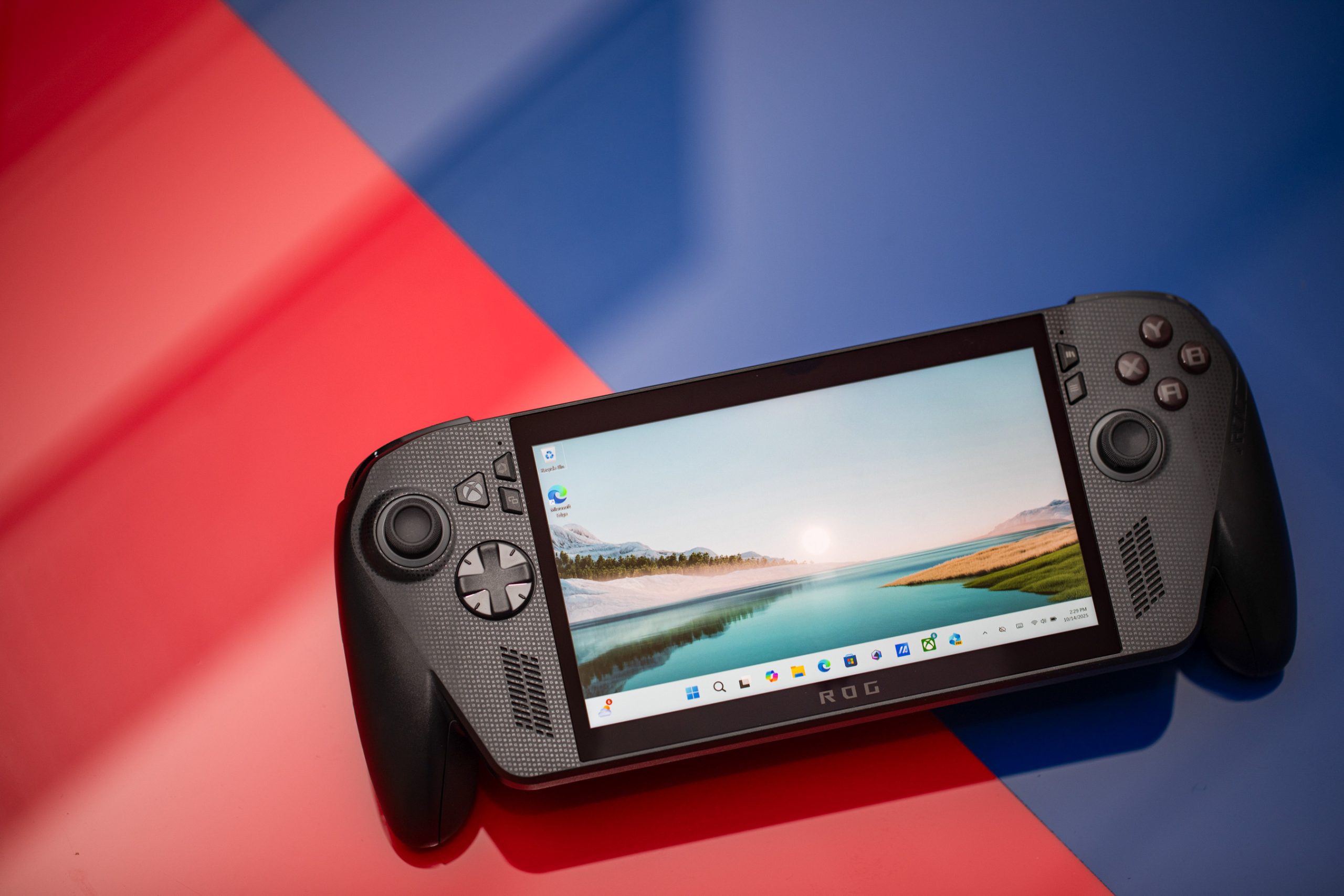

Xbox Insiders now have the opportunity to test Auto SR, a feature designed to enhance frame rates and visual quality in PC games. Microsoft is experimenting with Auto SR on the Xbox Ally X, a 7-inch handheld device, to improve resolution and graphics when connected to larger TV screens. This technology, which first appeared on certain Copilot Plus PCs nearly two years ago, is now being tested for docked play on Xbox Ally X. According to Microsoft, docked play allows for larger screens and higher resolutions where image quality drops are more noticeable, making Auto SR a valuable solution.
Auto SR functions similarly to Nvidia’s DLSS, by rendering games at lower resolutions to boost frame rates and then upscaling to improve image quality. This technique is popular among RTX GPU owners, with over 80 percent utilizing DLSS upscaling, a feature players expect in modern games. Although Auto SR is not as integrated as DLSS, AMD’s FSR, or Intel’s XeSS in games, it is built into Windows and can enhance existing games without needing game-specific integration. However, its effectiveness across different games is yet to be fully determined. Initially, Qualcomm’s Snapdragon laptops automatically applied Auto SR to 12 whitelisted games, and it is now available on an AMD handheld, enabling users to activate it for DirectX 10 or later games with varying outcomes.
Microsoft is showcasing how Auto SR can enhance frame rates and texture details in “Forza Horizon 5,” utilizing the NPU chip on Xbox Ally X to maintain frame rates. This feature will be available in the Game Bar on Xbox Ally X, allowing users to toggle it on or off. It is most beneficial for games running below 60fps. Xbox Ally X users can participate in testing Auto SR by joining the Xbox Insider program.
In addition to Auto SR, Microsoft and Asus are enhancing the docking experience for Xbox Ally and Xbox Ally X. Game play will automatically transfer to the TV when connected, and the handheld display will turn off. The ROG Bulwark is now capable of unlocking Variable Refresh Rate (VRR) for smoother gaming on compatible TVs. Microsoft plans to extend similar features to other “Designed for Xbox” docks in the future.
A new display widget has been introduced in the Game Bar, allowing users to manage resolution, refresh rates, and projection modes without exiting a game. Built-in controls on a docked Xbox Ally are disabled when an Xbox controller is paired. For apps not designed for controllers, a new Gamepad Cursor option is available. Microsoft and Asus are also incorporating “enhanced vibration” haptic feedback to provide a consistent experience across Xbox devices.
Lastly, Microsoft is streamlining the game library experience on Xbox Ally devices, allowing integration of games from different PC storefronts. This month, users can add, remove, edit, and launch any installed game or app directly from the Xbox interface, including games from other PC gaming platforms, as stated by Roanne Sones, CVP of gaming devices and ecosystem at Xbox.