

carry-on travel device that you must not forget at home is your smartphone. Indeed, it’s crucial for arranging transportation, interpreting signs, and capturing images. However, it’s also exceptionally useful for another frequent travel activity: converting currencies. After all, you wouldn’t want to exceed your budget while sightseeing or purchase something that’s actually available for less at your nearby store.
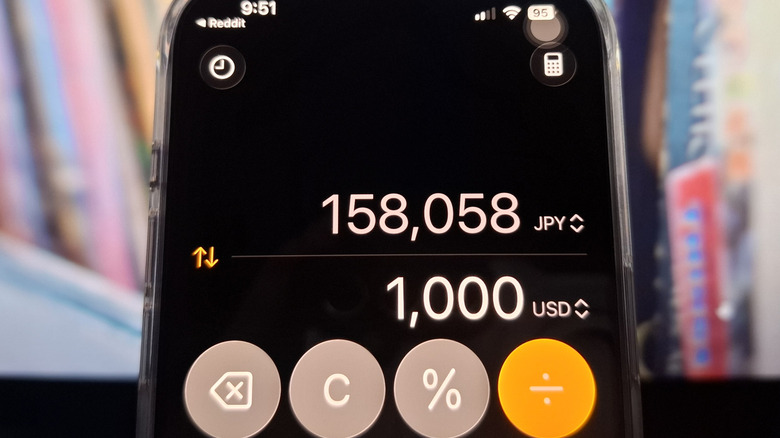
Checking currency exchange rates typically involves opening your browser and performing a fast Google search. With your iPhone, though, there’s no need to go online repeatedly. There’s a clever iOS feature in the Calculator app that you can utilize instead. The currency conversion, part of the Convert feature, enables you to convert currencies instantly. It covers a broad selection of currencies, including the US Dollar, the UAE Dirham, the Mexican Peso, the South Korean Won, and the Swedish Krona. This tool is powered by Yahoo Finance, so you’ll need to connect to the internet from time to time to refresh the conversion, but otherwise, it works well offline, which is advantageous during excursions to more isolated destinations.