
lacks essential functionalities that other cables provide. Specifically, HDMI does not accommodate Multi-Stream Transport (MST), a feature reserved for cables adhering to the DisplayPort 1.2 standard or more advanced, which includes USB-C and Thunderbolt. Since 2014, USB-C has been compatible with DisplayPort, thereby enabling MST. Nevertheless, certain contemporary computers, such as those using Apple Silicon, do not support MST. In such instances, it is advisable to utilize docks that are Thunderbolt 4 or USB4-compatible for connecting multiple displays.
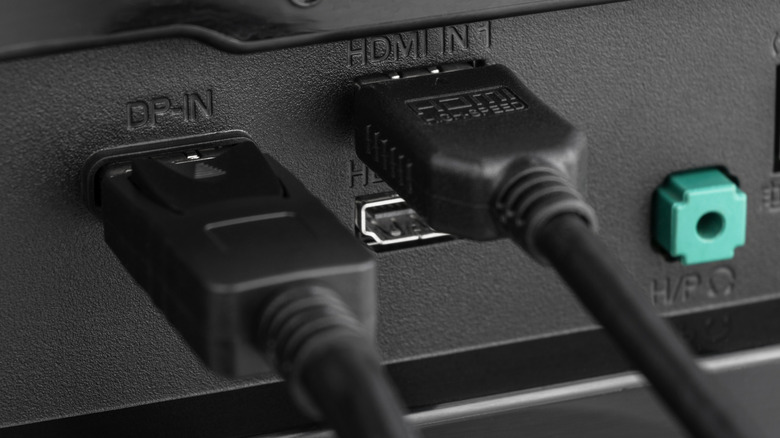
Utilizing HDMI for Daisy Chaining Displays: Opportunities and Constraints

2 Min Read
Thunderbolt is the method for daisy chaining in 2026
Docks are available that transform DisplayPort into HDMI, but this does not qualify as “daisy chaining” in the same respect. These adapters and docks merely translate the MST signal into dual video outputs, extending a single cable to multiple outputs. True daisy chaining entails connecting cables to two distinct ports, then linking to the next monitor, with a singular output from the laptop or computer.
If your intention is to daisy chain monitors in 2026, the most reliable choice is Thunderbolt. Although the USB4 standard competes with Thunderbolt in numerous aspects, including peak transfer rates, it still falls short compared to Thunderbolt. However, Thunderbolt can be quite pricey, with short cables priced between $20 and $129 if purchased from Apple for the 1.2m-long variant.
Monitors that are compatible with daisy-chaining will