
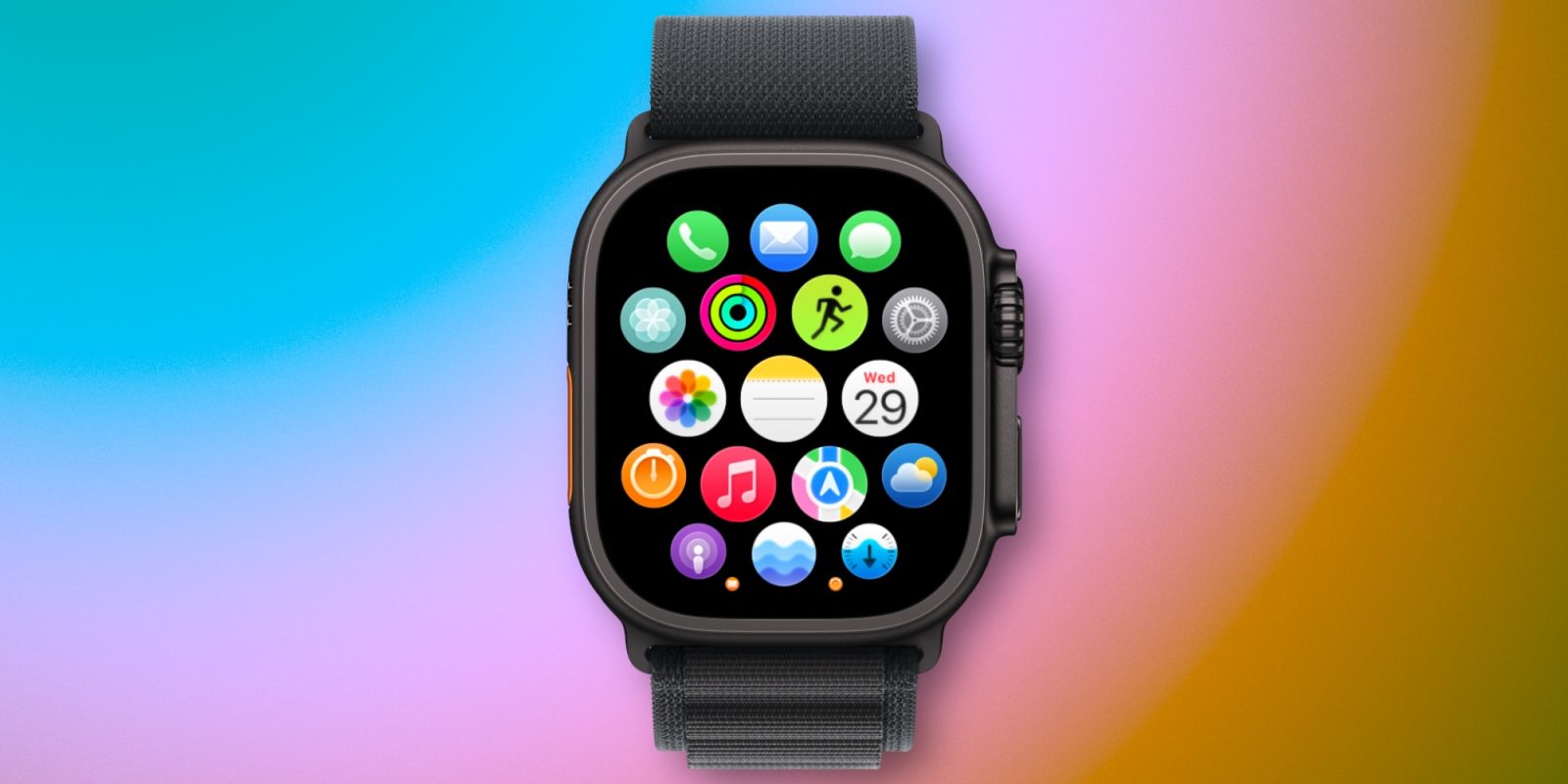

# Apple Notes in watchOS 26: Its Functionality and My Usage
Apple Watch enthusiasts were treated to a thrilling update with the launch of the Apple Notes app in watchOS 26. As someone who frequently utilizes Apple Notes across multiple devices, the introduction of this app on the Apple Watch has significantly improved my productivity and ease of use.
## Key Features of Apple Notes on Apple Watch
The Apple Notes app is primarily designed for users to view current notes and create new ones. While the ability to edit existing notes is restricted to completing checklist items, this limitation has not drastically affected my experience.
### Note Creation
For creating notes, users have multiple methods: dictation, the onscreen keyboard, or through Siri. The ability to use Siri for note creation is especially remarkable, as it facilitates the process and allows for on-the-go accessibility.
### My Experience with the Notes App
I mainly use the Notes app for two primary functions:
1. **Using Siri to Create New Notes**: The advantage of utilizing Siri to create notes while mobile is priceless. Whether I’m without my AirPods or distanced from my HomePod, I can effortlessly raise my wrist and say “Note to self” to quickly record my thoughts.
2. **Accessing Information**: The app organizes notes by positioning pinned notes at the top, followed by the latest notes. With over 2,600 notes in iCloud, this structure is vital. Luckily, a downward-facing arrow enables users to collapse pinned notes, facilitating access to recently edited entries.
### Customization Features
Within the Watch’s Settings app under Notes, users can personalize how notes are sorted—by Date Edited, Date Created, or Title. Furthermore, there is a feature to toggle grouping notes by date, further improving the overall user experience.
## Final Thoughts
Although I haven’t leveraged the Notes app as much as I expected, there have been significant instances where the ability to create or retrieve notes right from my wrist has proven advantageous. The incorporation of Apple Notes into watchOS 26 provides a practical resource for users looking to boost their productivity while on the move.
Have you tried the Notes app in watchOS 26? Share your thoughts in the comments.