
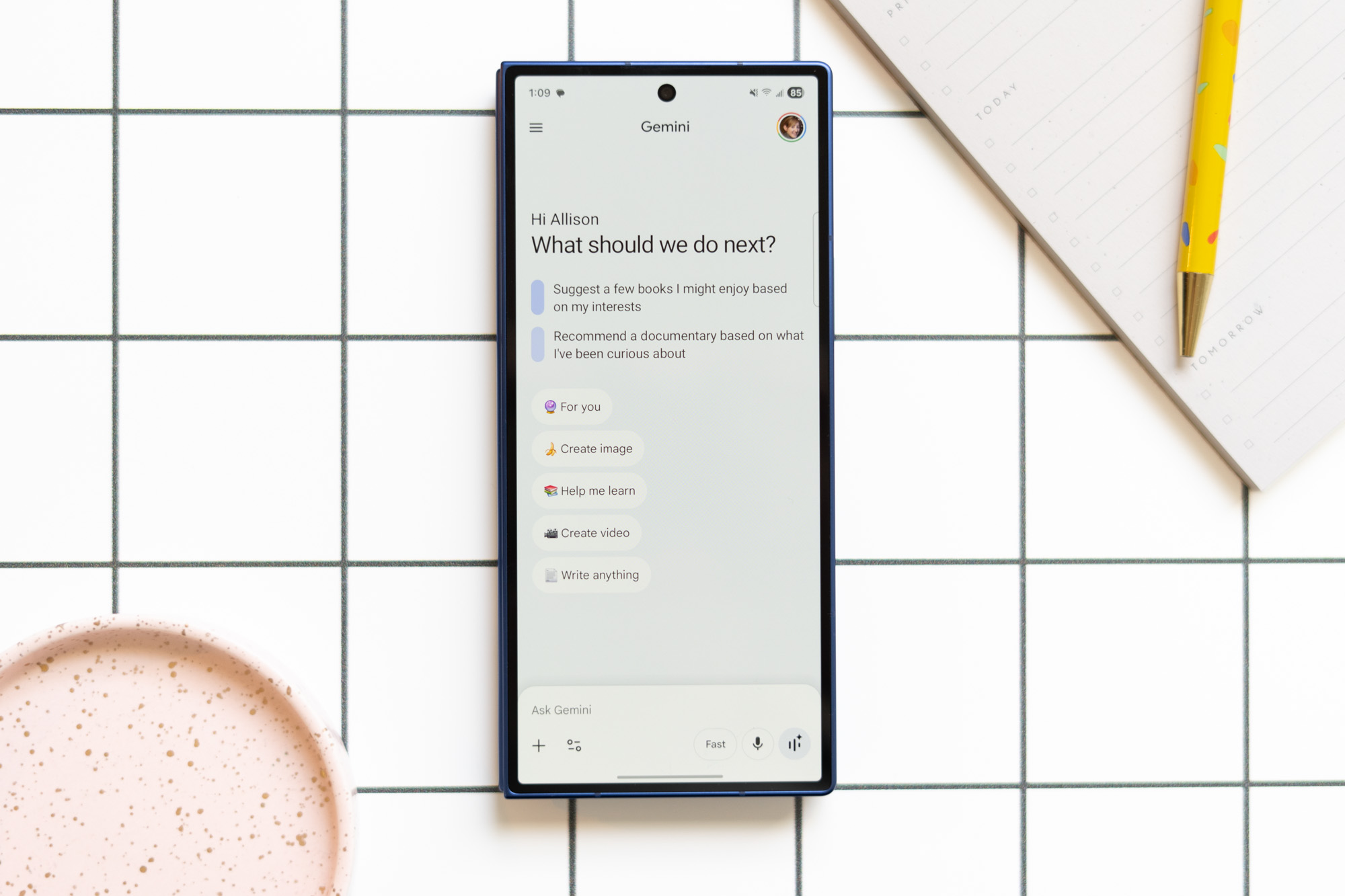

That darn sparkle icon is appearing everywhere lately.
Gemini has a creep issue.
A few years ago, that little sparkle icon began to appear in all our Google apps. Gemini was in your inbox! Gemini was in your Google Drive! Initially, it was slow and easy to ignore, but something changed in recent months. Gemini is creeping in various places at a relentless speed, and personally, it’s starting to annoy me.
The AI-everywhere fatigue is familiar to those who have used Windows 11. Microsoft went to great lengths to add Copilot shortcuts on every surface it could, much to the annoyance of many users. Similarly, we’ll probably hear about new Gemini features at this week’s Google I/O conference, and I’m hoping Google has learned from Microsoft’s mistakes as it brings them to our Workspace apps. Nobody likes a creep.
I actually enjoy using Gemini. I used it to create an app to determine which chores I have time for each day. I chat with Gemini on every Android phone I test, and I’ve started downloading the app on iPhones, too. That might put me among the top 10 percent of Gemini users outside Google. I’ve even come to terms with the AI overviews Google places on top of every search result. Sure, there were the early glue-on-your-pizza days, and they might be contributing to the death of the open web. But lately, I’m finding them reliable enough for low-stake queries. I’ll Google how often to water my lavender plants or how long to bake potato wedges at 400 degrees; AI overviews haven’t harmed my lavender or undercooked my potatoes so far.
But everyone has their limit, and I think the latest Gemini intrusion into Google Docs is mine. It’s a stubborn sparkle icon at the bottom of the window, and if you mouse over it, you’ll see a toolbar with suggested prompts to get Gemini to write for you. Blogging is my craft, thank you very much, so I closed it immediately. Now, even the Gemini icons I had ignored before are starting to bother me. It seems I gave Chrome permission to place a Gemini shortcut in the menu bar on my MacBook homepage, because there’s a small sparkle up there, always watching. When did that happen? Was I fooled? It’s all a bit Haley Joel Osment in The Sixth Sense. They’re everywhere.
I’m not alone in this Gemini creep reaction. Recent studies indicate that young people are less enthusiastic about AI, and they like it less the more they use the tools. Constantly urging people to use something they don’t like usually doesn’t go well. Just ask Microsoft, the company that spent two years stuffing Copilot into every nook and cranny it could find. The backlash has been significant, and the company is now scaling some of that back.
Moreover, AI poses a threat to the developer community — those Google addresses at I/O. Tech companies are laying off software engineers, arguing they don’t need as many human employees as AI coding tools have improved. Gemini offering to help write your cover letter is little consolation when you’re applying for jobs that AI is decimating.
This is before considering that companies like Google aren’t winning themselves popularity contests as they push to build massive data centers around the country. But without delving into all that, it’s just a bad user experience to badger people into using tools they don’t want. I expect that behavior from a Meta app, not a piece of software I use for work. I don’t want to “ask Gmail” when I open my inbox. I want to type in three keywords and find the email I’m looking for. I don’t want to chat with Gemini about my Chrome tabs. I don’t need to “learn the highs and lows” of a folder in my Google Drive. I want AI tools when I find them useful. Otherwise, I just want this stuff out of my face, and I’m not alone.
Photography by Allison Johnson / The Verge.