
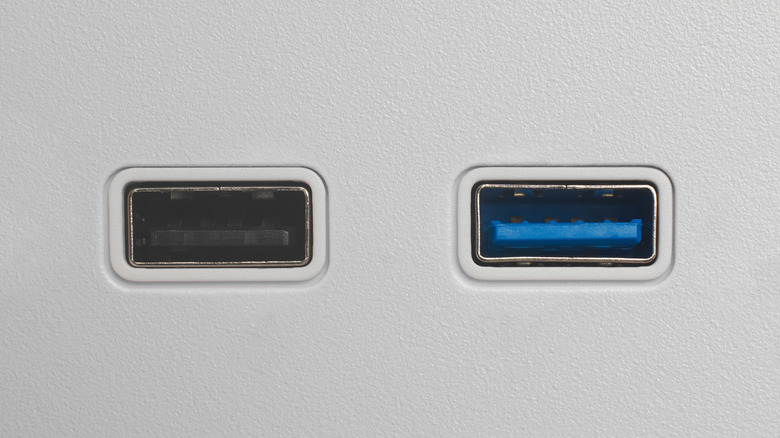

USB-C connectors are widely used, yet PCs still retain traditional USB ports, making it beneficial to understand the meaning of each color. So, if you’re examining your PC’s back and questioning the distinction between a blue and a black USB port, here’s what you ought to know.
When you encounter a black USB port on your PC’s back or side, it indicates compatibility with the USB 2.0 Hi-Speed standard. However, don’t let the term “Hi-Speed” confuse you. It was considered high speed when the standard was introduced back in 2000, featuring a maximum data transfer rate of 480 Mbps, but it pales in comparison to newer legacy USB ports that utilize USB 3.0, which boasts a maximum data transfer rate of 5 Gbps. Conversely, blue USB ports are compatible with the USB 3.0 standard, which is significantly more recent and quicker, although still somewhat older since it was released in 2008. The blue hue may also signify support for USB 3.2 Gen 1, although it’s typically red on most devices, providing double the data speeds of the original 3.0 standard.