

The AI coding surge is now targeting Android app development. On Tuesday, Google revealed new native Android app creation features in its web-based Google AI Studio, reducing a process that typically takes weeks to just minutes.
The company also noted that consumers could use Gemini AI to find necessary apps on the Play Store and the web, increasing discovery opportunities for developers.
Google indicates these features are suitable for both experienced developers wanting to swiftly prototype a new app and first-time creators.
By providing the ability to code Android apps through web-based tools, Google is increasing competition with other AI-driven development tools, such as Cursor, Replit, Lovable, Claude Code, and more, while also making Android development accessible to non-technical creators. This marks an expansion of Google’s previous AI-powered coding with Gemini in its desktop version of Android Studio.
Apps will be developed using the Kotlin programming language with Google’s Jetpack Compose toolkit and hardware sensor integration like GPS, Bluetooth, and NFC. However, these creations are currently only intended for personal use, as publishing for family and friends is on a future plan.
The technology is suggested for developing personal utilities, simple social apps, hardware-enabled experiences, or AI-powered experiences.
Prospective app developers can now use the integrated Android Emulator directly in a web browser to preview and interact with the app as it’s being developed. Users can later install the app on their Android phone via a USB cable using the integrated Android Debug Bridge (adb).
For those aiming to advance their project, AI Studio can automatically create the app record, package the bundle, and upload it to an internal testing track in the Google Play Console for developers. This enables users to continue iterating on their app while updating on their devices throughout the process.
Those wishing to progress their app for public release can transfer this version to Android Studio by downloading a zip file and exporting it directly to GitHub. In the future, Google plans to allow creators to publish apps for use by family and friends and will add support for Firebase integrations (Firestore, Firebase Auth, Firebase App Check, and other tools).
This approach envisions an Android app ecosystem where users find apps through personal networks, not just the Play Store.
Even for the latter, Google is enhancing the experience with AI.
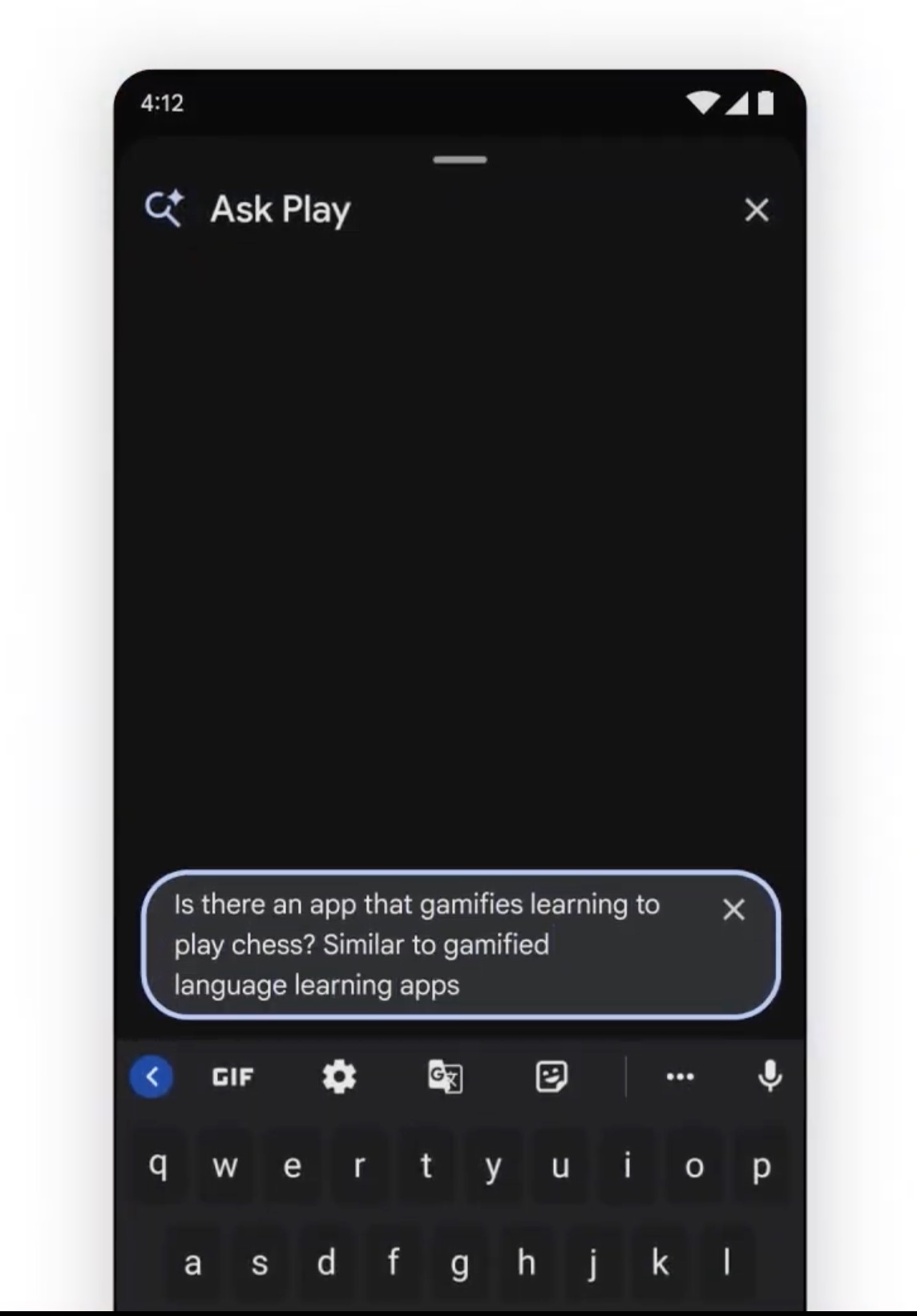
A new “Ask Play” AI-powered overlay will enable users to discover new apps by having natural conversations with AI within the Play Store.