
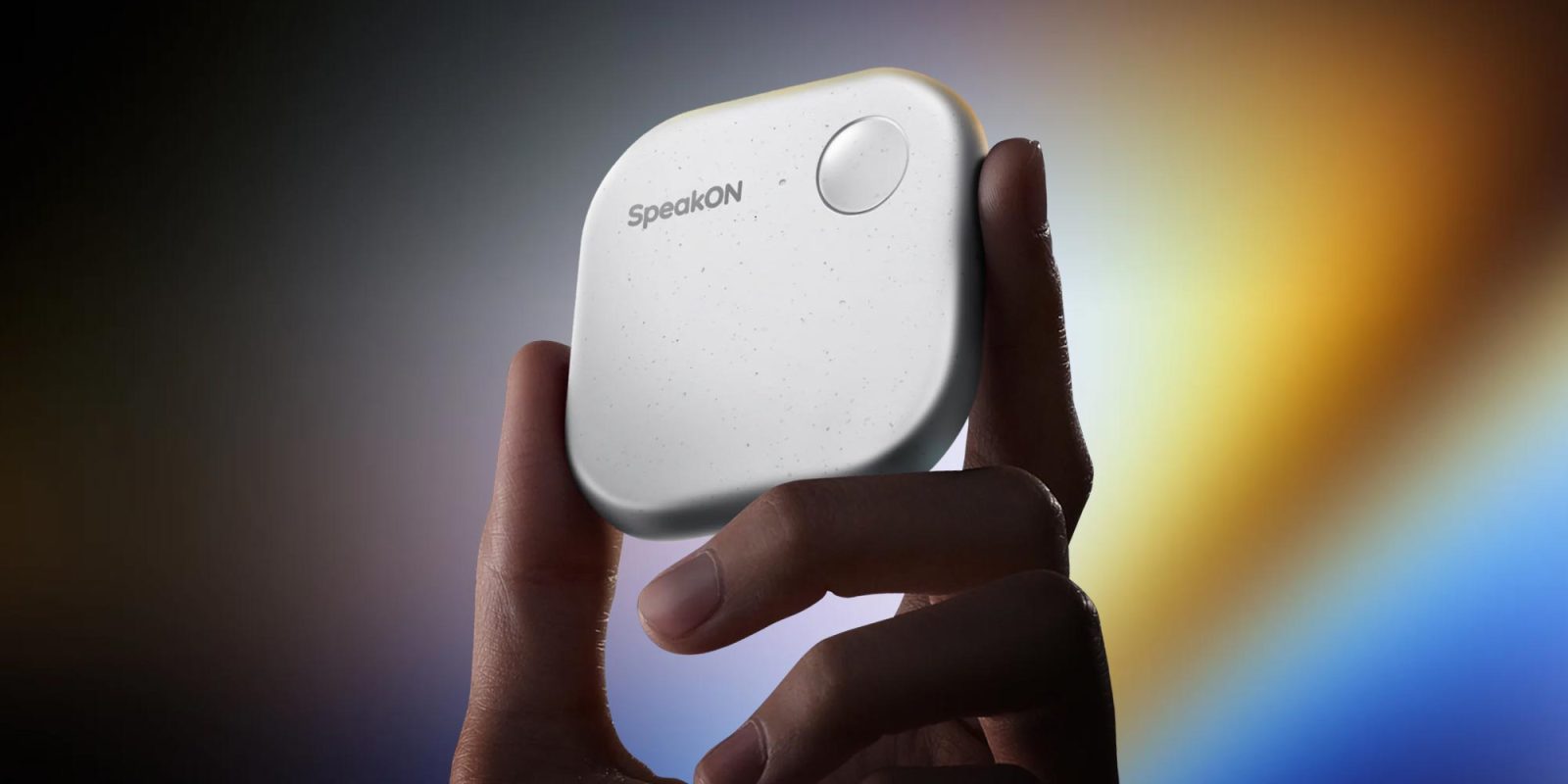

### SpeakON: The First Voice Typing Device for iPhone
In recent weeks, I had the chance to try SpeakON, a magnetic dictation accessory powered by AI that attaches to the back of the iPhone and improves transcriptions according to predefined settings. Here’s how it fared.
#### Overview of SpeakON
SpeakON is promoted as the first voice typing device tailored specifically for the iPhone. This cutting-edge accessory aims to improve voice-driven AI interactions, enabling users to effortlessly convert speech into text across diverse applications. By serving as a tangible shortcut for dictation, SpeakON offers a precise, task-oriented solution for users aiming to optimize their communication.
#### The Good
The setup process for SpeakON was simple. The Bluetooth connection was smooth, and the onboarding tutorial successfully walked me through the accessory’s configuration within the SpeakON app. After integrating it as an iOS keyboard, utilizing SpeakON was easy. With a quick press of the device’s button, I could dictate texts, emails, or lists, while the accessory proficiently transcribed my words, removing filler words and inaccuracies.
One of the notable features of SpeakON is the Attune setting, which allows users to choose from Casual, Professional, or Formal presets. This feature modifies the tone of the transcribed text based on the application in use, making it adaptable to different scenarios. Moreover, the auto-translate feature demonstrated its effectiveness, especially in translating dictations from Portuguese to refined English texts.
The design of the hardware is praiseworthy as well. Weighing merely 25 grams, it feels comfortable to hold, and the powerful magnet ensures it is firmly attached to the iPhone. The satisfying click of the button enhances the user experience, although the haptic feedback could use some enhancement.
The company seems dedicated to improving the product, as shown by multiple firmware updates released during my testing phase, which resolved various concerns without issues.
#### The Bad
While SpeakON’s microphones excelled in quiet spaces, they faced challenges in louder environments, necessitating closer proximity for your voice to be accurately captured. Users can remove the device and talk directly into it, but this diminishes its intended function somewhat.
Battery life also raised concerns. Although the company promises up to 8.5 days on standby and 20 hours of recording time, my experience indicated that the battery depleted much more quickly than anticipated. Although charging is fast, it’s wise to keep a USB-C cable nearby.
#### The Mid
SpeakON is SOC 2 Type II and HIPAA certified, reflecting strong security protocols for managing sensitive information. However, specific models used for security purposes were not disclosed by the company. They assured users that data is encrypted and recordings are processed exclusively for text generation, with no audio utilized for model training without clear consent.
A potential downside is the subscription model, which places certain features behind usage caps. While the device is priced at $129, users may need to subscribe to the Pro plan for expanded word limits and more regular access to features like Attune, with a cost of $108 per year or $12 per month.
Finally, getting accustomed to SpeakON’s ergonomics and the habit of reaching for the button might require some adjustment for newcomers. Though I found it challenging to seamlessly integrate it into my routine, my experience reaffirmed the promise of voice-based interactions.
To find out more about SpeakON, [follow this link](https://www.speakon.app).